Setting Up Copper Tests
70 MAX-610
Application Settings
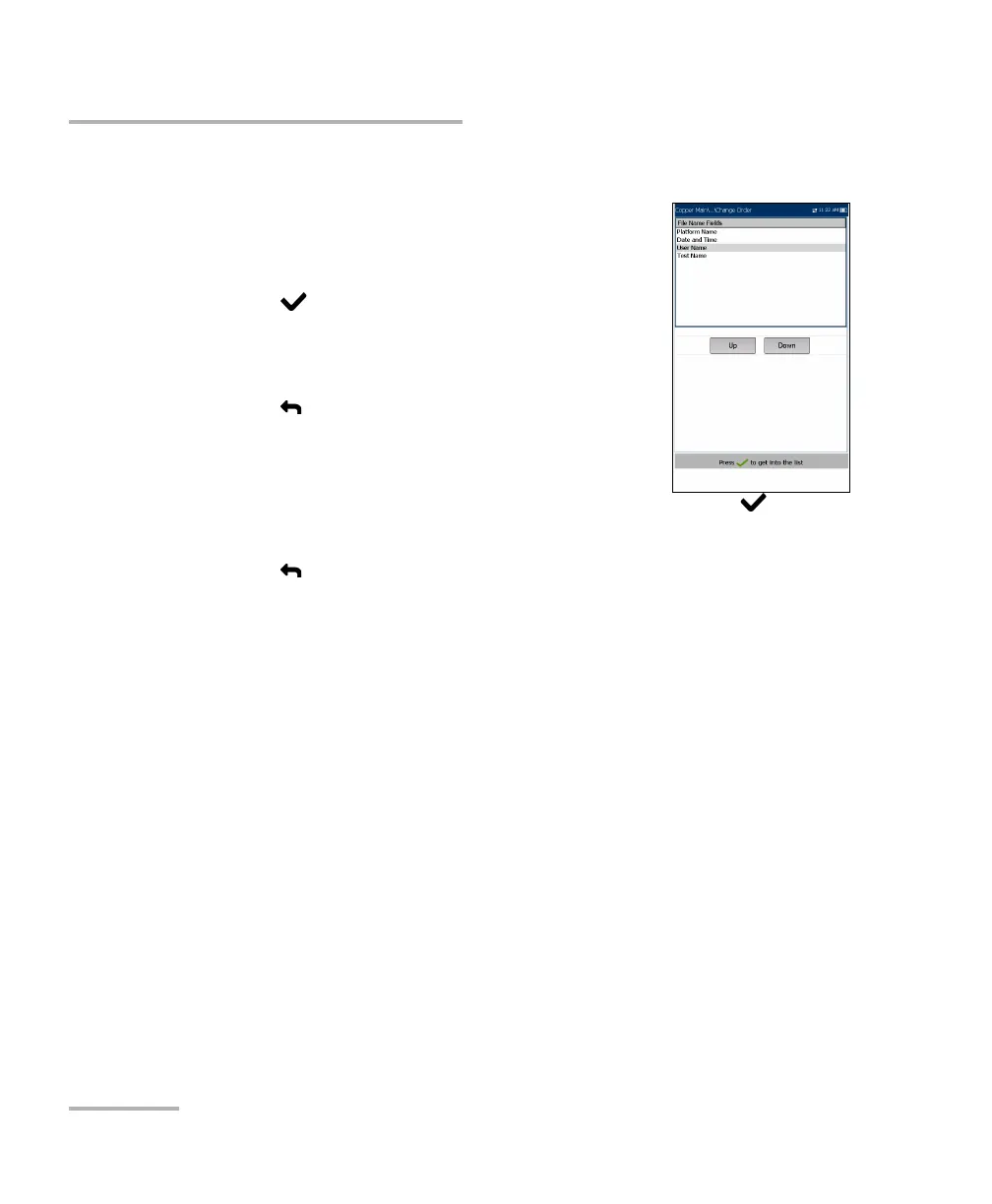
Change Order
Change Order page allows you to change the order of
the entries in the file name.
To change the order:
1. Press to get into the list.
2. Use the up/down arrow keys to select the desired
entry.
3. Press to come out of the list.
4. Press the up or down arrow key to activate the
Up/Down buttons.
5. Using the left/right arrow keys, select Up/Down and press to move
the entry up/down the list.
6. Press to go back to the File Name tab. The File Name Preview will
be updated with your changes.














 To Next Page