Setting Up Copper Tests
MaxTester Copper Test 81
Saving Results
To set parameter values and save results:
1. Press the left/right and up/down arrow keys to highlight the desired
parameter.
2. Press to display the list or select the value.
3. Press the up/down arrow key to highlight the desired value.
OR
4. Press the left arrow key to erase the existing value, and then use the
alphanumeric keypad to enter a value. To cancel the entry, press .
5. Press to accept the value.
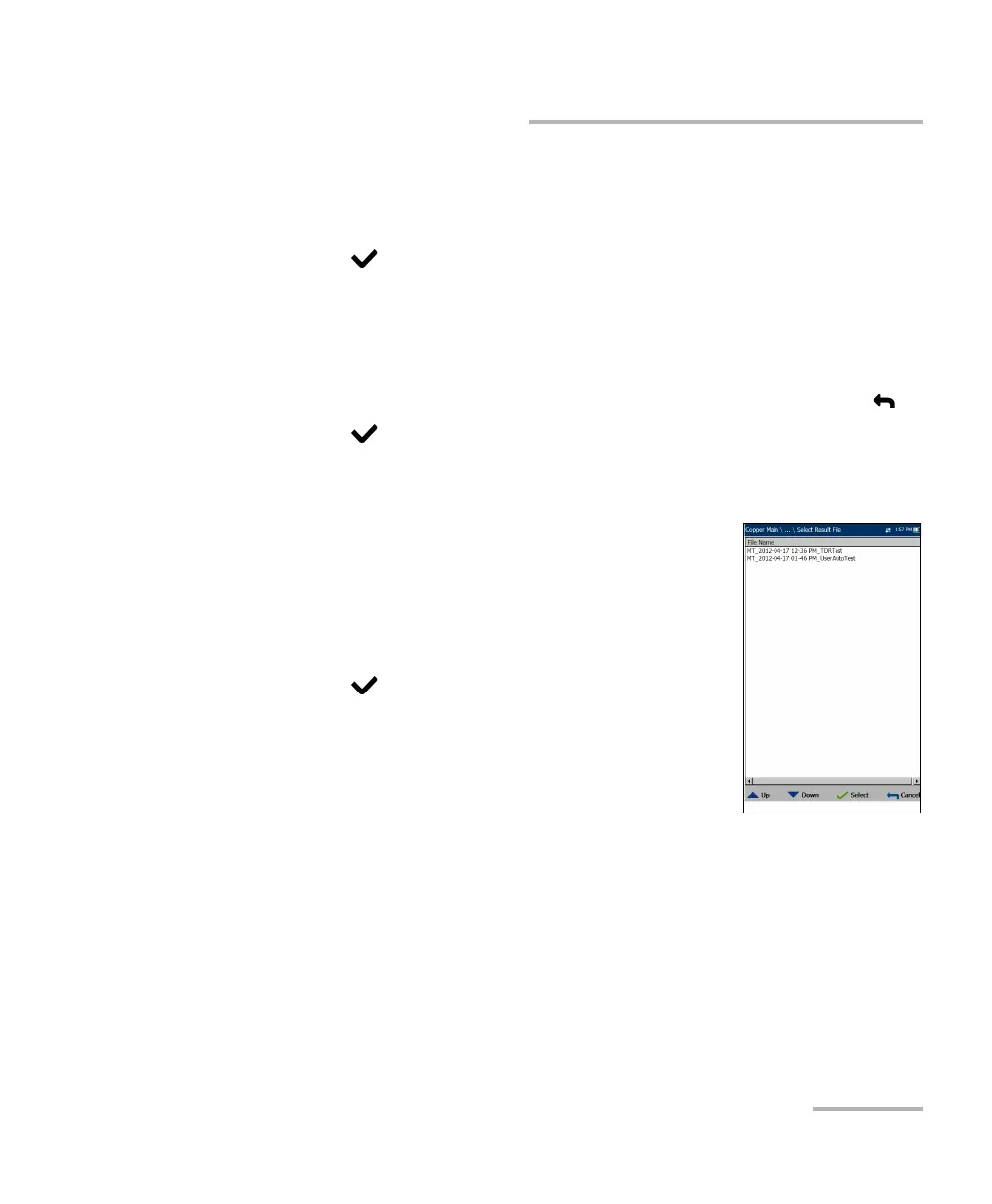
Select Result File
Select Result File page displays a list of existing file
names where you can save your results.
To save your results to an existing File Name:
1. Use the up/down navigation keys to highlight the
desired File Name.
2. Press to confirm your selection.














 To Next Page