© Boule Medical AB, March 2018. Article no. 1504496 Page 59
7. Menu Structure and Advanced Setup
Advanced Parameter Setup
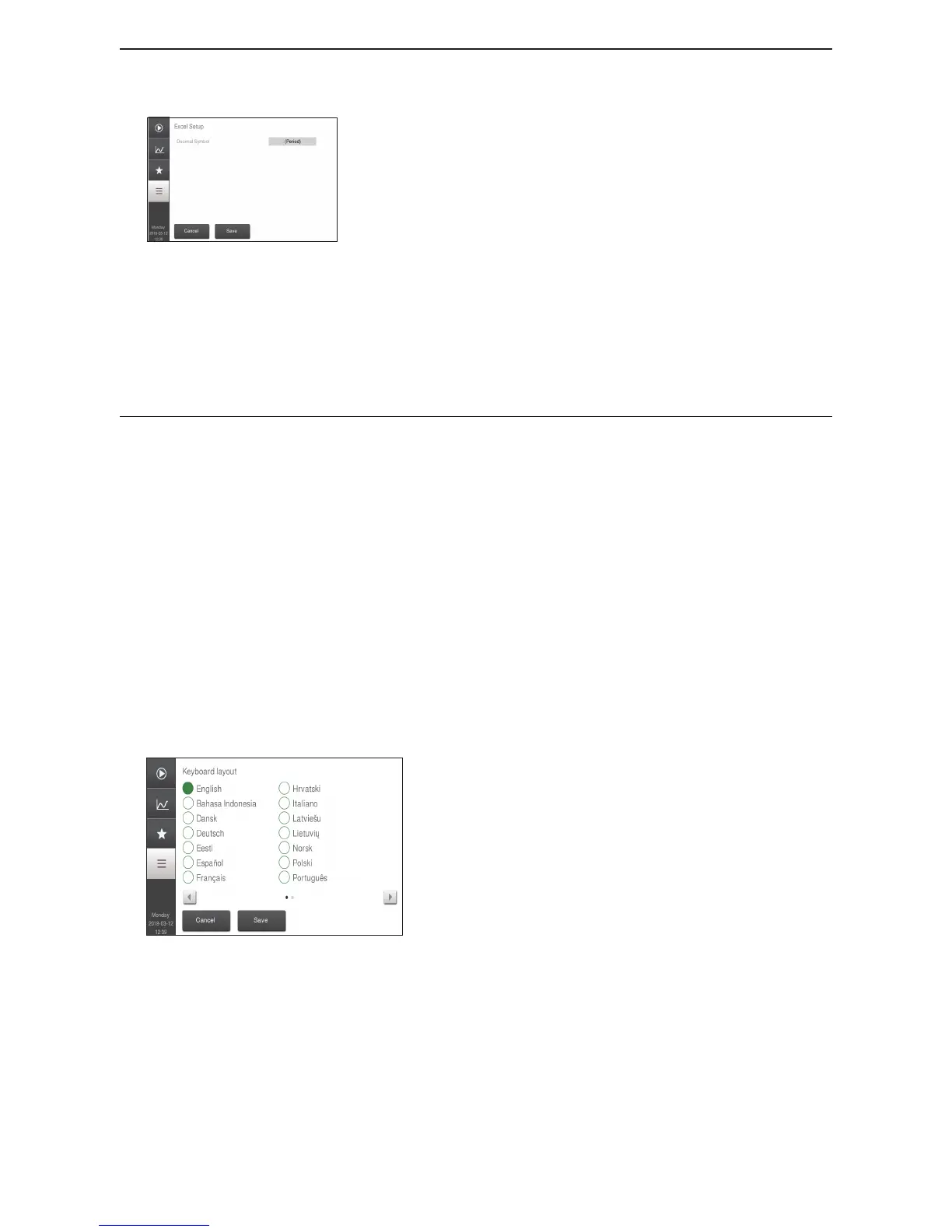
Figure 96: Excel Setup
Excel Setup
This function allows the user to dene what to use as a decimal
symbol in a csv le.
The Decimal Symbol can be set to either .(Period) or
,(Comma).
Network Identication
Check with Technical Support for more information.
BM800 Compatibility
Check with Technical Support for more information.
X Date and Time Setup
See description under “Unpack and Check Components” in section 2.
X Screen-saver
This function allows the screen-saver timeout to be changed to operator preference.
The default screen-saver is set at 15 minutes.
To change the screen-saver timeout press Screen-saver button.
The screen-saver can be set from 2 to 240 minutes.
Press to save.
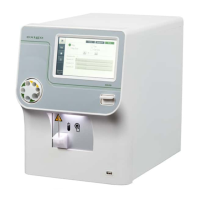
X Keyboard Setup
Figure 97: Keyboard Setup
This function allows the on-screen keyboard layout to be changed to operator preference.
Choose Regional and then Keyboard.
To change keyboard type, choose desired keyboard type and press Save.


 To Next Page