Page 60 © Boule Medical AB, March 2018. Article no. 1504496
7. Menu Structure and Advanced Setup
Advanced Parameter Setup
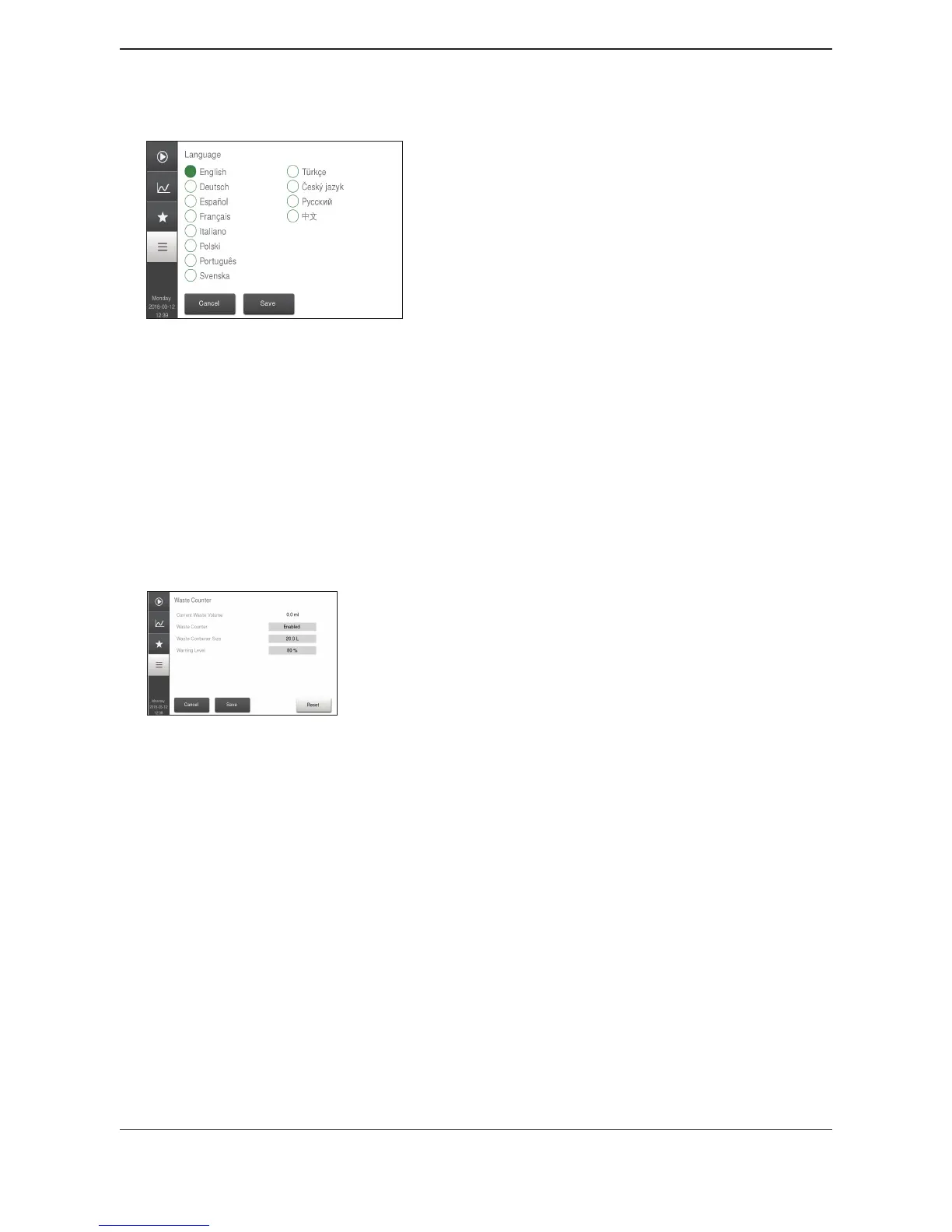
X Language
Figure 98: Language Setup
This function allows the language be changed to operator preference.
Choose Regional and then Language.
Choose language and press Save.
X Waste Counter Setup
In this setup menu the user can choose preferences for utilization of a waste container and the
associated preferences: waste container volume, warning level, and counter reset.
If Waste Counter is disabled, then preferences are grayed out.
Figure 99: Waste Counter Setup
Waste Counter
This function allows the user to choose whether or not to
use a waste container for reagent waste.
Select Waste Counter, select either Enabled to use a waste
container or Disabled if waste tubing is plumbed directly
into a drain.
To save press Accept, and then Save.
Waste Container Size
This function allows the user to choose the size of the waste
container.
The waste container volume can be set to values between
1.0 and 25.0 L.
To save, select and then press Save.
Warning level
This function allows the user to choose the percentage of
waste in the container to activate warning level message.
To activate a warning, the waste container warning level can
be set to values between 50% and 95%.
To save, select and then press Save.
Reset Waste Counter
The waste container can be reset to “0” by selecting Reset.


 To Next Page