AvediaStream e2535/e3635 and e2655/e3655 Encoders V1.1
46 Administrator’s Guide
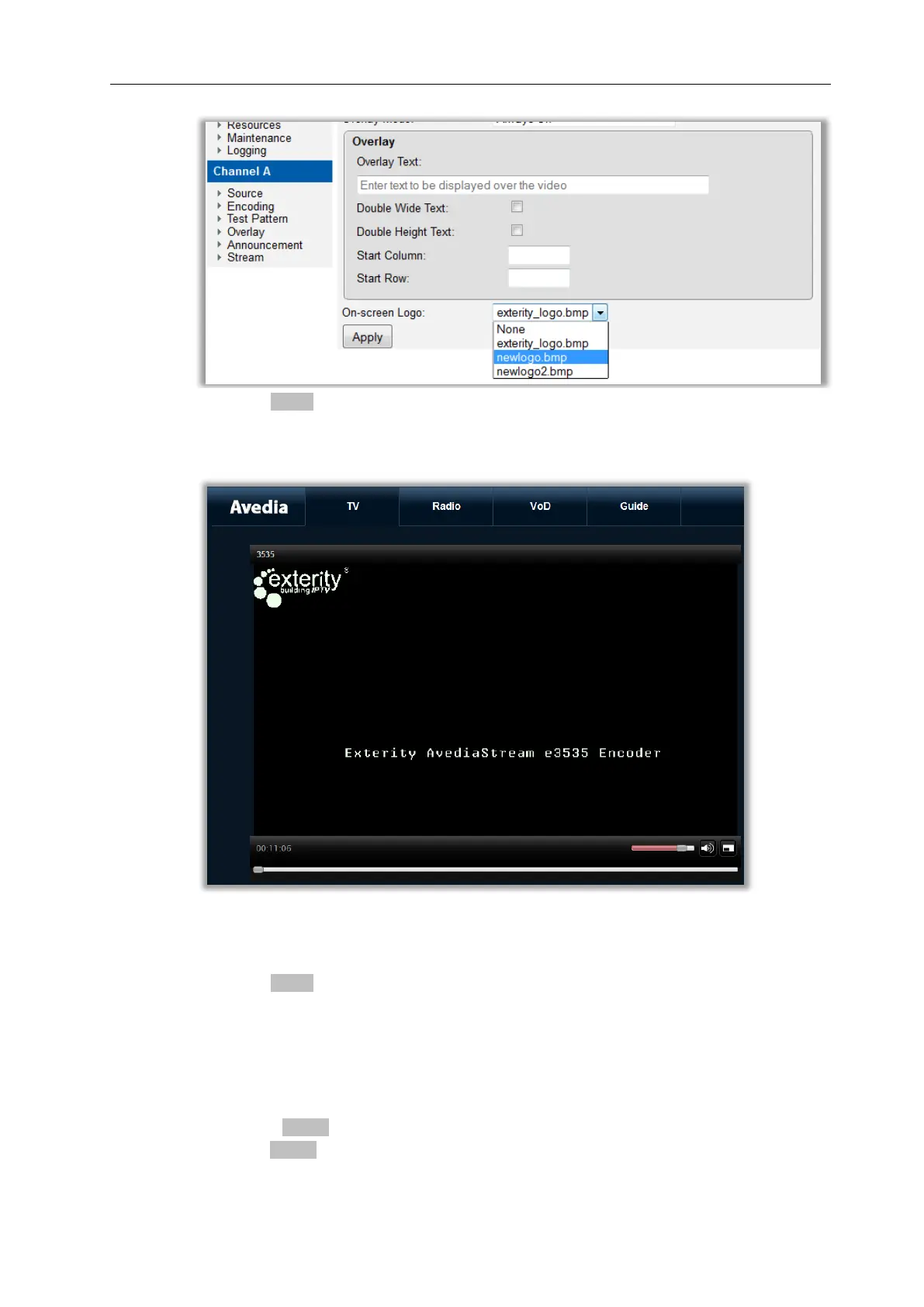
4. Click the Apply button.
5. Confirm the logo is displayed in the upper left of the connected TV displaying the encoder
streamed channel.
Figure 22 AvediaPlayer Desktop – Text and logo Overlay
6. If no text is required select Off from the Overlay Mode.
7. Click the Apply button.
Any text overlay is removed but the logo persists.
To delete logo files and return to the default logo:
1. Click Resources.
2. Click the check boxes for each individual file you want to remove, or click the check box
beside the Delete button to select all files.
3. Click the Delete button.
4. Click the Restore Defaults button to re-list the default Exterity Logo if required.



 To Next Page