IN1606 and IN1608 Series Scaling Presentation Switcher • Configuration Software 76
Communication Settings
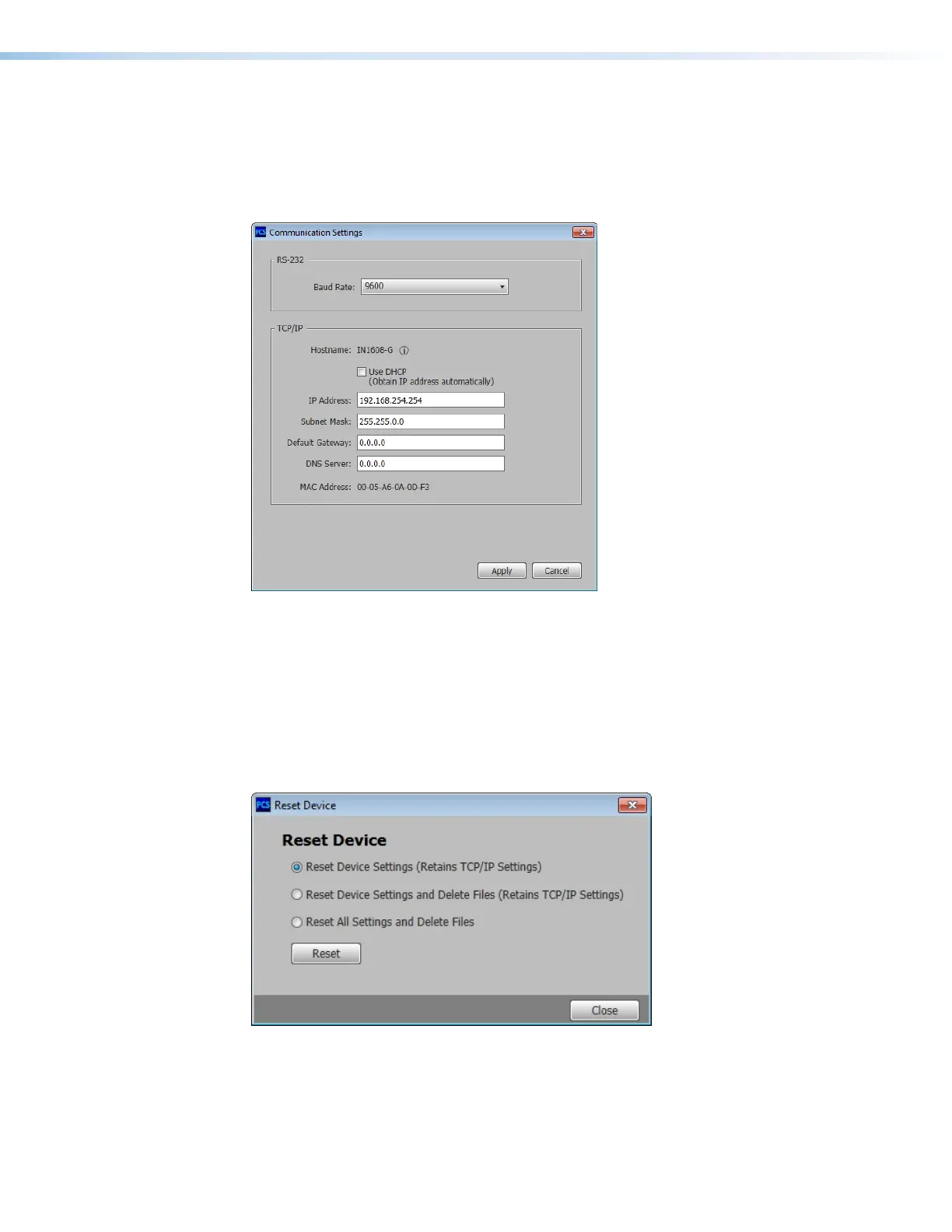
This option changes communication settings of the connected device.
From the Device drop-down menu, select Settings > Communication Settings....
The Communication Settings dialog box opens. For configuration details, see
Communication Settings Page on page 117.
Figure 47. Communication Settings Dialog Box
Click the Apply button to accept pending changes.
Click the Cancel button to cancel any pending changes and close the dialog box.
Reset Device
This option contains selectable reset modes for resetting the connected device.
From the Device drop-down menu, select Reset Device.... The Reset Device dialog
box opens.
Figure 48. Reset Device Dialog Box
For device reset details, see Reset Device Page on page 122.



 To Next Page