6.1.4 Speed profile
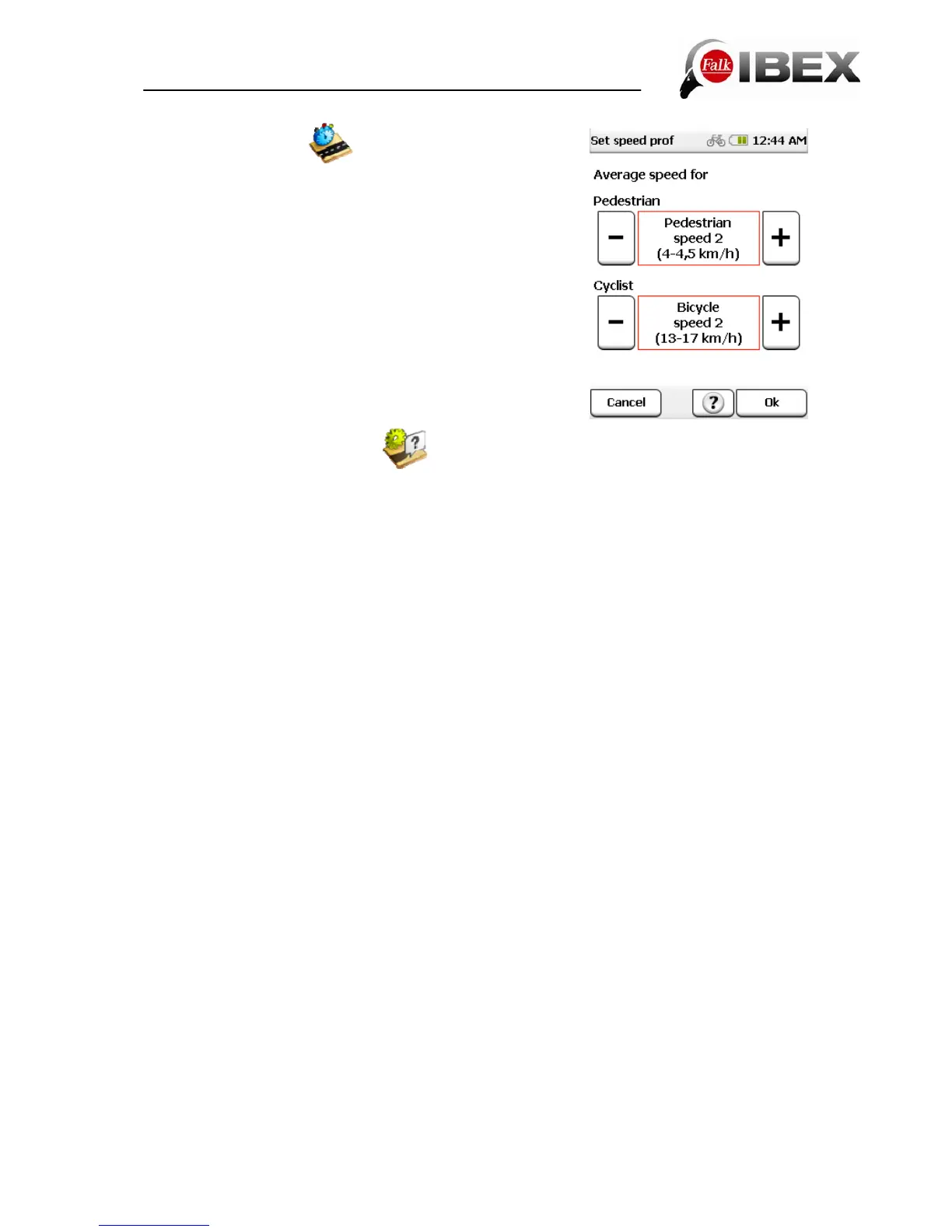
This function allows you to set your average speed. The set
profile helps to calculate the arrival time and total travel time
more exactly.
You can set this setting separately for pedestrian and
bicycle mode. You can choose between different speed
settings in each case. Set your desired profile using the
plus/minus buttons and confirm it with Ok.
The set speed profile has an impact on the route.
6.1.5 Ask about route options
If this function is activated, the route options are asked about before each route calculation.
This function is activated as standard. If you do not frequently change the route options,
disable this function.
Falk IBEX User Manual 29


 To Next Page