14.3 Transfer of content
All of the available data is summarised in various categories. In the top section of the screen
interface, the categories Country maps, POIs, My favourite lists, Speakers, Software and
Raster maps (optional) are presented in the form of tabs.
When you click on the tab you have selected, all of the data in this category is presented in
list form in the overview.
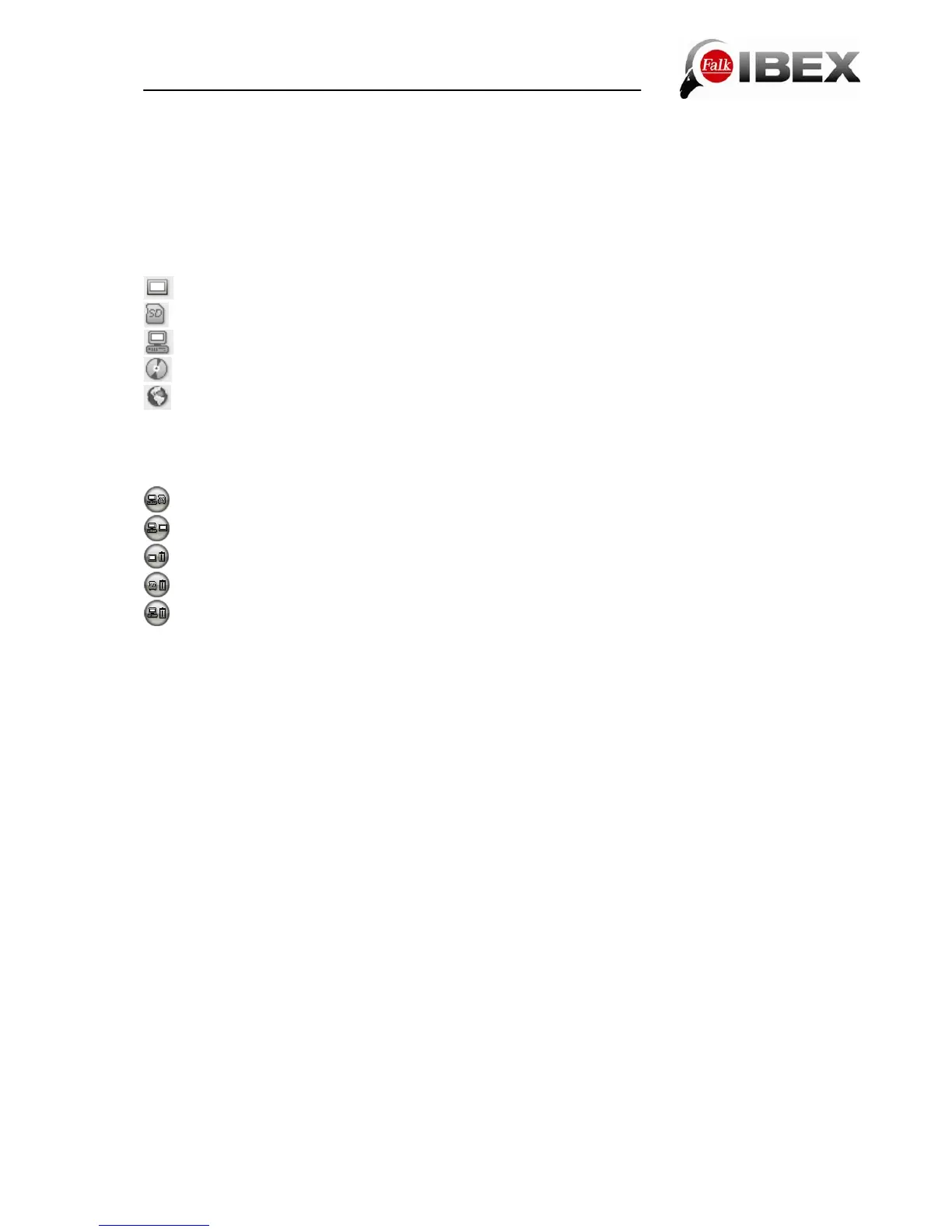
Thanks to row headings and corresponding icons, you can tell from the overview where the
individual data for the various categories is saved. The data may be stored
in the internal memory of the navigation device,
on the SD card,
on the PC,
on CD/DVD or
on an internet server.
Important: An active internet connection must exist to enable downloading from the internet.
Copying or deleting:
The selected data is copied from the PC to the SD card.
The selected data is copied from the PC to the internal memory of your device.
The selected data is deleted from the internal memory.
The selected data is deleted from the SD card.
The selected data is deleted from your PC.
Please note that the memory capacity of the internal memory is limited. The capacity
utilisation of the internal memory is displayed on the bar at the bottom of the screen.
14.4 Compiling your own tour on the PC
The Falk Navi-Manager offers the possibility, via the online route planner from Falk, of
planning your journeys from the comfort of your own PC. You have the option of transferring
the tours planned in this way to the device and navigating with them there.
Vital prerequisities for using this function are an active internet connection and connection of
the navigation device by USB cable to the PC.
Initially proceed in the manner described in the introduction.
In the opened Falk Navi-Manager, you will find the Service item in the menu bar. Select the
subitem Falk Route Planner.
You will get directly to the webpages of Falk. There you have the option to plan a route with
the route planner. First enter your starting address followed by your destination and then
click on Plan route.
In the top menu bar of the Navi-Manager, the Transfer tour button is activated after the
route has been calculated. Select this to transfer the tour to your device. An input box will
appear into which you can enter a name for your tour. This name will then be used as the
tour name on the navigation device.
You can find the tours transferred to the navigation device in the main menu under the menu
item Tour planner.
Select the tour by tapping on it and then choose Ok. You can now travel along the tour that
has been compiled.
Note: The routes which are planned here only travel along the road network.
Falk IBEX User Manual 60


 To Next Page