13
About the Drumkits
The module has 8 presets and 94 user kits to choose from.
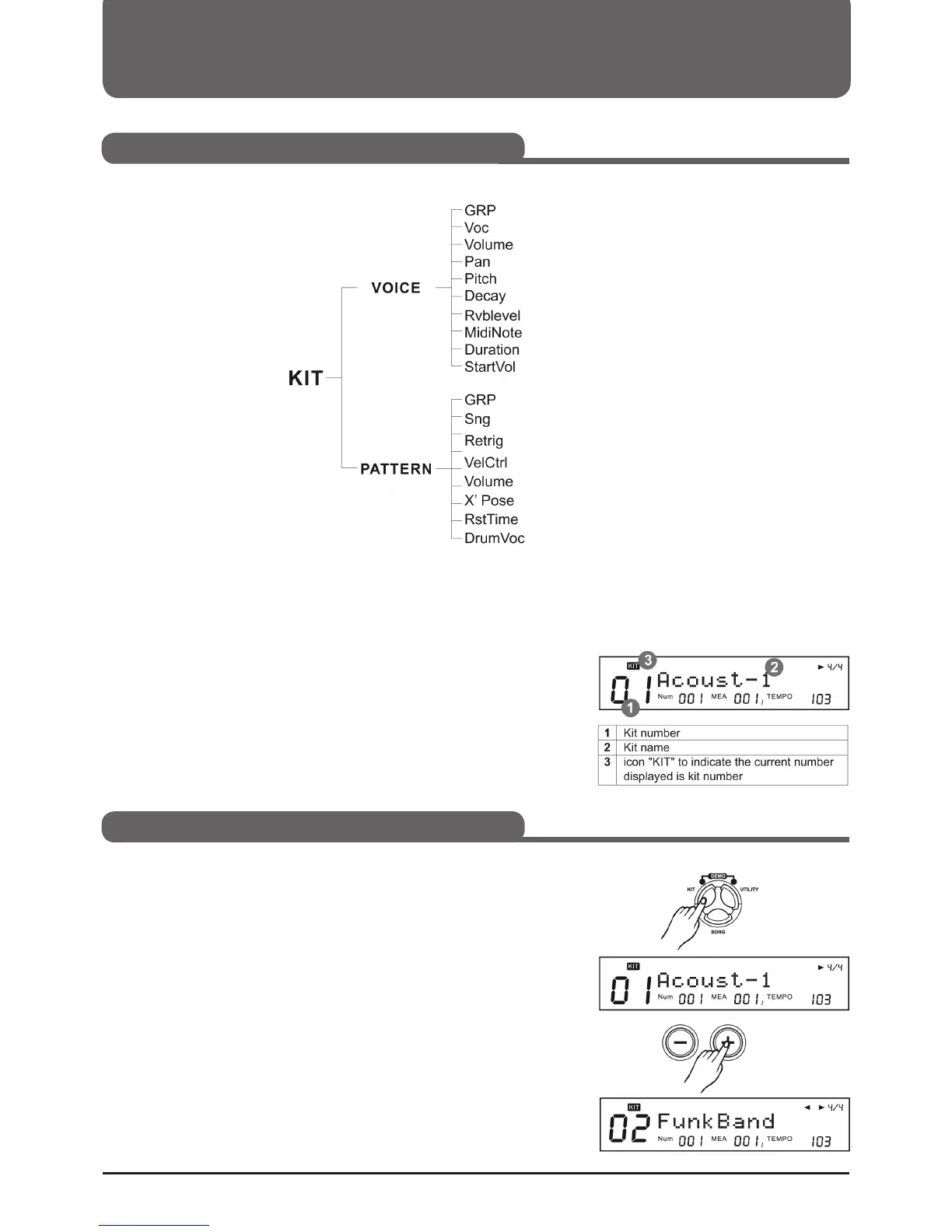
About the Drumkit Screen
When you press the KIT button, the Drumkit screen appears on the
display.
To enter the KIT mode
1. Press the KIT button to enter the KIT mode. The KIT indicator will
light and the display will show the kit number and kit name.
2. Press the +/- buttons or use the function dial to select a kit. You can
also use the PAGE + button to move to the next group (from preset
to user kit).
Selecting a Drumkit (KIT)
Important parameters
Selecting a Drumkit



 To Next Page