31
Eect Settings (REVERB/EQ)
Reset factory settings
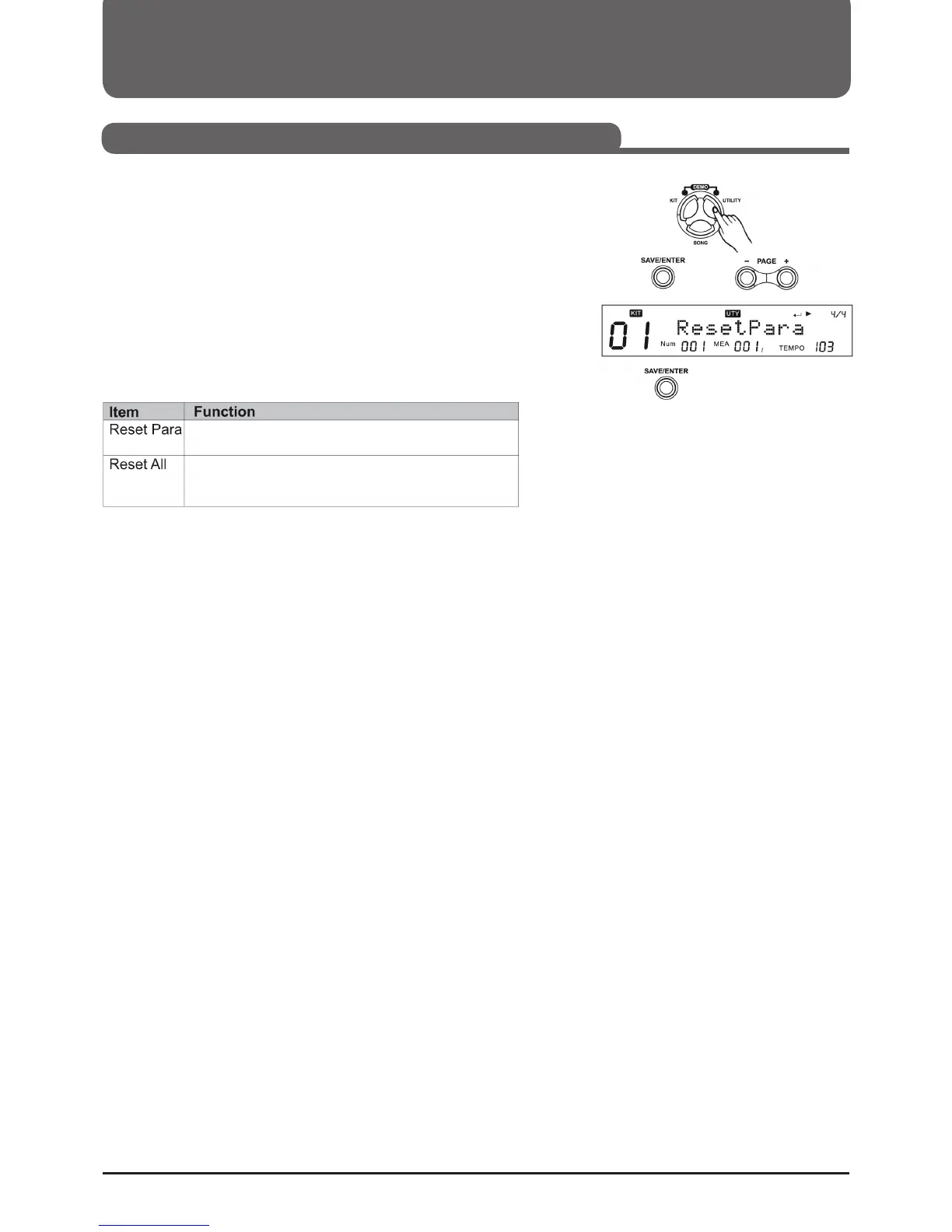
1. Press (UTILITY) and then (Page+) to select the RESET menu.
2. Press (SAVE/ENTER), then press (Page+)/(Page-) to select
"ResetPara" or "ResetAll".
3. Press (SAVE/ENTER) to save the settings.
Resets only general settings
(MIXER, UTILITY, Trigger, CLICK, Song Setup, etc.)
Resets the general settings and all user songs and user kits. Then
it goes back to the main screen of the display.



 To Next Page