24
RECORD
Part
Recording of drum or percussion part (Part1~Part5 should also record if
ch12~ch16 of MIDI IN have notes).
Please note:
If you select the Perc part and the original voice is GM KIT, you can only
record in NEW mode.
Mode
-Refer to the following
Drum/Percussion Parts:
Overdub: Records based on the original data of the current song part;
New: Delete the original data of the current song part and record a new
one.
-Refer to the following Part1~Part5:
Always record based on the original data of the current song part.
Loop
OFF: 1 shot;
1~99: loop 1 ~ 99 bars; (if you record a song based on a preset song,
it will not be displayed from 1-99. For example, if you have selected
Fusion1 as the preset song, it will display "9"-99, which is longer than
the length of the song "Fusion1".)
All: Loop all bars (only displayed if the current song is not a new song);
Qntize
1. Quantize all parts being recorded, including drums, percussion,
part1 ~part5;
2. Quantize where the note begins (precision), but not the note length;
3. NOT quantize.
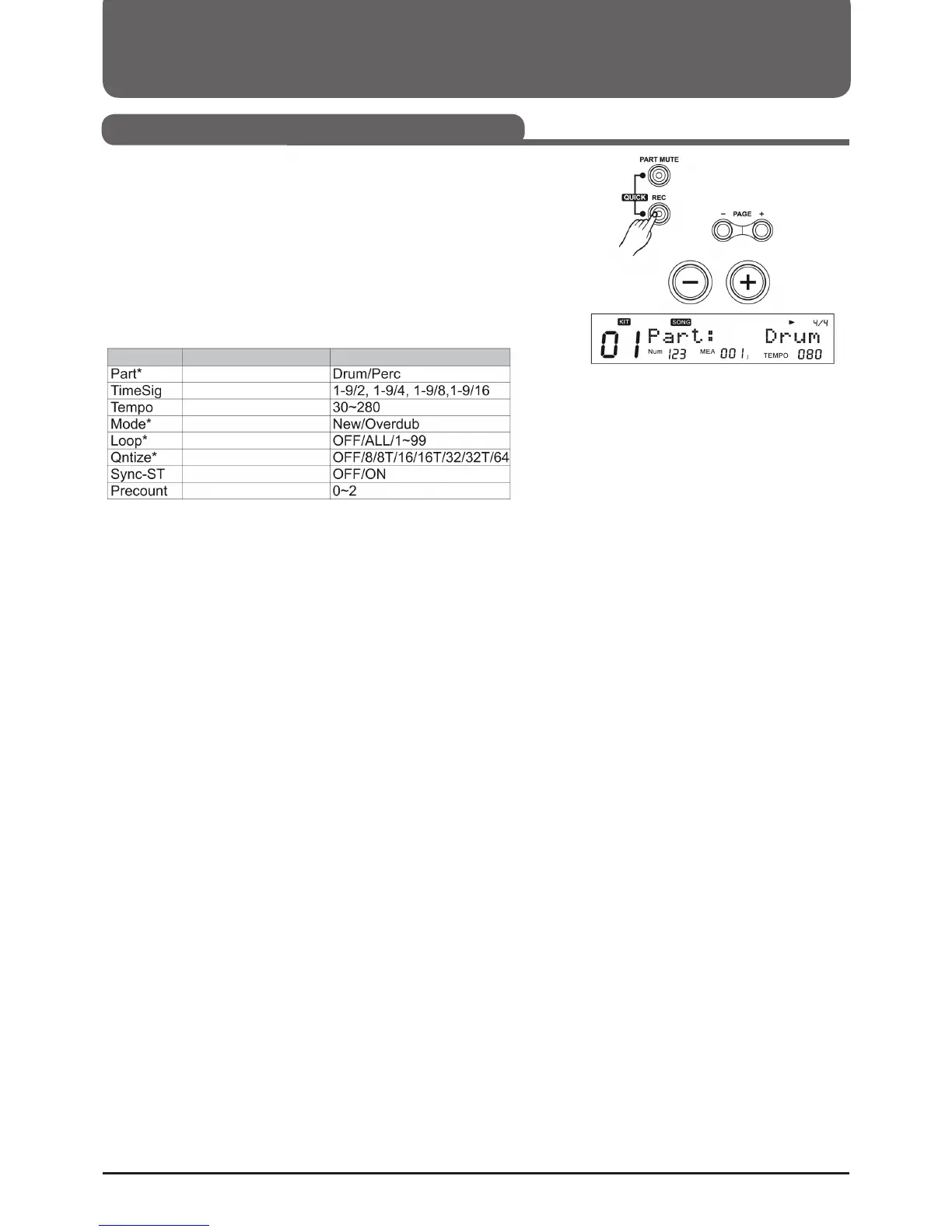
1. Press the REC button to enter the recording standby mode. The dis-
play shows the recording settings as shown in the picture on the right.
2. Press (Page+)/(Page-) to select the parameters you want to edit.
3. Press (+)/(-) or turn the control dial to take the part to be recorded.
Recording Settings
Select the part to be recorded.
Recording Time Signature
Tempo
Recording mode
Loop length
Resolution of quantization
Synchronized start
Set counter
Function
Para Range (+)/(-)
Parameter



 To Next Page