26
Setting the Metronome (CLICK)
Click on/o
Click Settings
Parameter Funktion
You can turn the Click Sound on or off by pressing CLICK. CLICK lights
up while the Click Sound is playing.
Please note:
CLICK does not work in DEMO mode.
TimeSig:
Set the time signature for the click sound. If the emphasis per bar is set to
"0", the 1 in the bar is not accentuated.
Please note:
The time signature cannot be changed during song playback.
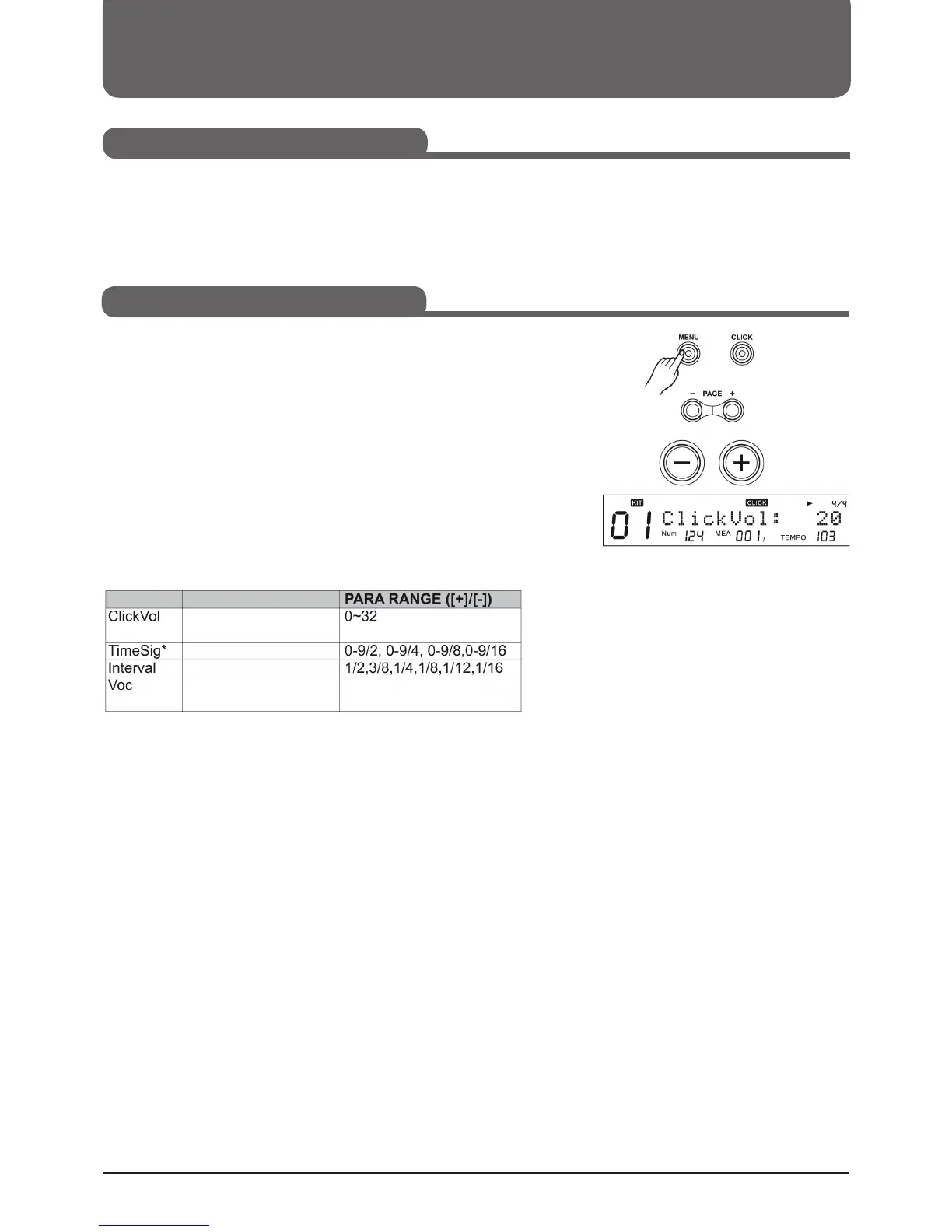
1. You can access the Click Settings menu by holding down MENU and
pressing CLICK.
2. Press (Page+)/(Page-) to select the Click Settings menu.
3. Press (+)/(-) or the control dial to adjust the parameters.
Please note:
While the click is activated, you can go to the Click Settings menu without
interrupting the playback or the click.
Lautstärke des Click Sounds
Click Taktart
Click Wiedergabe Intervall
Auswahl der Click Stimme Voice/Metro/Claves/Sticks/
Cowbell/Click



 To Next Page