Operation
4812158701_G.pdf 2019-10-01
Amplitude - Changeover
1
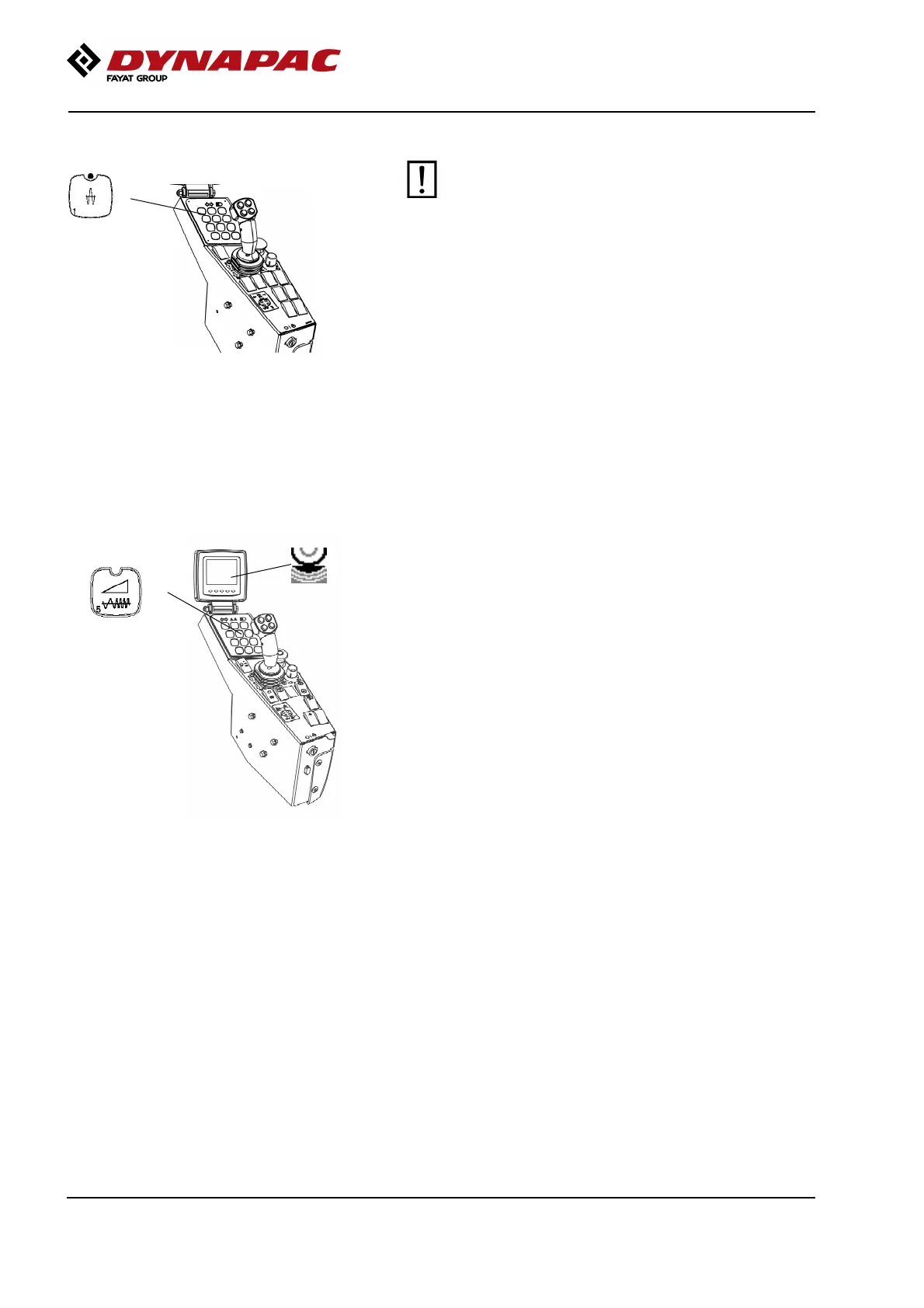
Fig. Control panel
1. High amplitude
The amplitude setting must not be change when
vibration is in operation
Switch the vibration off and wait until vibration
stops before changing amplitude.
The amplitude setting must not be change when
vibration is in operation
Switch the vibration off and wait until vibration
stops before changing amplitude.
By pressing button (1) high amplitude is achieved.
Seismic - (Optional)
Fig. Function keys
1. Seismic (LED off)
1
Seismic is the technology that makes the machine and
soil work together.
Seismic is the innovation that lets the roller determine
the optimum frequency for any compacted material,
monitoring the variations and constantly adjusting to
the changing conditions automatically.
74




 To Next Page