23
Chapter "Usage"
CC
4.2.2 Switch off drive system
More detailed information can be found → in chapter 23.1 "Switching the drive
system on and off" or in chapter 27.1 "Switching the drive system on and off" as well
as in chapter 4.4 "Switching on the drive system after standstill"as .
You can switch off the drive system in various ways:
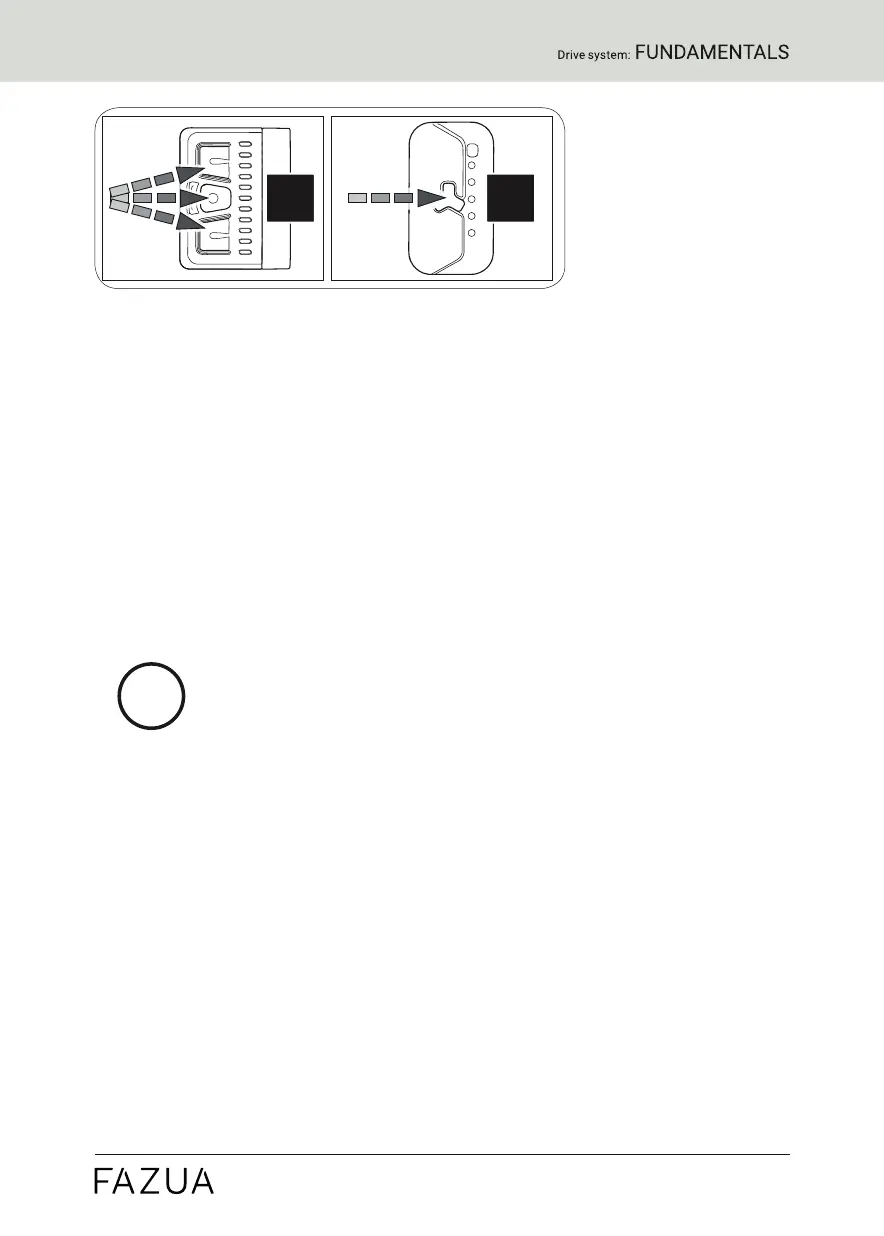
► Press and hold the center button on the remote for 2 seconds
(model "b") or 1 second (model "fX") to turn off the drive system.
or
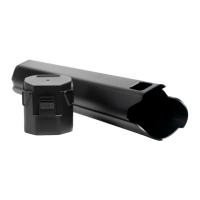
► Remove the drivepack from your eBike.
or
► Turn off the battery by pressing the On/Off button.
In addition to the drive system, Fazua also recommends
switching off the battery if you park your eBike for a longer
period of time (e.g. if you take a break during a trip).
More detailed information can be found → in chapter 31.4 "Switching
off the battery"
4.3 Instructions for riding with the drive system
Observe the following instructions for riding your eBike equipped with the
evation drive system.
Gear change:
The gearshift of your eBike can be operated in the same way as that of a
conventional bicycle. Selecting a suitable gear increases the speed, power
and range of your eBike while maintaining pedal frequency.
Irrespective of the type of gearshift mounted, the following applies:
► Stop pedaling when you change gears. This relieves the load on the
rear derailleur and the drive of your eBike.


 To Next Page