59
Chapter "Using remote model "fX""
• The selected support level of the pedal support:
Each support level is assigned a color, i.e. the color of the LEDs on
the display indicates the currently set support level.
More detailed information can be found → in chapter 27.3 "Levels of support".'
27 USING REMOTE MODEL "fX"
WARNING
Danger due to distraction during operation!
If you are distracted by the use of the remote while riding,
accidents and serious injury may result.
► Before using your e-bike for the first time, familiarize yourself
with the functions and handling of your remote away from
road traffic.
► Do not use the remote while riding if it distracts you.
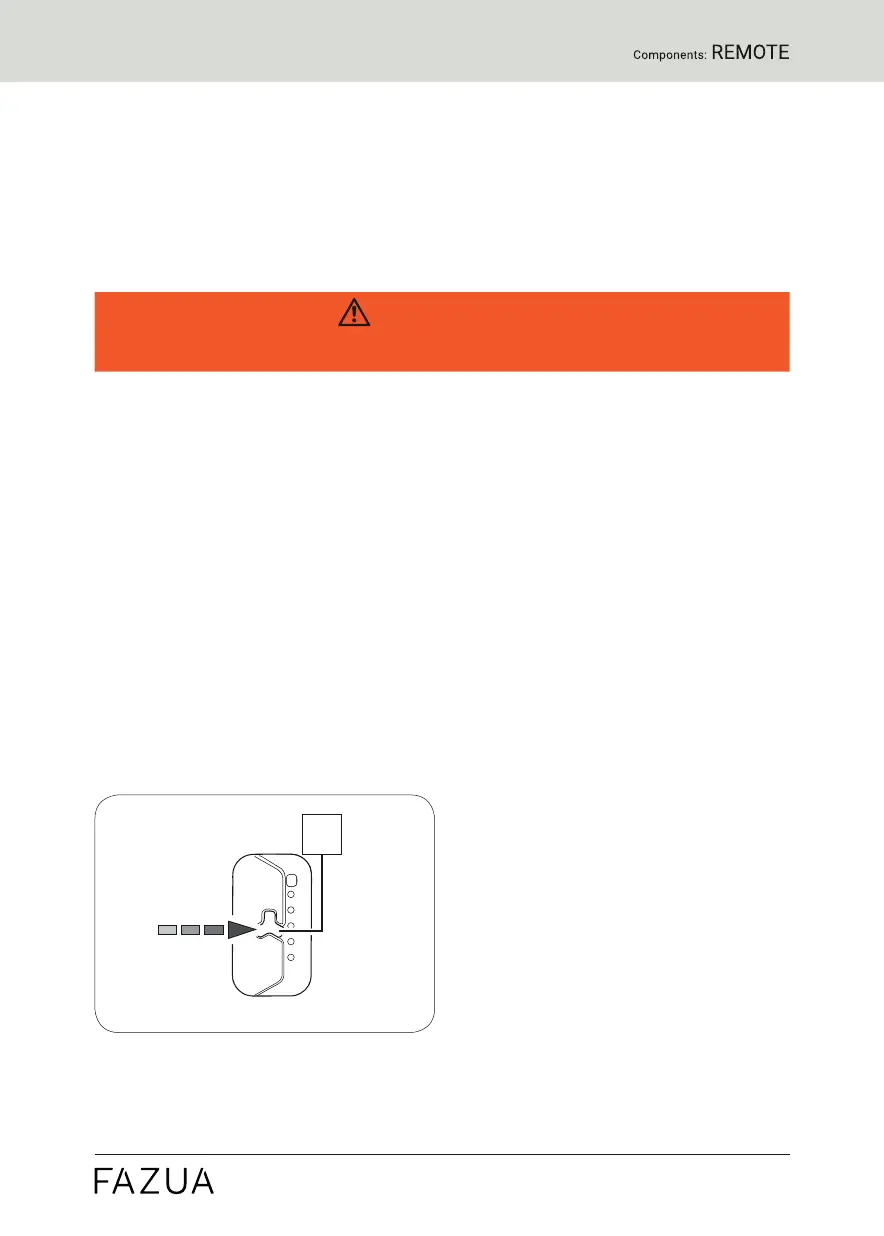
2 7. 1 Switching the drive system on and off
► Switch on the drive system using the remote by pressing the center
button.
► Turn off the drive system using the remote by pressing and holding the
center button for 1 second.


 To Next Page