67
Chapter "Using the battery"
1. Check the battery for visible damage (visual check).
2. Press the on/off button on the battery once to turn on the battery:
The LEDs of the charge level indicator next to the on/off button light up
and indicate the current charge level of the battery.
If none of the LEDs on the charge indicator light up after pressing the
On/Off button, this indicates that the battery is damaged.
In this case, do not insert the battery into the drivepack, but contact an
authorized specialist.
31.2 Inserting the battery into the drivepack
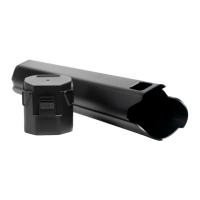
1. Hold the drivepack with one hand and the battery with the other.
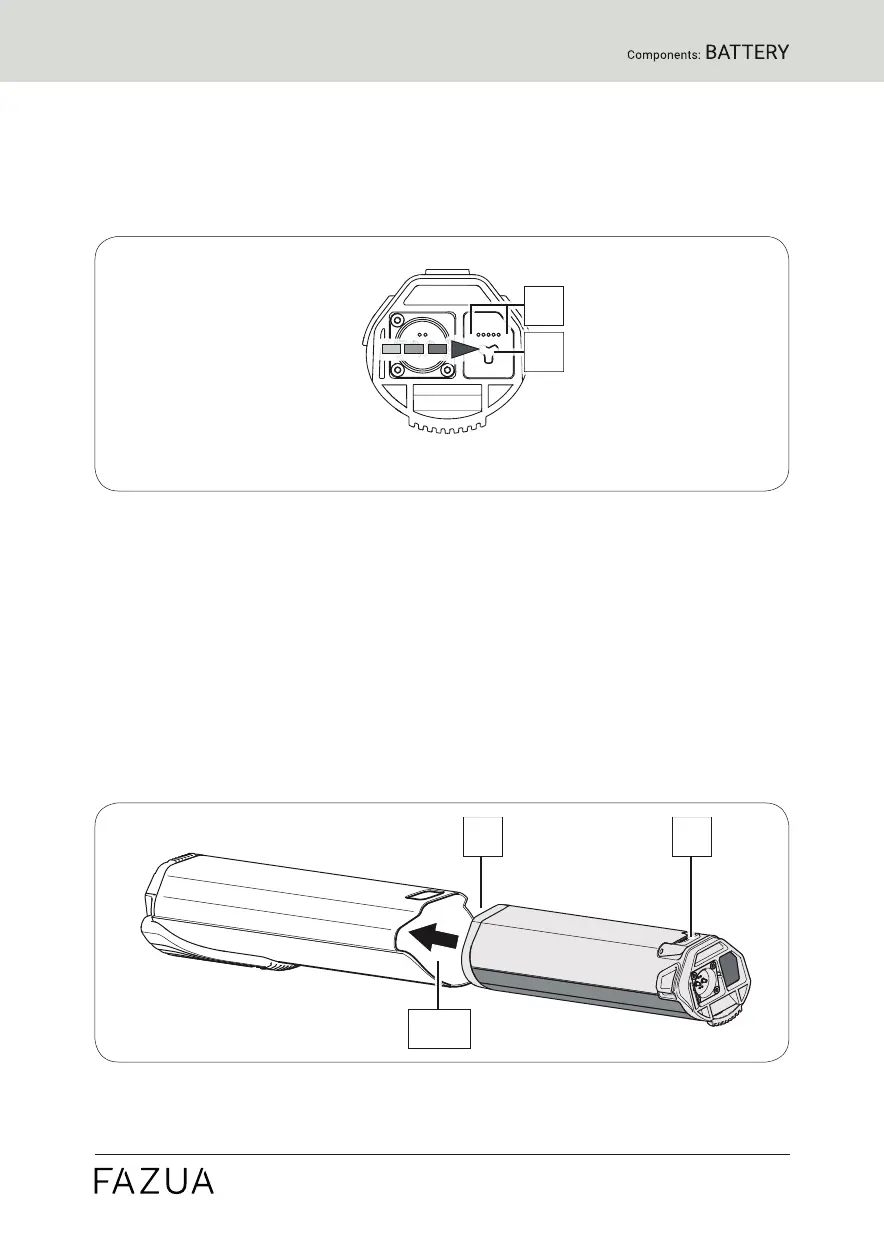
2. Position the battery with the interface forwards in front of the empty
battery receptacle and align it so that the battery lock push button is on
the same side as the corresponding opening on the drivepack.
The battery is designed so that it can only be inserted into the battery
receptacle when correctly aligned.


 To Next Page