Chapter 6 Description of Operations
PAGE 6-10
6-2-3 Indications in the RUN Mode
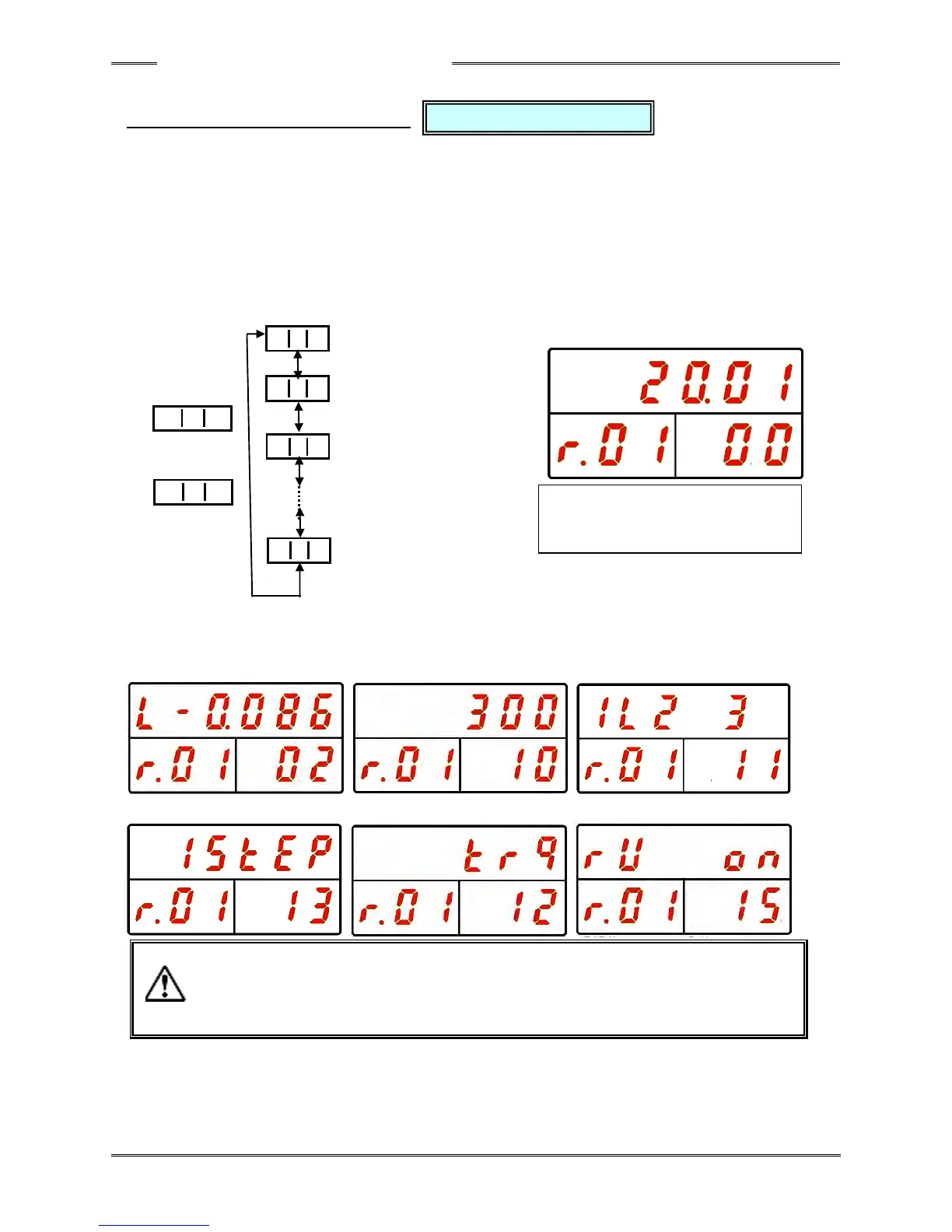
In the fastening result mode, “r” is indicated at the 100s digit of the WORK indication part and the
parameter No. (01 ~ 64) of the fastening operation that was performed is indicated by the 10s and 1s
digits.
The value in the COUNT/D-No. indication part is incremented or decremented with the [▲] or [▼]
switch to change the indicated content.
* If fastening has not been started, “r00” is indicated.
Also, the value in the COUNT/D-No. indication part can be skipped by 5 at a time by long-pressing the
[▲] or [▼] switch.
“WORK” “COUNT/D-NO” “DATA”
Peak Torque
Final Angle
Rate 1
ACCEPT count
Please refer to the “List of Contents Indicated in the Real Time Mode” on the next page regarding the
respective data contents indicated at the DATA indication part when “COUNT/D-No.” is changed.
■Rate 1 ■1st NG Item ■Rate 1/2/3 Judgment
■Number of Fastening Steps ■Fastening Method (Torque Method) ■Reverse Flag
・The indicated content of the following D-Nos. are not stored in the fastening result
record of the controller.
D-No. 12 “Fastening Method,” D-No. 13 “Number of Fastening Steps,”
D-No. 14 “Self-Checking Flag,” D-No. 15 “Reverse Flag,” and
D-No. 15 “Servo Lock Flag.”



 To Next Page