Chapter 6 Description of Operations
PAGE 6-12
6-2-4 Indications in the RUN Mode
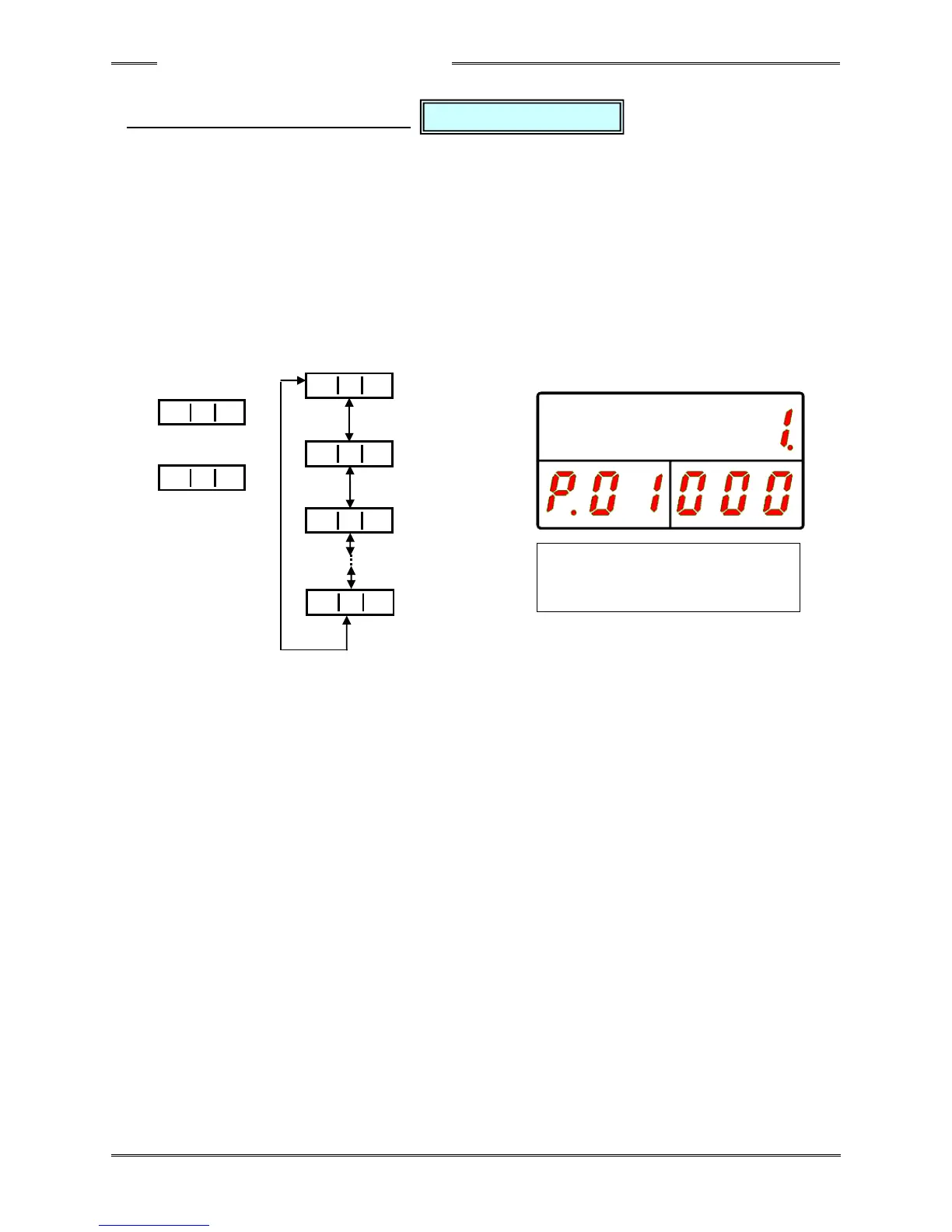
In the parameter setting mode, “P” is indicated at the 100s digit of the WORK indication part and
the parameter No. (01 to 64) is indicated by the 10s and 1s digits. The D-No. indication part is
changed by pressing the [▲] or [▼] switch and the content of the data No. is indicated accordingly.
When the [▲] switch is pressed when the last data No. of parameter No. is indicated, the value
in the WORK indication part is incremented by 1.
Also, when the [▼] switch is pressed when the head data No. of each parameter No. is
indicated, the value in the WORK indication part is decremented by 1.
Also, the value in the D-No. indication part can be skipped by 10 at a time by long-pressing the
[▲] or [▼] switch.
Please refer to the “List of Parameters” regarding the details of the set values.
“WORK” “COUNT/D-No.” “DATA”
Fastening Method
Fastening Steps
Fastening Option
Sequence
Stage 8



 To Next Page