Twinflex V3 Control Panel Engineering and Commissioning Manual
29
To Configure the Number of Active Zones (all panels)
The Twinflex system differs from a standard conventional system by utilising a simple data communication
rather than monitoring of resistance or voltage. Thus, unused zones on the Twinflex system must be
turned off as follows.
Do not use a resistor or capacitor or any other 3rd party ‘End of line’ module as an End of
Line device on a Twinflex zone.
The factory default will have all zone active and active zones will always start from 1, ie, zones 1,2,3,4 and
5 active if 5 are selected.
1. Press ‘1’ A continuous buzzer tone will start.
A number of the ‘ZONE/FAULT’ lights will switch
on, corresponding to the current number of zones
that are active, ie lights 1,2&3 mean that 3 zones
are switched on
2. Press the button corresponding
to the number of active zones to
be selected, ie, 3 for zones 1, 2
& 3.
or,
If the setting displayed is already
as you require then press
nothing until the system times
out (~15 seconds).
The continuous buzzer tone will stop and the lights
mentioned above will turn off. Your new setting is
now active.
The continuous buzzer tone will stop and the lights
mentioned above will turn off. The original setting is
still active.
To Select the Alarm Sounder Configuration (all panels)
The system will respond to an alarm in one of two ways as follows;
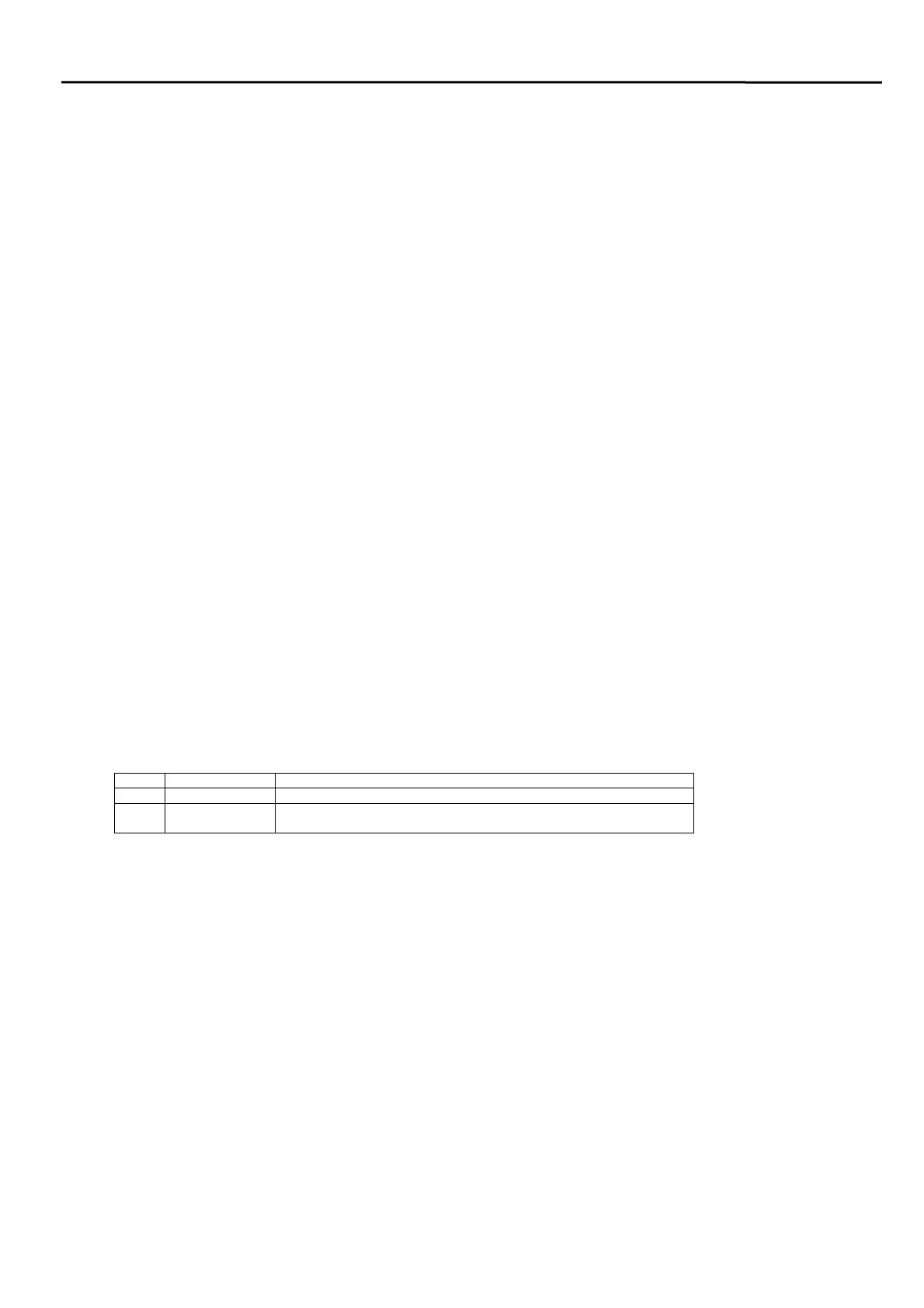
Mode Type Description
1 Common Alarm All sounders activated in any alarm condition - Factory Default
2 Two Stage
Alarm
Sounders in the zone of alarm origin will sound continuously, all other
zones will pulse intermittently.
1. Press ‘3’ A continuous buzzer tone will start.
A number of the ‘ZONE/FAULT’ lights will switch
on, corresponding to the current mode (shown
above), ie lights 1&2 mean that mode 2 is selected.
2. Press the button corresponding
to the mode required.
Or,
Press nothing until the system
times out.
The continuous buzzer tone will stop and the lights
mentioned above will turn off. Your new setting is
now active.
The continuous buzzer tone will stop and the lights
mentioned above will turn off. The original setting is
still active.



 To Next Page