Chapter Three: Using the System Software
3-3
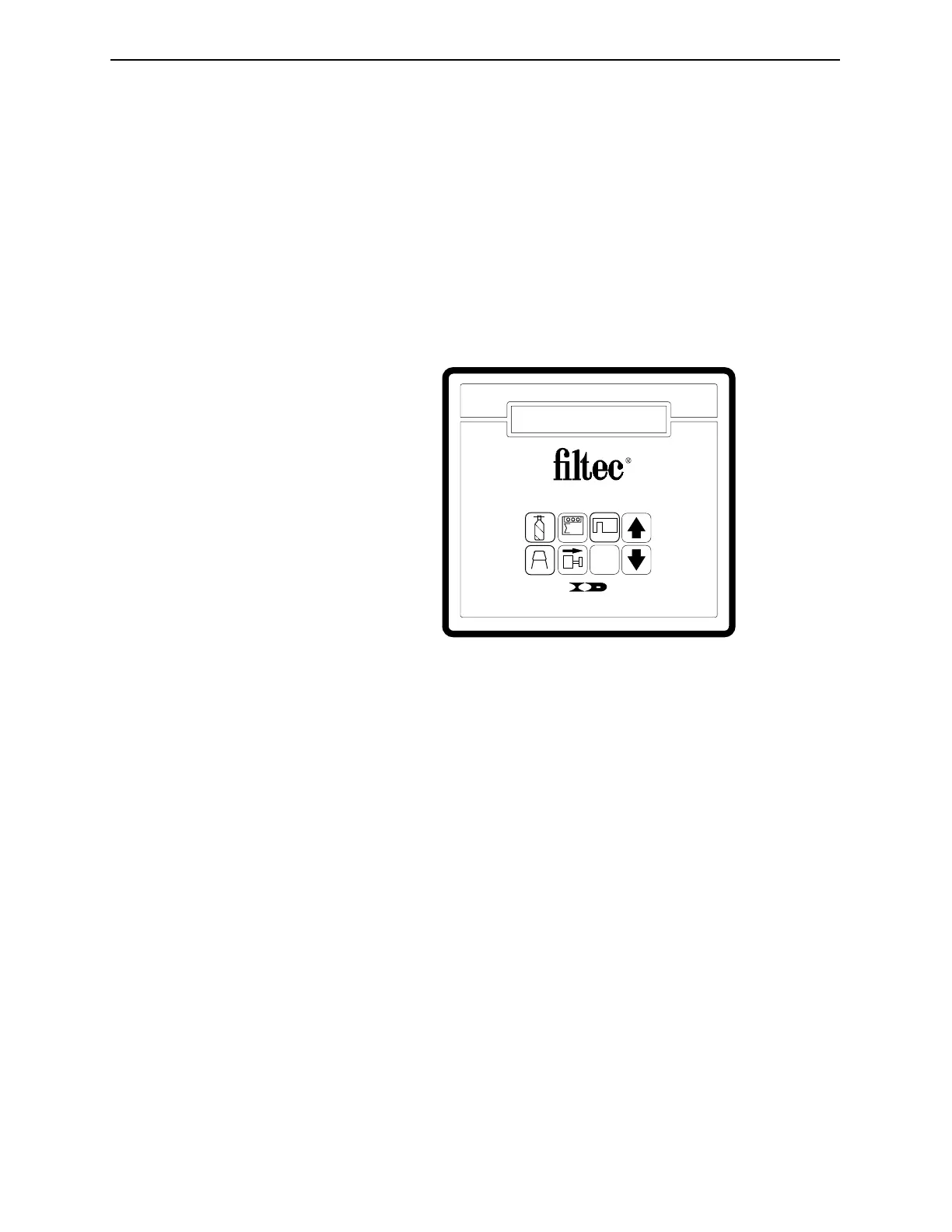
The Operator Control Panel
You can interact with the FT-70/75’s through the Operator Control
Panel. The Control Panel contains eight keys and a two-line LCD
(Liquid Crystal Display) capable of displaying 24 characters per
line.
A remote, hand-held control is also available. The Remote Control
Panel detaches from the FT-70/75 thereby allowing easier access.
Figure 3-1. The FT-70/75’s Operator Control Panel.
?
6
INDUSTRIAL DYNAMICS
Torrance, California USA
4
3
5
1
2
Industrial Dynamics Company, Ltd. Document 40274-0600



 To Next Page