EN
92
7.5.1 MAIN menu
In the MAIN section it’s possible to access the following sub-menus:
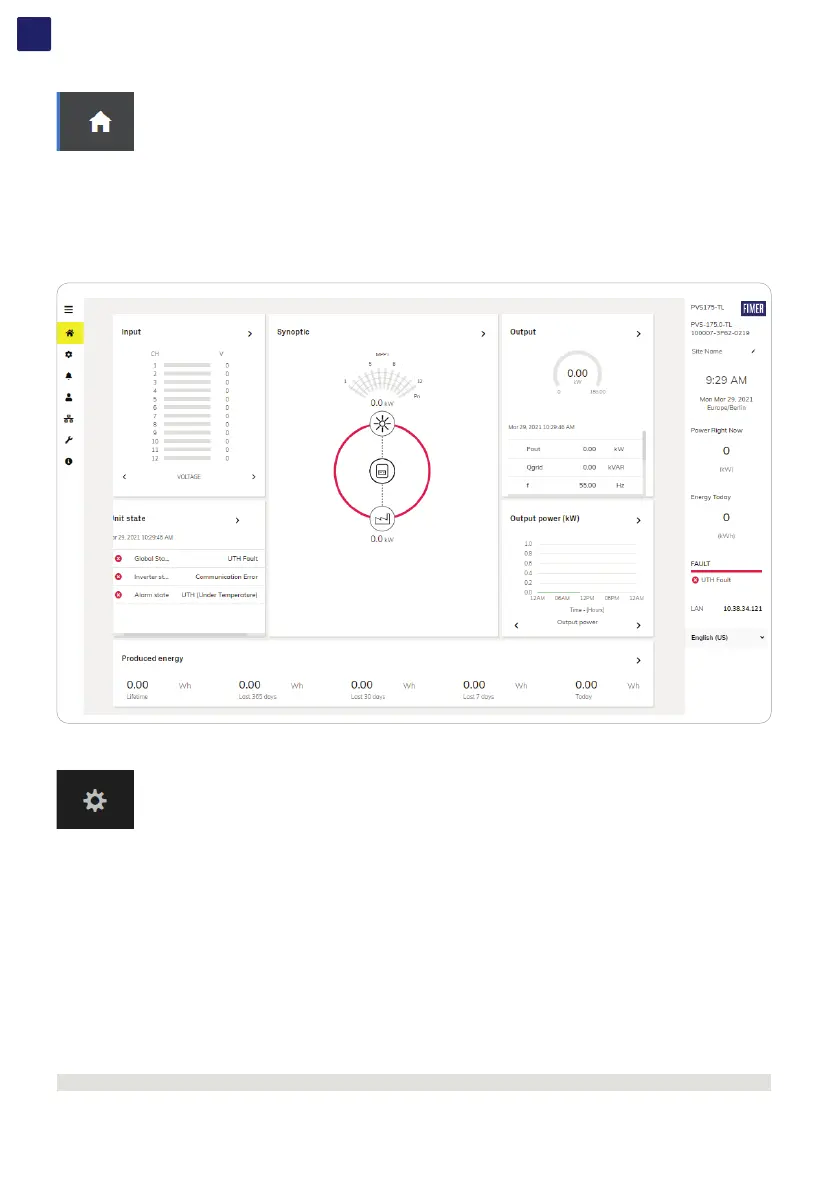
DASHBOARD
STATUS SUMMARY
7.5.1.1 DASHBOARD
In the Dashboard sub-menu you can view the main information related the status the production data and alarm/warning active events of
the inverter and photovoltaic plant.
7.5.1.2 STATUS SUMMARY
In the Status Summary sub-menu you can view the detailed information related the status and the production data of the system.
7.5.2 SETTINGS menu
In the SETTINGS section it’s possible to access the following sub-menus:
INVERTER PARAMETERS
• AC output Rating (Only visible with Admin Plus privileges)
• AC Settings (Only visible with Admin Plus privileges)
• Active Power Control (Only visible with Admin Plus privileges)
• Additional Functions (Only visible with Admin Plus privileges)
• DC Settings
• Digital Inputs
• Frequency Control: P(f) (Only visible with Admin Plus privileges)
• Ramp Control (Only visible with Admin Plus privileges)
• Reactive Power Control (Only visible with Admin Plus privileges)
DIGITAL OUTPUTS
INVERTER PARAMETERS > AC output Rating (Only visible and editable with Admin Plus privileges)
In the AC output Rating sub-menu you can config the output power limitation by changing the Maximum AC output power and the
maximum apparent output power parameters.
NOTE – D Do not change these parameters if not requested by the grid operator.



 To Next Page