118 Audio Command Center Series Manual — P/N 51889:E1 6/8/2010
Programmed Activation by FACP MS-5210UD
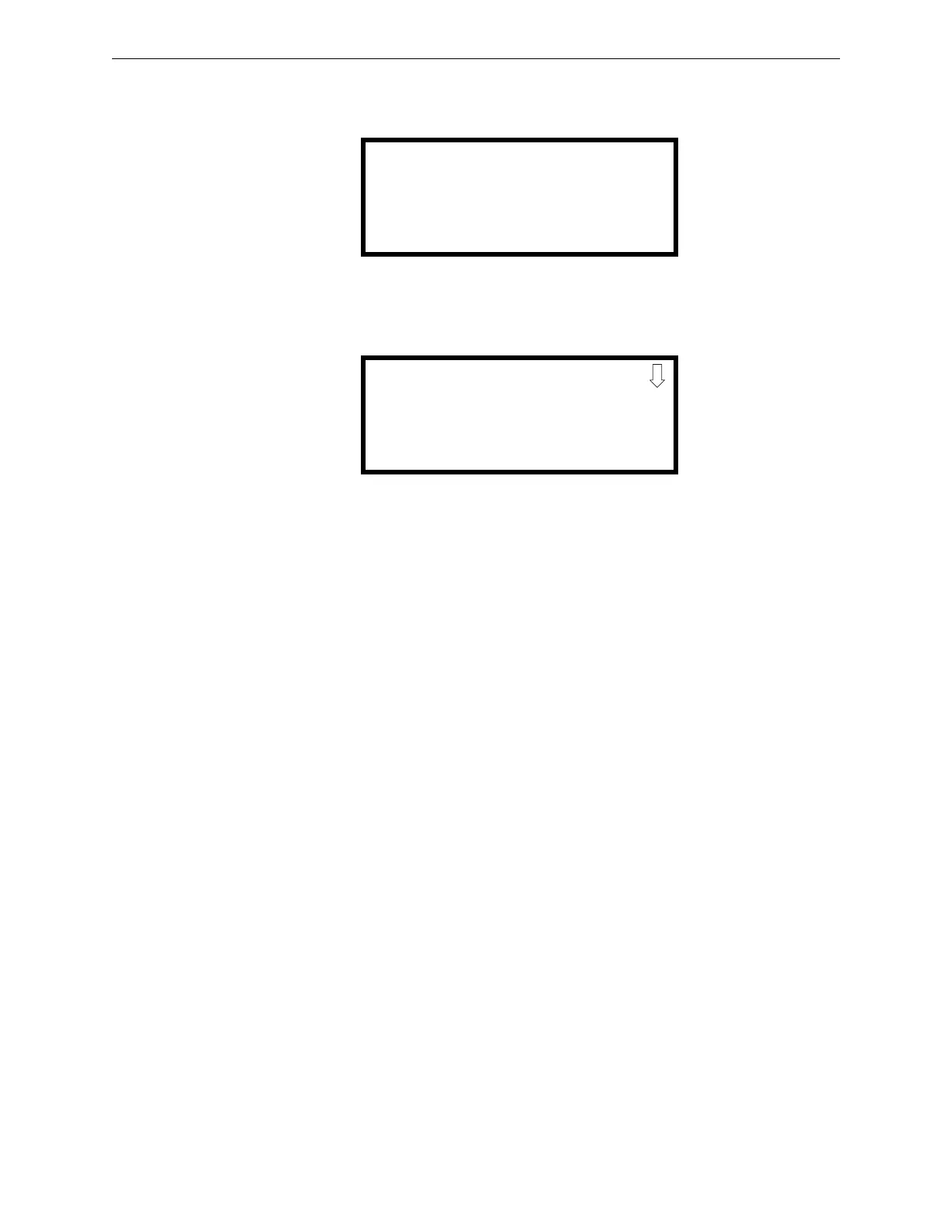
Press down arrow key once:
Press 2 to edit the type, then press the down arrow key six times:
Press 1 to select PHONE type.
Repeat the above steps for each remaining RPJ-F or FPJ-F location.
D.2 MS-5210UD
Refer to the MS-5210UD manual, Document #50193, for panel specific information. The ACC-
25/50ZS and ACC-25/50ZST can be automatically triggered by the MS-5210UD to transmit one of
five messages over selected speaker circuits. This is accomplished by zone and relay programming
at the MS-5210UD, DIP switch programming in the ACC-25/50ZS or ACC-25/50ZST and various
wiring schemes.
Important! When installing/configuring the MS-5210UD zones for ACS control of the
ACC-25/50ZS/T, NON-FIRE types should not be assigned to any ACC-25/50ZS/T audio zone(s)
unless the NON-FIRE programmed relay is controlling at least one of the CMD inputs of the ACC-
25/50ZS/T.
D.2.1 Overview
The ACC-25/50ZS and ACC-25/50ZST provide 8 speaker circuits standard via the ACC-ZSM
Zone Splitter Module. Expansion to 24 speaker circuits is possible by adding ACC-25/50DAZS
panels. The ACC-25/50ZS and ACC-25/50ZST have the ability to generate and direct one of five
messages to specific speaker circuits.
D.2.2 MS-5210UD Individual Zone Control With One or Two
Messages
In this configuration, the MS-5210UD provides automatic, individual audio zone (1 through 8)
control of the ACC-25/50ZS or ACC-25/50ZST via the ACS serial link. The optional LED-10IM
must be installed and enabled in the MS-5210UD programming. The Relay Closure outputs of the
MS-5210UD are used to trigger Message #1 (Fire Evacuation) and Message #2 (Chemical Spill) on
the ACC-25/50ZS or ACC-25/50ZST via the CMD1 and CMD2 inputs.
EDIT MONITOR
1=ENABLED
2=TYPE MONITOR
1=PHONE
2=USER-DEFINED-10
3=TAMPER











 To Next Page