136 Audio Command Center Series Manual — P/N 51889:E1 6/8/2010
Programmed Activation by FACP MS-5UD-3/7 and MS-10UD-3/7
This screen shows the Input Zone that has been assigned to be the All-Call Zone. In this example,
Zone 1 is the All-Call Zone. The All-Call Zone can be changed by pressing the 1 key while view-
ing the ANN-AUDIO Options Screen. The following screens will be displayed.
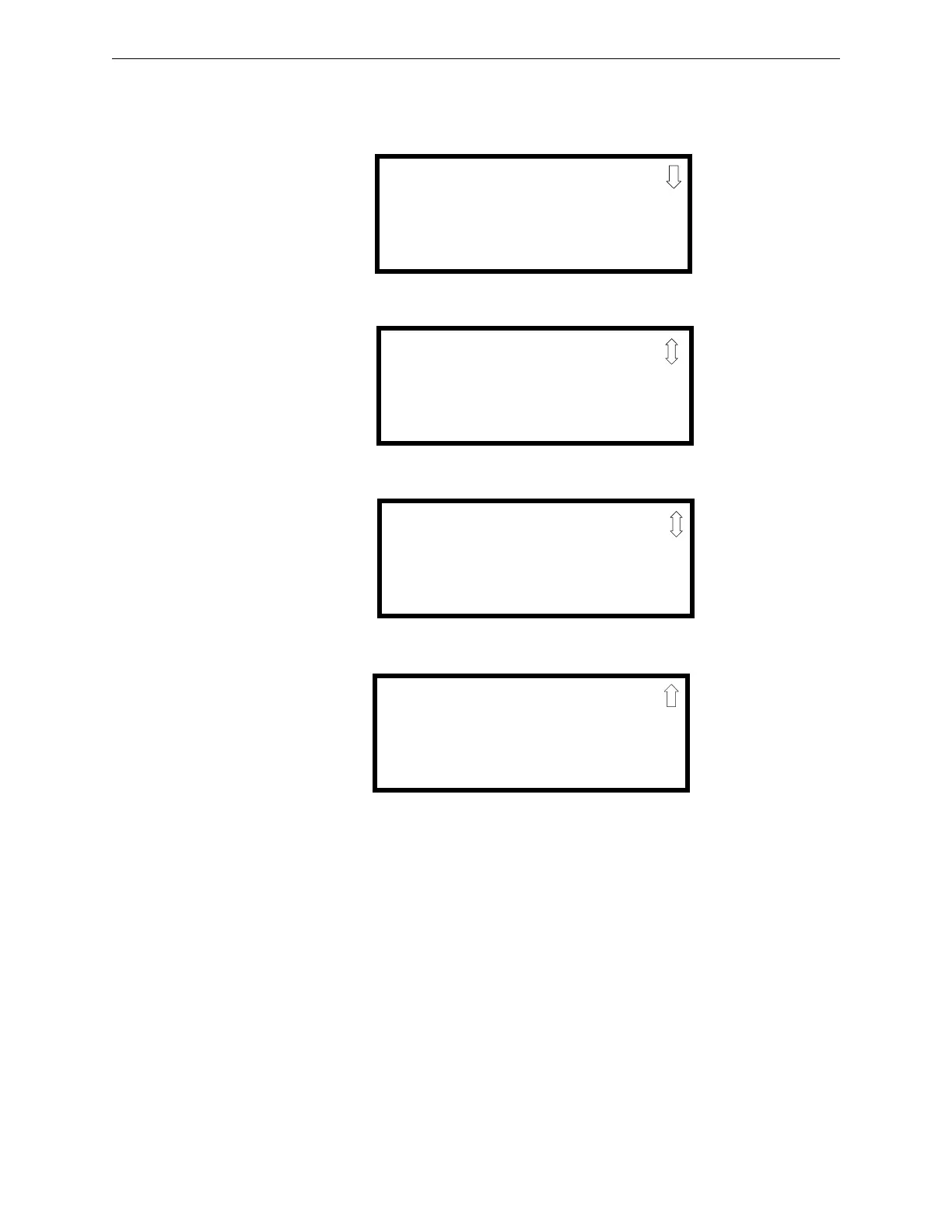
These screens allow the programmer to select which Input Zone will be assigned as the All-Call
Zone.
ANN-AUDIO ALL CALL
1=NO ALL CALL ZONE
2=INPUT ZONE 1
3=INPUT ZONE 2
Printer Options Screen #1
ANN-AUDIO ALL CALL
1=INPUT ZONE 3
2=INPUT ZONE 4
3=INPUT ZONE 5
Printer Options Screen #2
ANN-AUDIO ALL CALL
1=INPUT ZONE 9
2=INPUT ZONE 10
Printer Options Screen #3
ANN-AUDIO ALL CALL
1=INPUT ZONE 6
2=INPUT ZONE 7
3=INPUT ZONE 8
Printer Options Screen #2











 To Next Page