22 MULTISENSOR PLUS
-
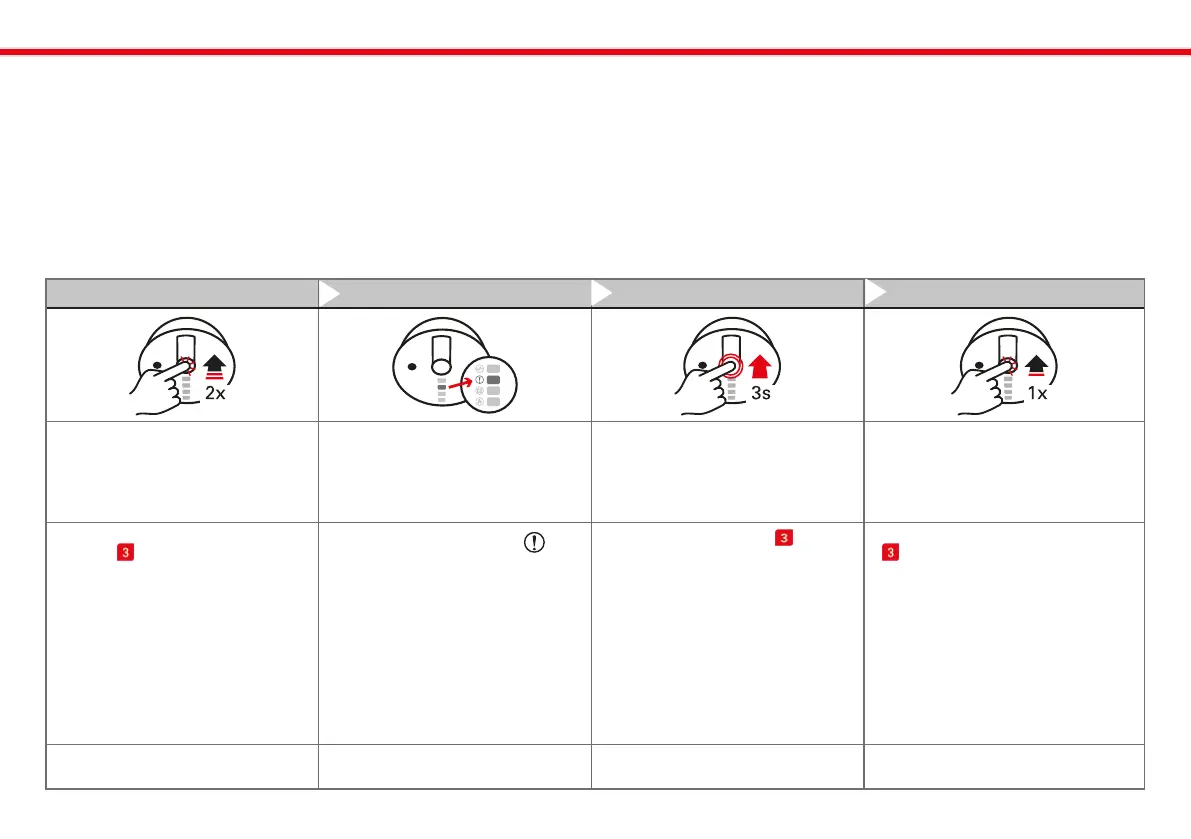
Step 1 Step 2 Step 3 (if necessary) Step 4
` Start
configuration mode
` Start
climate data transfer
` Adjust
climate data transfer
` Maintain settings for
climate data transfer
` Briefly double-click the user
button on the device.
` You are now in: Configuration
Mode/Turn On Climate Data
Transmission
` The yellow LED with the
-symbol signals for 0.5 seconds
that data transfer is disabled.
` A brief flash of 0.1 seconds indi-
cates that it is NOT disabled.
` The LED signaling repeats once
per second.
` Hold the user button for
3 seconds to toggle between
„On“ and „Off.“
` A short click on the user button
will retain your current setting.
` if no action is taken, you will au-
tomatically exit the configuration
mode after 60 seconds, and your
last setting will be maintained.
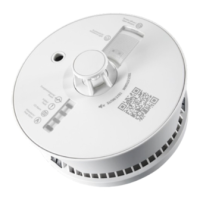
` NOTE: The device must be moun-
ted on the ceiling or the wall.
` NOTE: The configuration can be
repeated at any time.
Conguration of room climate
data and ventilation advice
Activating Climate data transfer (on/o):
The Multisensor Plus continuously measures the temperature and
humidity in your rooms, thus assisting you in optimizing your indoor
climate. To use a climate service app, it is necessary to activate the
transmission of climate data.
Note: When the Multisensor Plus is initially set up, climate data trans-
fer is disabled by default on the device.



 To Next Page