Flashforge Corporation
Dreamer User Guide | www.flashforge.com
Filament ran out.
Filament clogged during
build.
Replace filament and
resume build. See “No
filament coming out”.
Clogged extruder.
Filament not properly loaded.
Contact customer service.
Try running a lament
change again to ensure the
extruder gears have properly
caught the lament.
Contact customer service.
Stringy or fraying
plastic layers on
steep overhangs.
Object overhangs are too far
apart or too steep (<45 degree
angle).
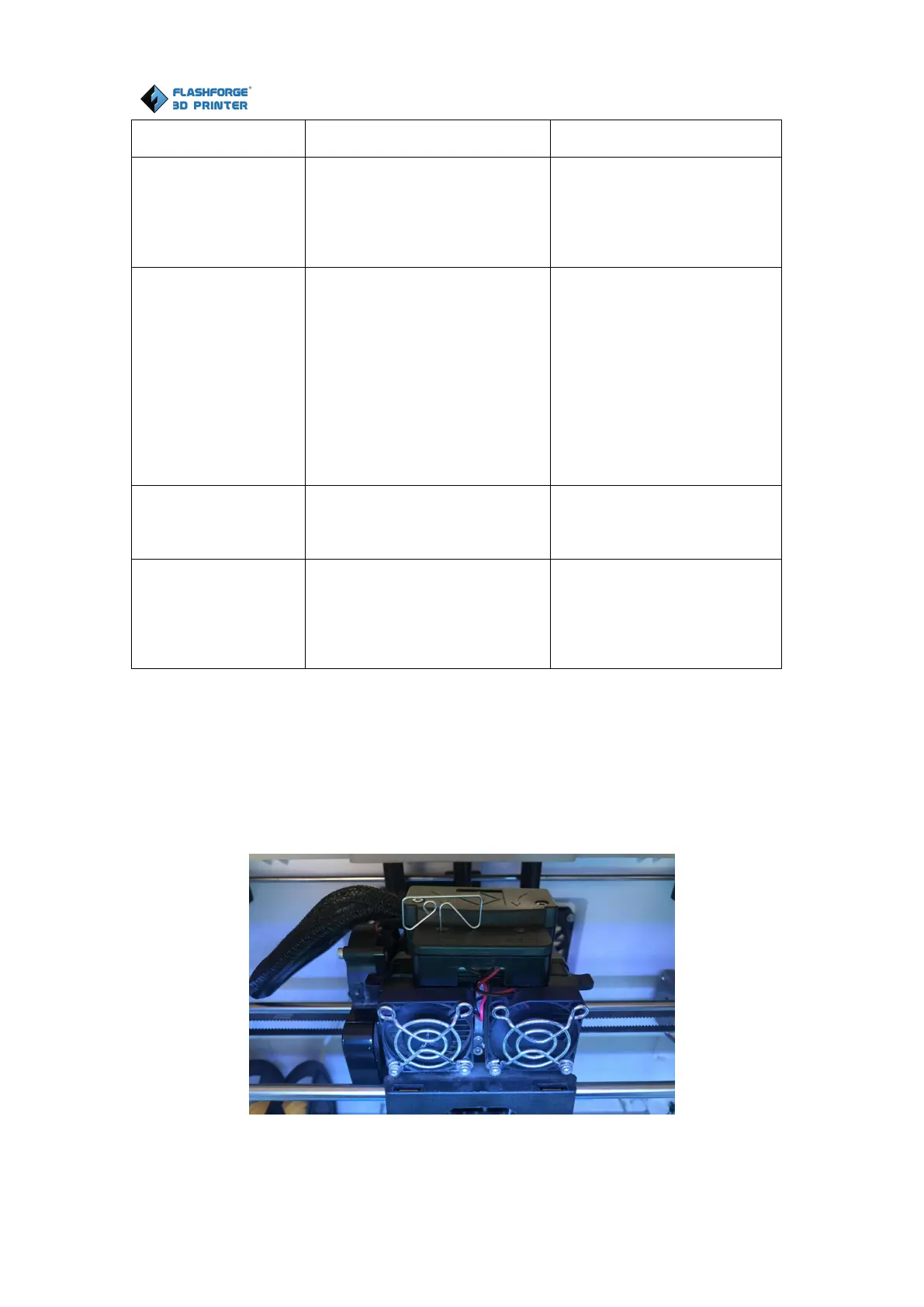
8.2 Unlogging the extruder
Use the unclogging tool to clean the extruder and unclog built up filament
1. Click on the filament change button on the screen and wait for extruder to heat up.
As filament starts to purge, insert the unclog tool into the extruder intake (top).















 To Next Page