GuiderⅡ User Guide | www.flashforge.com
Pr int When Slice Done: If you print via USB cable, you can check the box, while if
you print via USB, you should not check the box.
Machine Type: FlashForge Guider Ⅱ
Suppor ts: If you print a model with supports, you should click the inverted triangle
Raft: You are suggested to select [Enable].
Resolution: You are suggested to select [Standar d]
Mor e Options: You are suggested to keep them default.
Click [OK] to select the path to save the Gcode file. You can rename the file as you
like and save it as a .g or .gx file, click [Save] to generate a Gcode file.
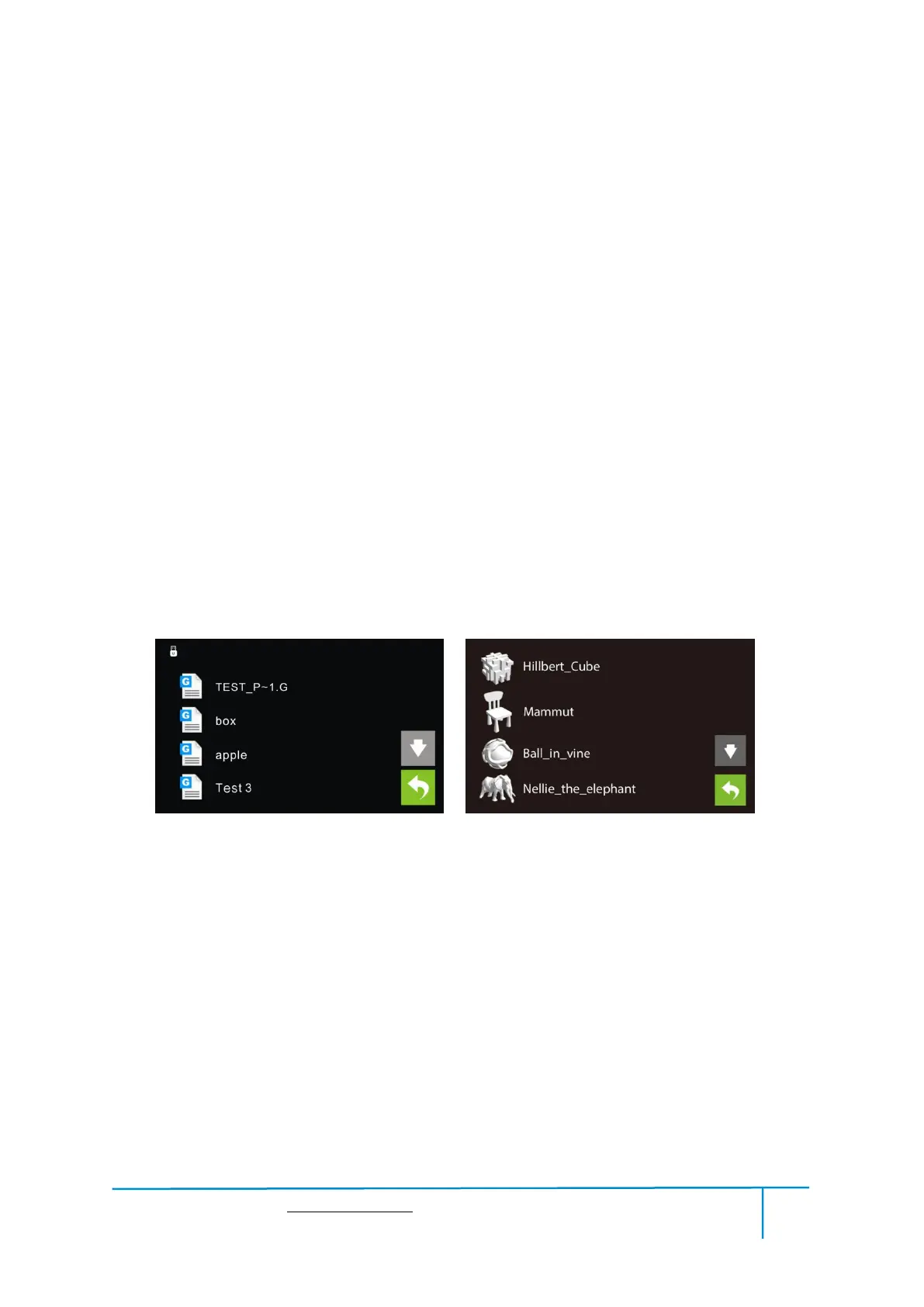
Note: .gx files are available for preview while the .g files are not. They are displaying
g. Files gx. Files
7-7
Next, we are going to print the model.
After generating the Gcode file, you can transfer it to your Guider Ⅱ. You can transfer
the file through USB cable and USB stick.
7.2.1 Pr int fr om Computer (USB cable connection)
①Connect your GuiderⅡ with your PC via a USB cable.(Please refer to 6.2.13 )















 To Next Page