EasyManua.ls Logo

Flashforge Hunter - 4.3.2 Setting

Flashforge Hunter
53 pages
Print Icon
To Next Page IconTo Next Page
To Previous Page IconTo Previous Page
Loading...
Hunter User Guide | www.FlashForge.com 400-699-1063
24
4.3.2 Setting
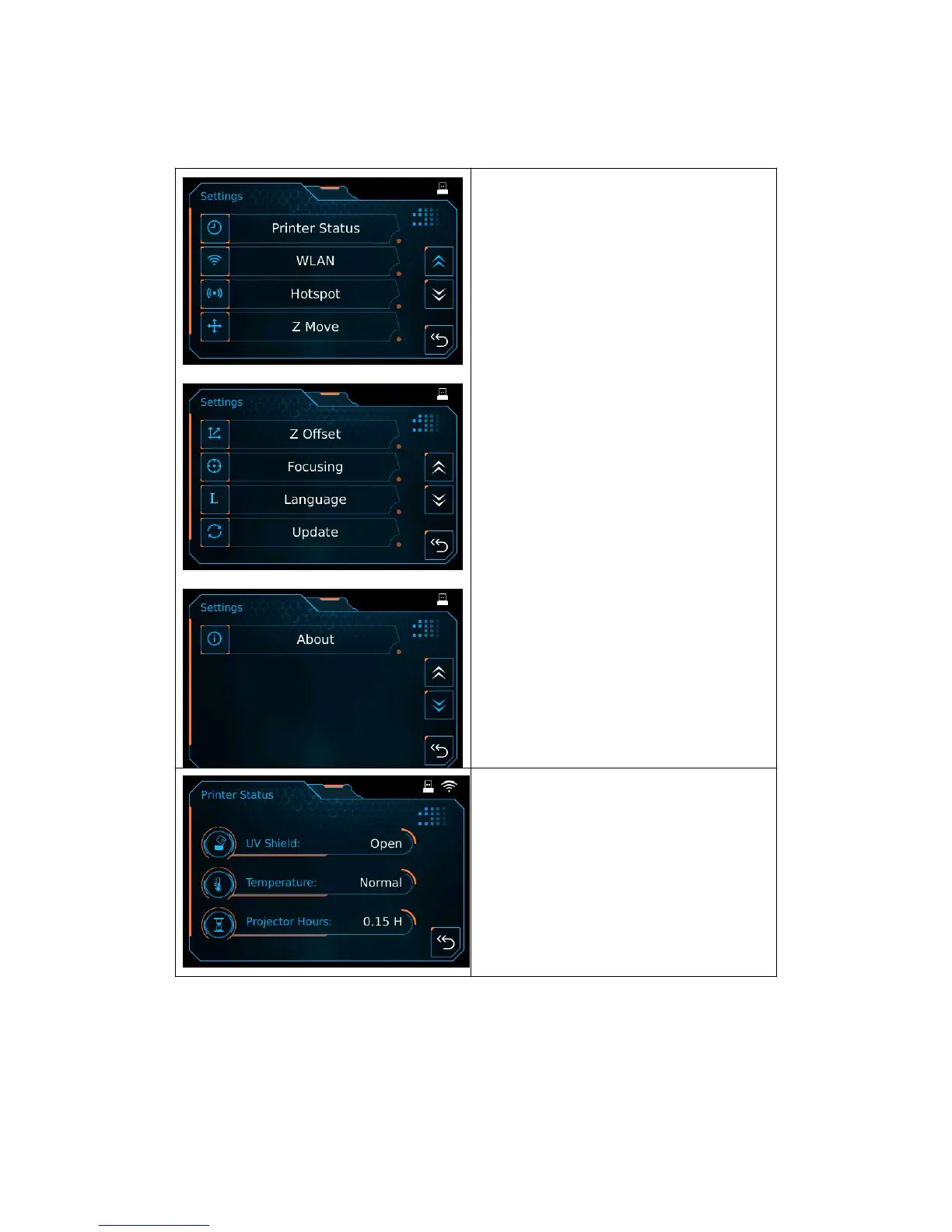
Settings:
Printer Status: To show printer
real-time status;
WLAN: To turn on the WiFi;
Hotspot: To turn on the hotspot;
Z Move: To control the movement of
Z-axis;
Z Offset: To compensate the subtle
movement of z-axis within
±
1mm;
Focusing: To adjust the focal distance;
Language: To set the display language;
Update: To update the firmware;
About: Information about printer;
Back.

Printer Status:
UV Shield: Open/Close;
Temperature;
Projector Hours: To show the hours
that projector has worked;
Back.
3

Other manuals for Flashforge Hunter

Related product manuals