Hunter User Guide | www.FlashForge.com 400-699-1063
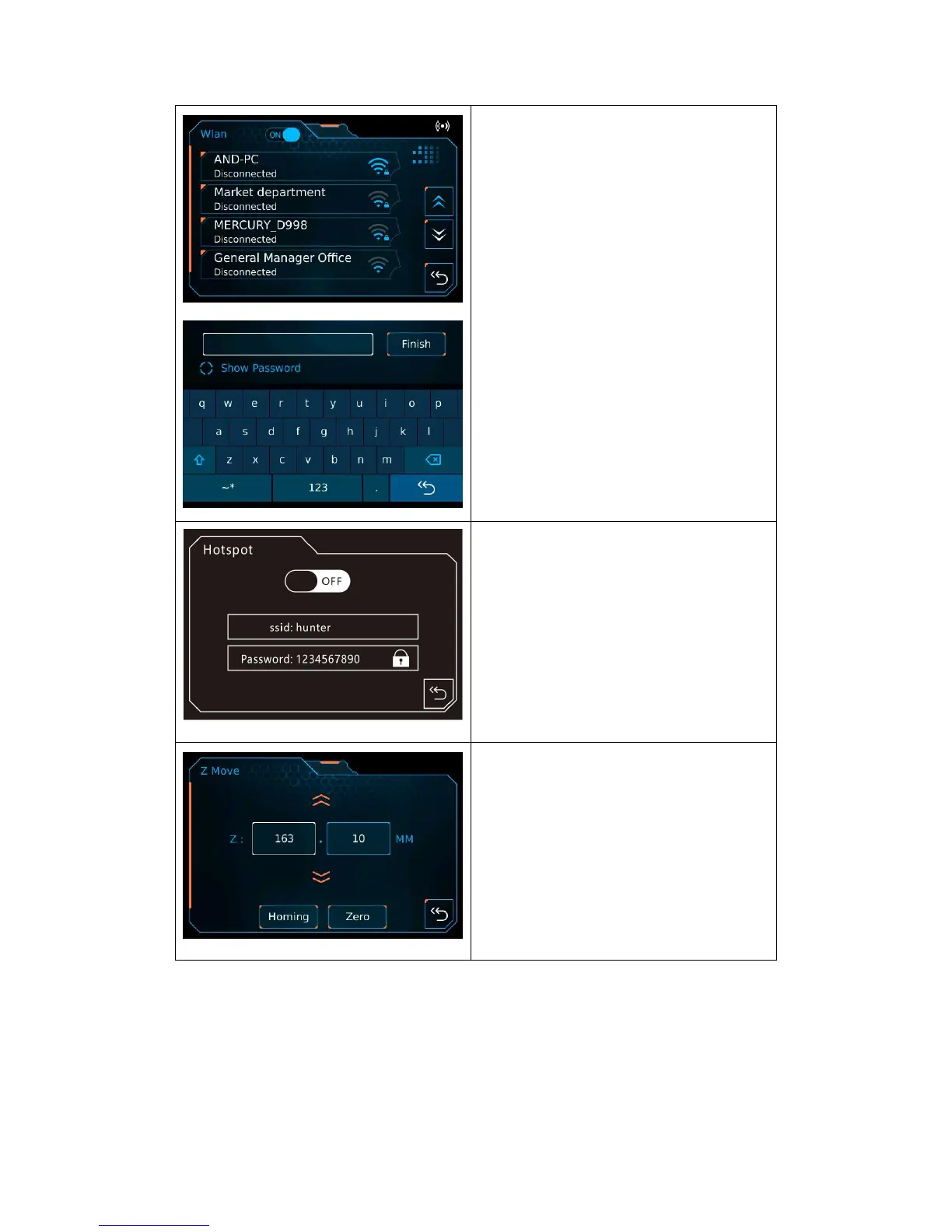
Wlan:
Wlan: To open or close the wlan;
Wlan list: To select available WiFi
signal;
Password: To enter the password;
Finish: To connect to the WiFi signal;
Back.
Hotspot:
Hotspot: To open or close the hotspot;
SSID: To enter the hotpsot name;
Password: To enter the hotspot
password;
Back.
Z Move:
Move up: To move the z-axis up;
Move down: To move the z-axis down;
Homing: Back to initial point;
Zero: Back to zero point;
Back.















 To Next Page