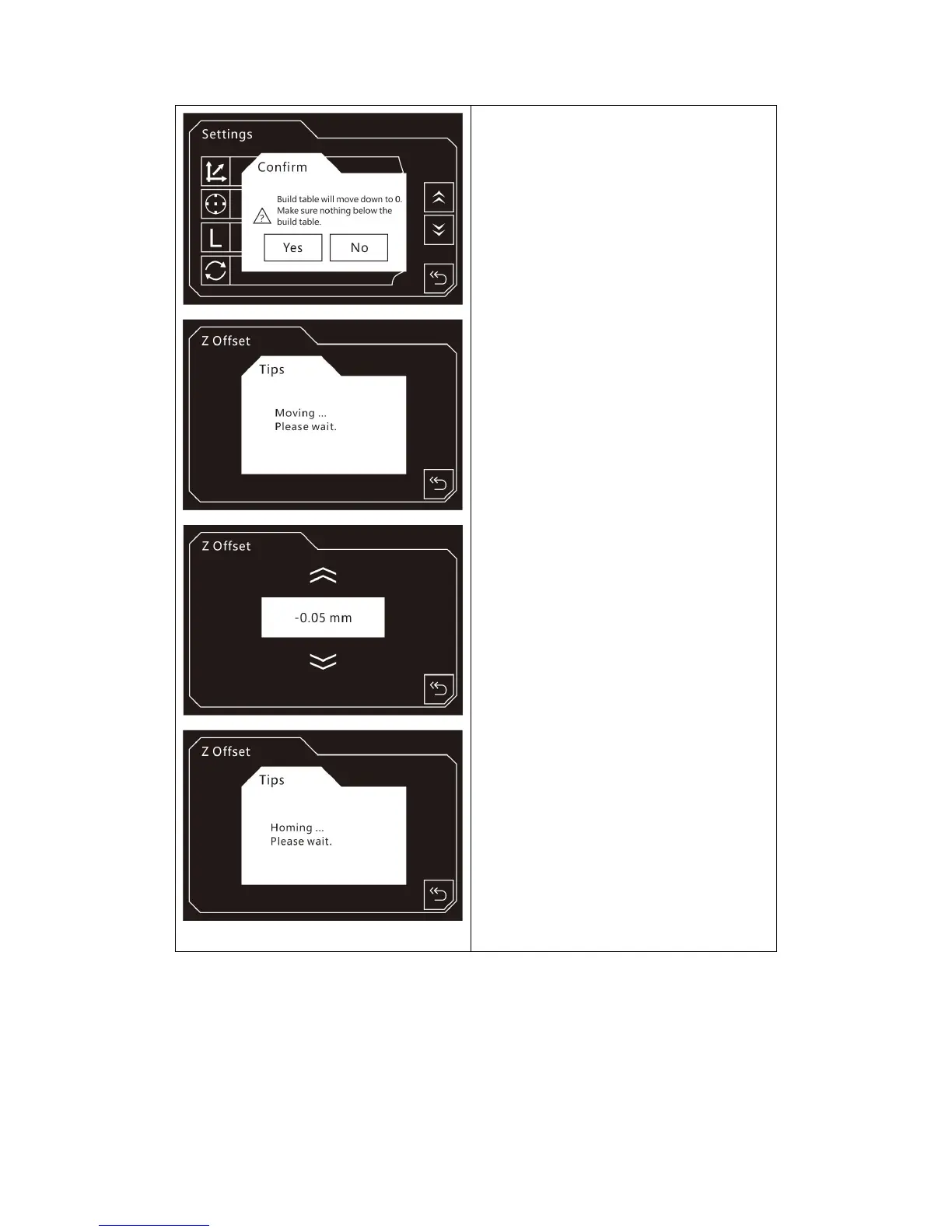
Z Offset:
After tapping [Z Offset], the prompt box
will pop up. Make sure there is nothing
below the build table, then tap [Yes] and
wait for the build platform moving.
Move up: To move the z-axis up;
Move down: To move the z-axis down;
Back.
After tapping [Back], the printer will
start homing.















 To Next Page