Hunter User Guide | www.FlashForge.com 400-699-1063
①
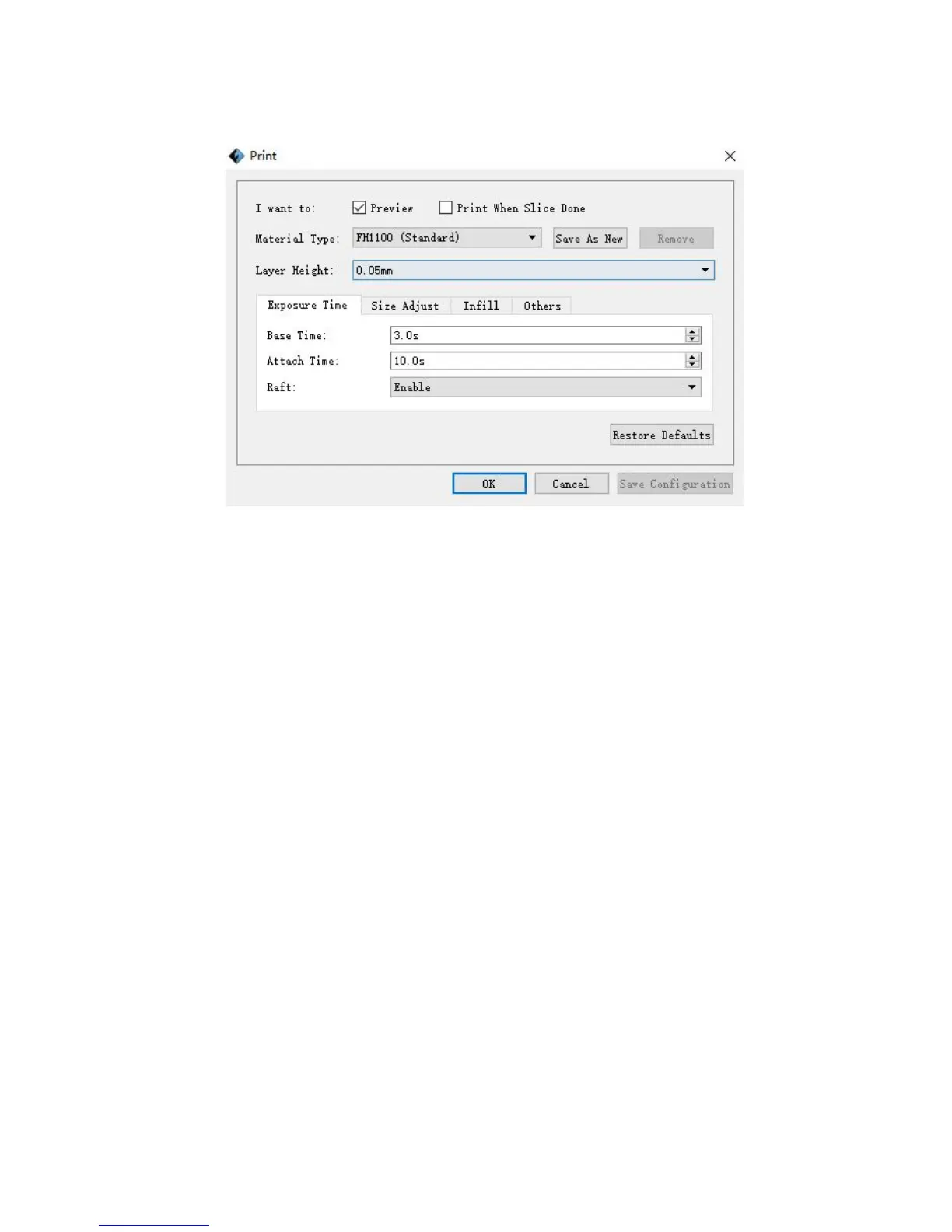
Preview: Choose to enter preview interface or not
② Print when slice done: Print or not when slice done
③
Material type: Choose according to the type of model
④
Save as new: To custom the material type and remember this choice.
⑤ Remove: Clear the custom material type.
⑥
Layer height: To set the height of each layer while printing, the default value is
0.025mm, optional values are 0.05mm. Higher the value is, lower printing precision
and higher speed the model has, and vice versa.
a. Base time: To set expose time to solidify a layer of photopolymer resin.
b. Attach time: To set the expose time that solidify the attached a layer of
c. Raft: To choose whether print the raft.















 To Next Page