Hunter User Guide | www.FlashForge.com 400-699-1063
a. X adjust: According to the previous printing error to adjust the x-axis size.
b. Y adjust: According to the previous printing error to adjust the x-axis size.
a. Fill Density: Fill rate.
b. Shell Thickness: To set the shell thickness value between 1mm to 10mm.
c. Infill Thickness: To set the infill thickness value between 0.5mm to 5mm.
a. Light intensity: According to the sensitivity of light to adjust the light
intensity. Use FlashForge photopolymer resin need not any adjustment, default 100%.
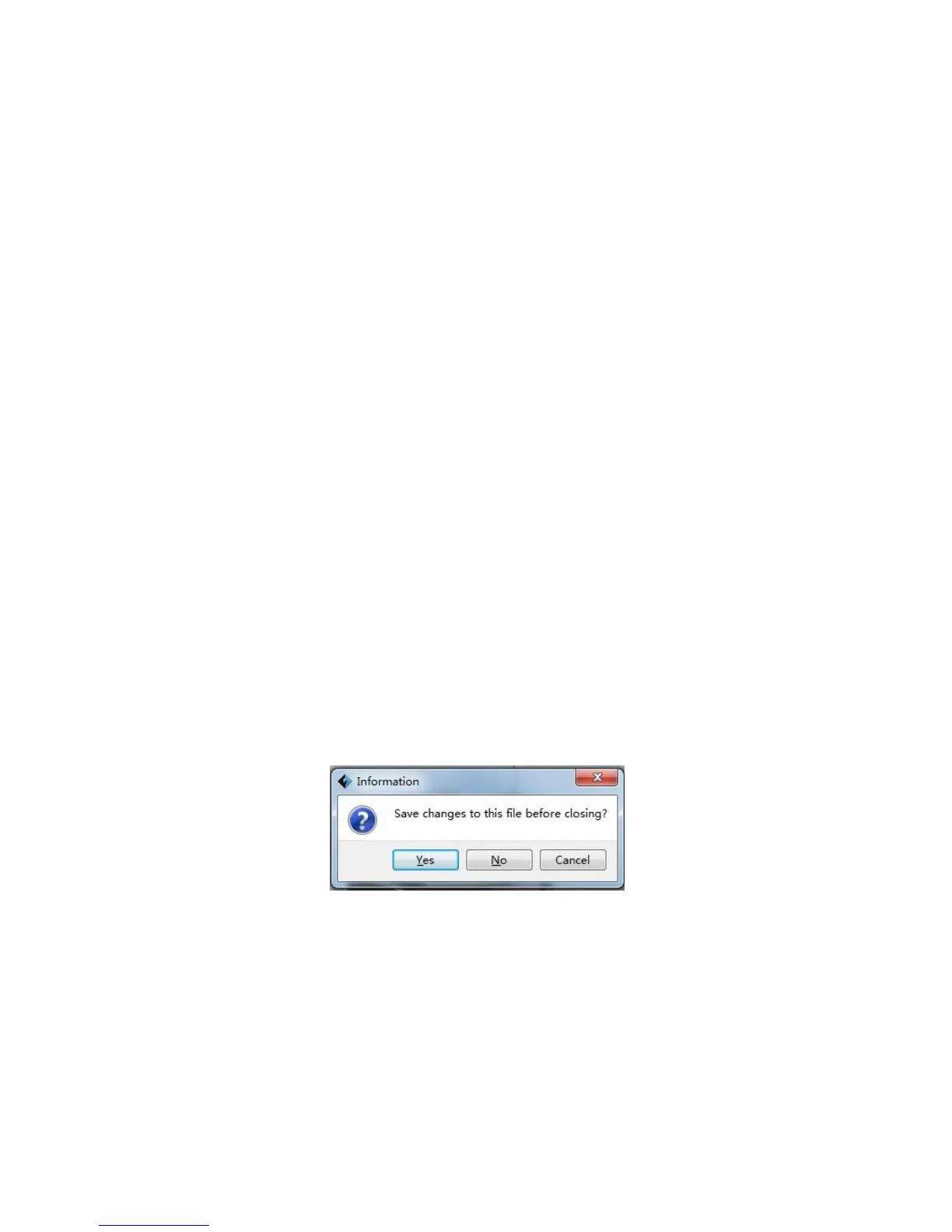
Click [File]--[New Project] can build a blank project. If there is an unsaved
modification on previous project, then it will inform you whether the modification
needs to be saved or not. Click [Yes] will save the modification, while click [No] will
abandon it. If click [Cancel] or close tool tip, then it will cancel the new project.
After finishing the model edit and adjustment, there are two ways below to save all















 To Next Page