Inventor User Guide | www.flashforge.com 0086‐ 0579‐82273989
27
2.
(
5-2
)
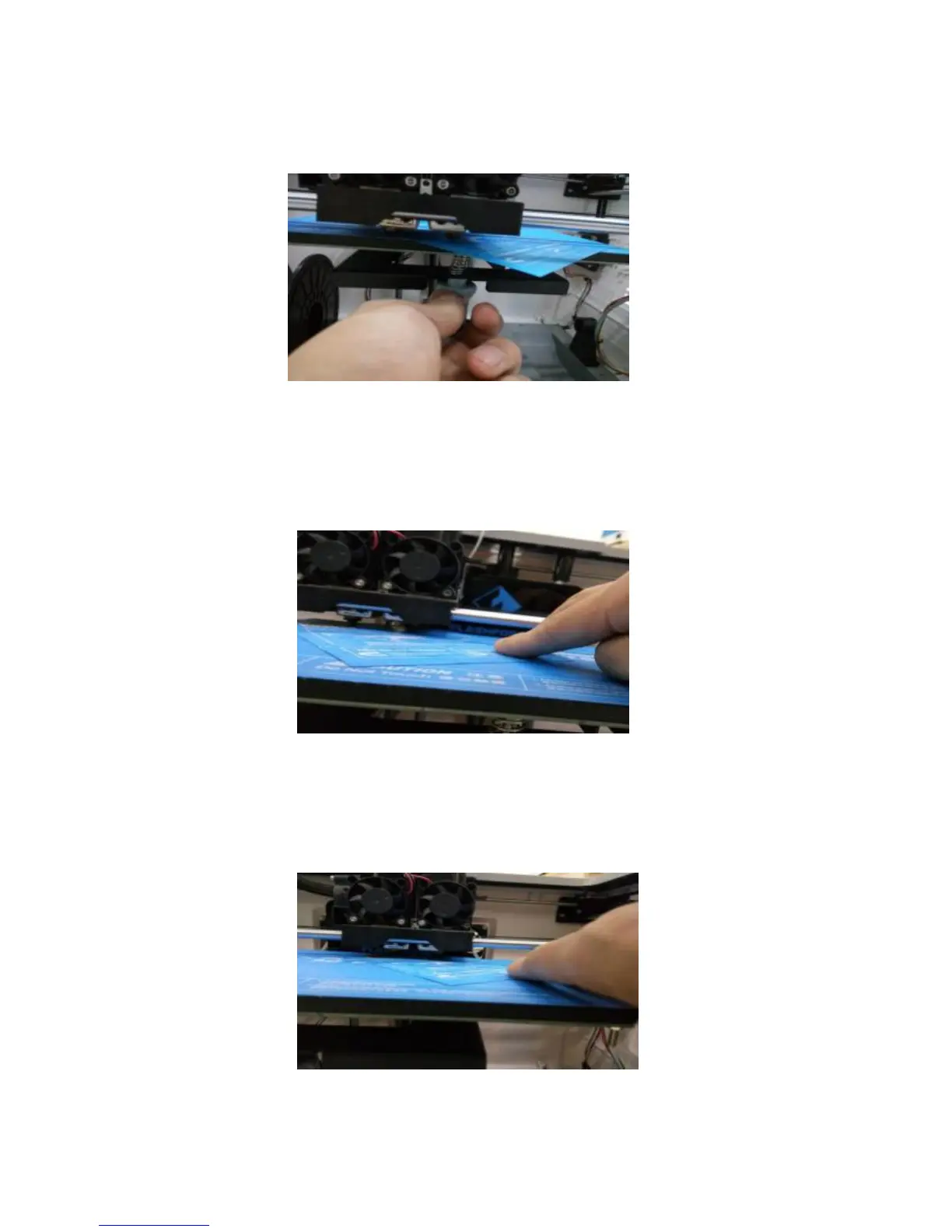
Take out the leveling card (QR-Code for leveling video can be scanned)
5-3
3.
(
5-3
)
Once the extruder and build plate s tops moving, slide the piece of paper
continuously back and forth between the nozzle and the build plate. And
simultaneously adjust the knob just enough so that the paper causes a slight friction.
5-4
4.
(
5-4
)
Press [NEXT]and wait for the extruder to move to the second position.
Slide the paper back and forth again, and adjust the screw to create the same amount
of friction as the previous step.
5-5















 To Next Page