Inventor User Guide | www.flashforge.com 0086‐ 0579‐82273989
68
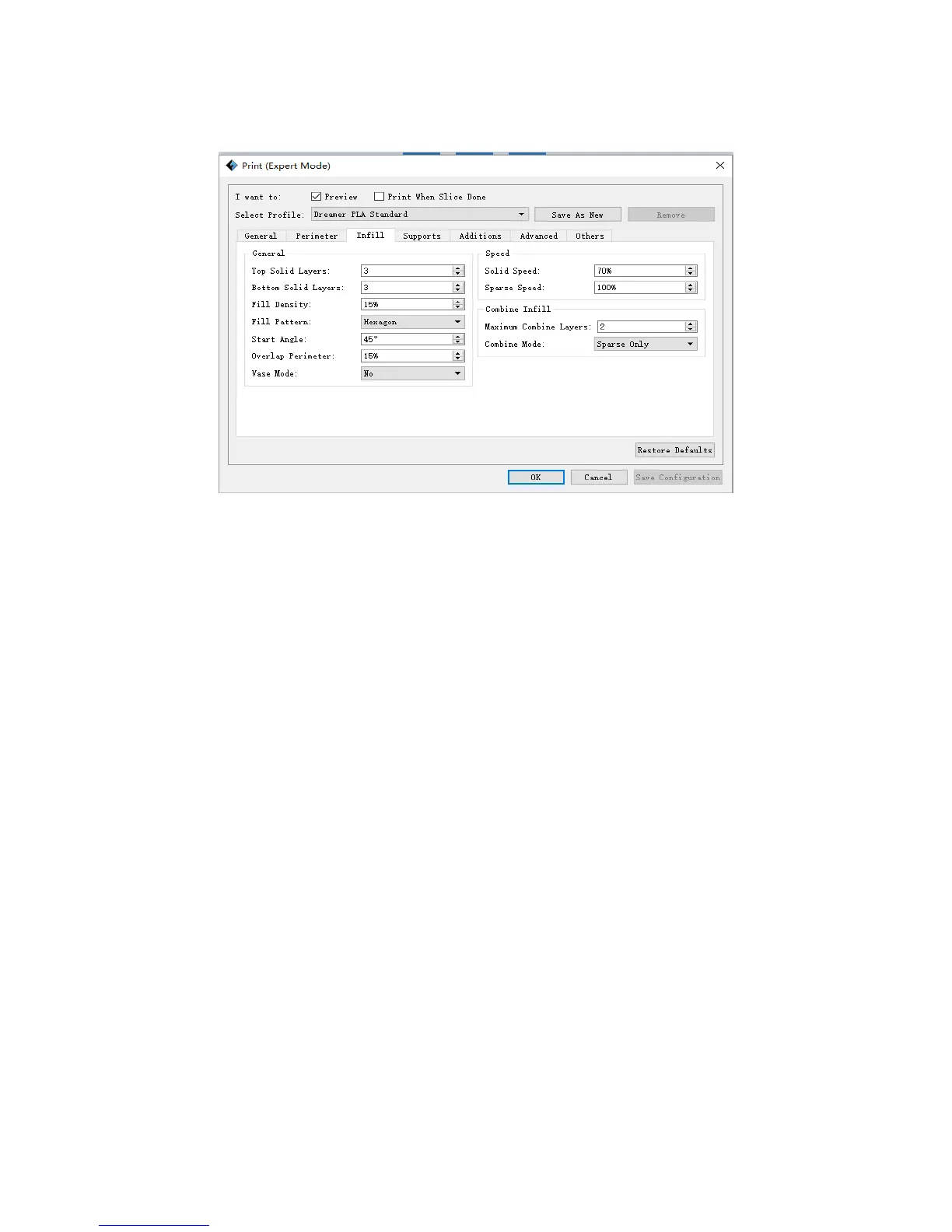
Infill
General
a. Top Solid Layer: Number of solid layers on the upper surface of model.
b. Bottom Solid Layer: Number of solid layers on the under surface of model.
c. Fill Density: Determines the interior solidity of the model.
d. Fill Pattern: Determines the infill pattern used for the interior of part, Hexagon
infill has higher strength and Line infill take less print time.
e. Start Angle: Angle of t he infill’s first layer
f. Overlap Perimeter: The overlap width between the infill and the shell.
g. Vase Mode: When enabled, the interior infill and t op solid infill will not
printed.(Using this option will force 0% infill with only a single perimeter)
2) Speed
a . Solid Speed: Speed a t which the top/bottom parts are printed.
b. Sparse Speed: Speed at which the infill is printed.
3
)
Combine Infill
a. Maximum Combine Layers: Select the layer amount according to t he layer height.
8‐3















 To Next Page