Inventor User Guide | www.flashforge.com 0086‐ 0579‐82273989
69
The total height shall not be over 0.4mm.
b. Combine Mode: Including “Sparse and Solid” and “Sparse Only”. “Sparse Only”
mode only applies for the inner infill layers.
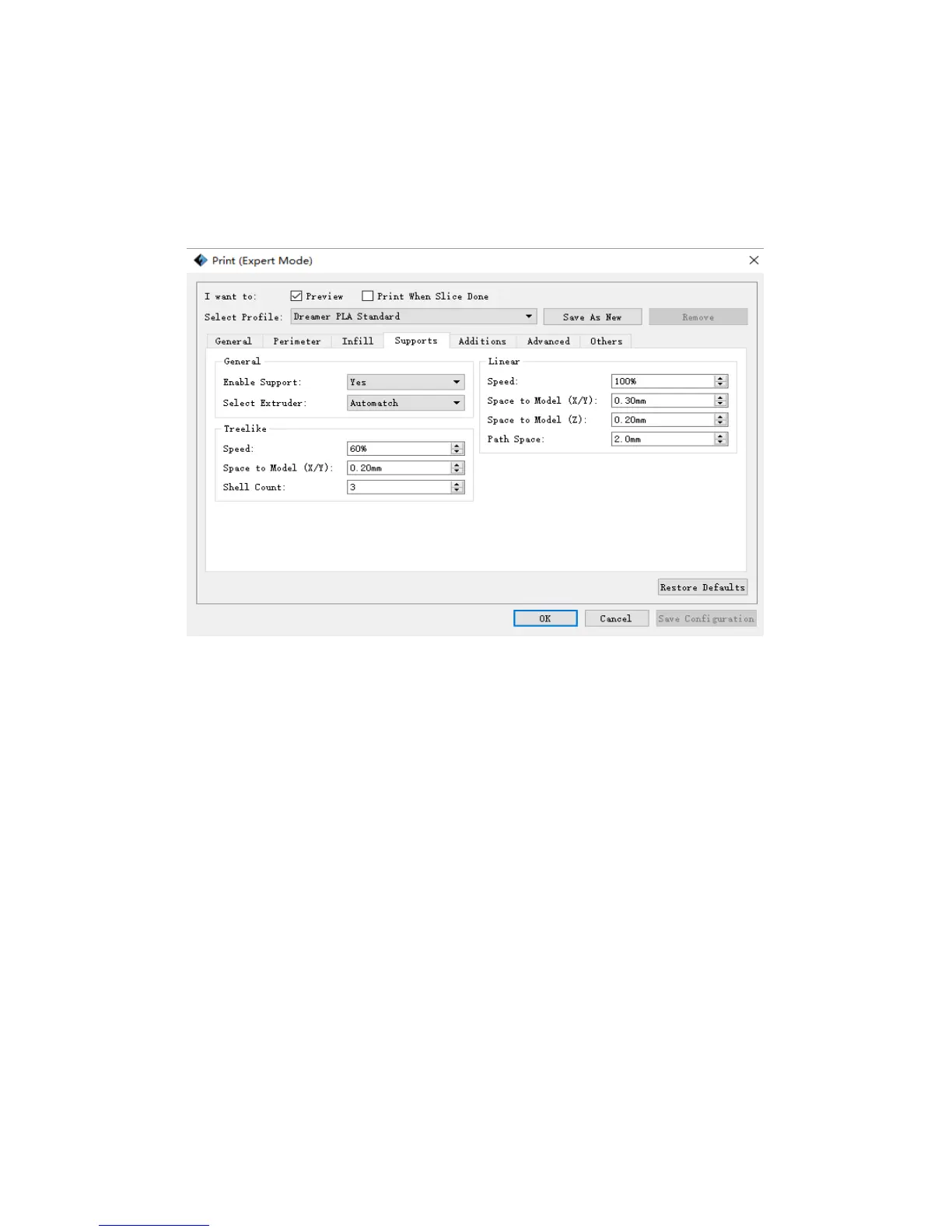
Support
1
)
General
a. Enable Support: Allows users to turn on/off the s upport option. Support structure
can prevent the model from collapsing. If choosing “Yes”, then both treelike and
linear supports are available for setting up. If choosing “No”, then both treelike and
linear supports are unavailable for setting up.
b. Select extruder: Choose lfte or right extruder to print you model.
2
)
Treelike
a. Speed: Speed at which the treelike supports are printed.
b. Space to Model(X/Y): The gap between the treelike supports and the model contact
surface (in the X/Y directions).















 To Next Page