Inventor User Guide | www.flashforge.com 0086‐ 0579‐82273989
70
c. Shell Count: To control the printing laps for support’s outer shell.
3
)
Linear
a. Speed: Speed at which the linear supports are printed.
b. Space to Model(X/Y): The gap between the treelike supports and the model contact
surfaces (in the X/Y directions).
c. Space to Model(Z): The distance between the treelike supports and the mode l
contact surface (in the Z direction).
d. Path Space: The distance between the adjoining paths.
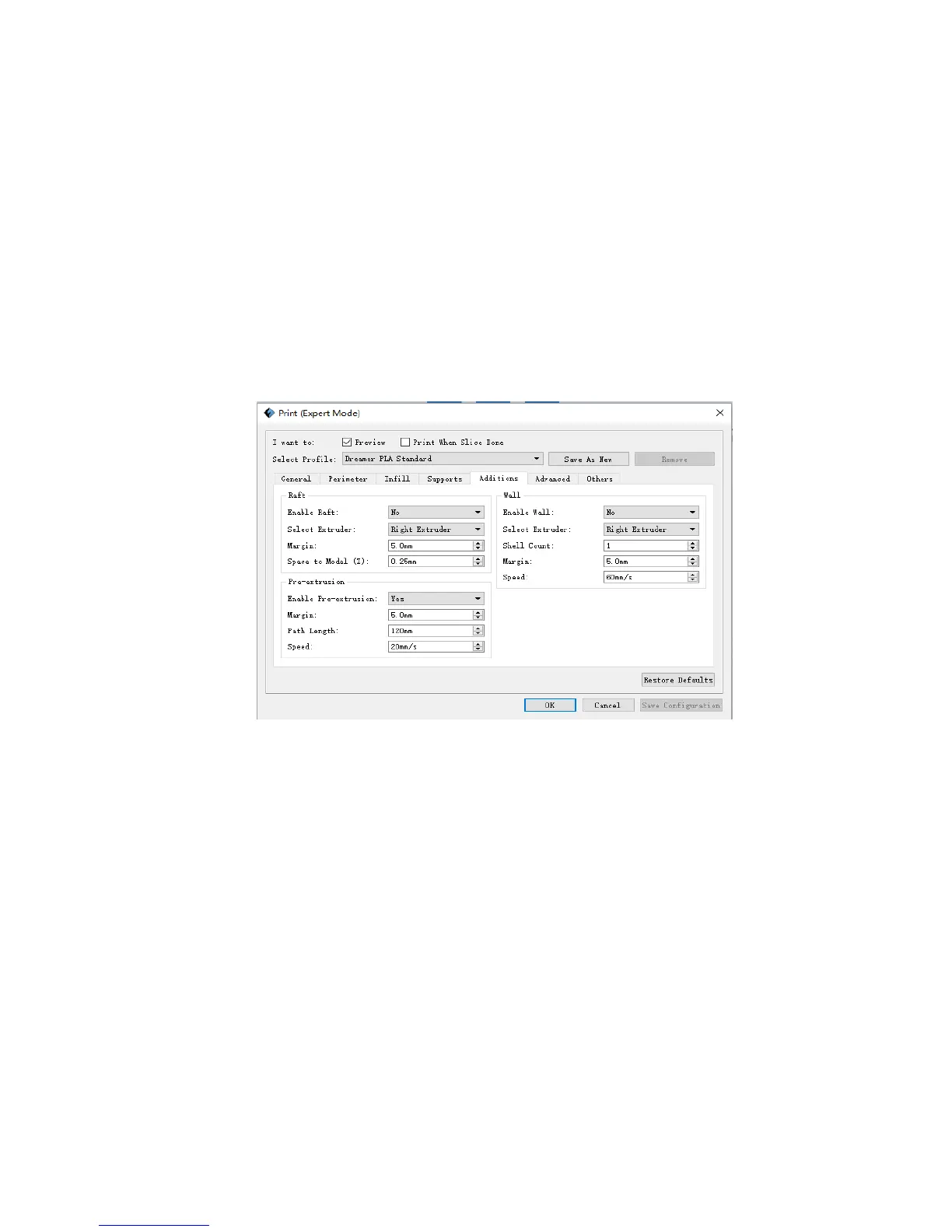
Additions
1
)
Raft
a . Enable Raft: Enable t o print raft during printing. Raft could help the model stick to
the build plate.
b. Select extruder: Choose lfte or right extruder to print you model.
c. Margin: The distance between raft’s outline and outline of model’s first layer. If the
raft is enabled, the extra raft area around the object is also enabled. Increasing the
margin will create a stranger raft while using more matrial and leaving l ess area for
your object.
8‐5















 To Next Page