FOM16 Installation Description
FOM16-V2.0-20021114
-41-
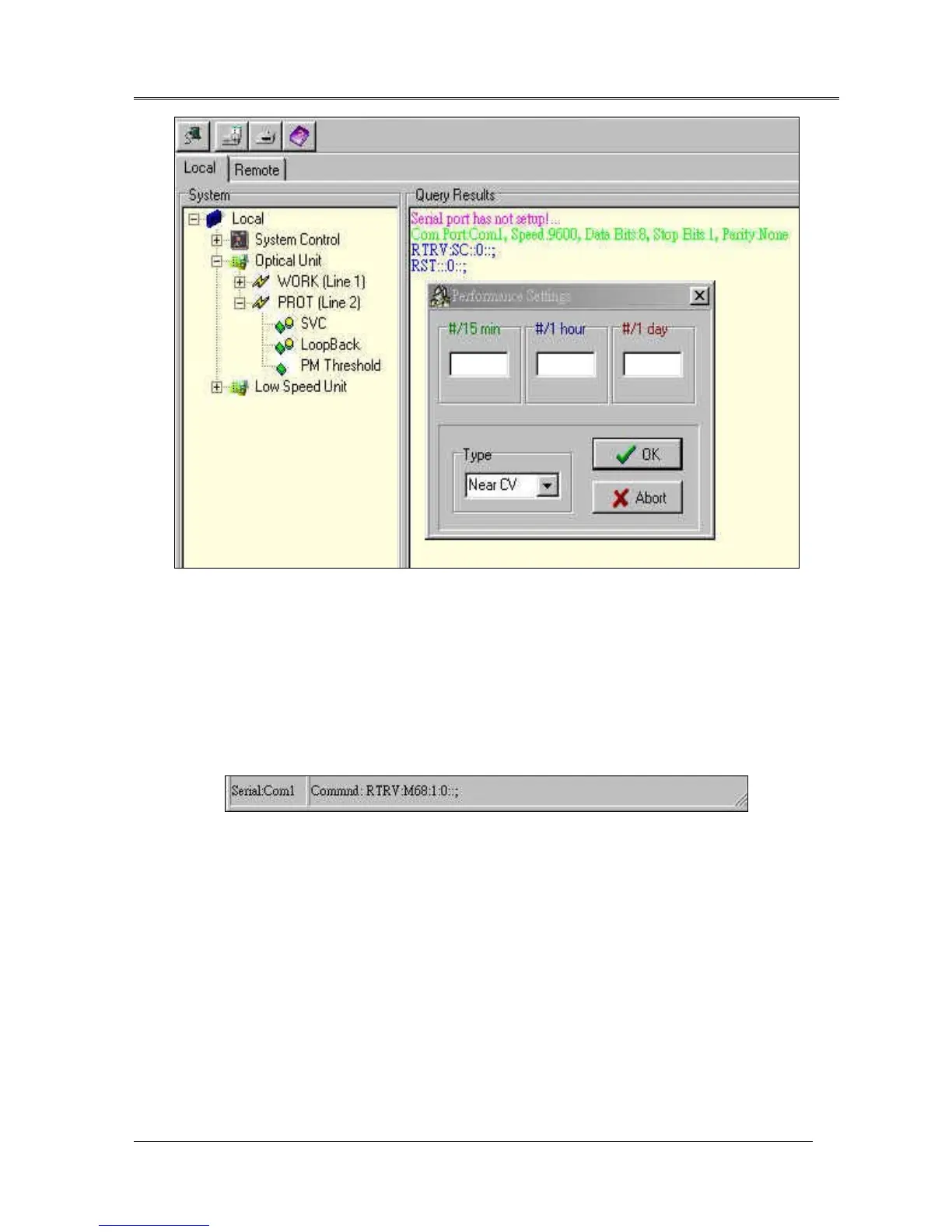
Fig.26 Performance Thresholds Setting Dialogue
7.2.3 Query Results
Query Results will display the all responses and send commands. And the results also keep a history in
log file. Click mouse right bottom will erases all records in the Query Result window.
7.2.4 Status Bar
Status Bar reflects the Com port setting, and latest send command. It is shown as Fig.27.
Fig.27 Status Bar



 To Next Page