15.8 Creating a PDF report in the camera
General
You can create a PDF report in the camera. You can then transfer the PDF report to
a computer, iPhone, or iPad using the FLIR Viewer app, and send the report to a
customer.
Procedure
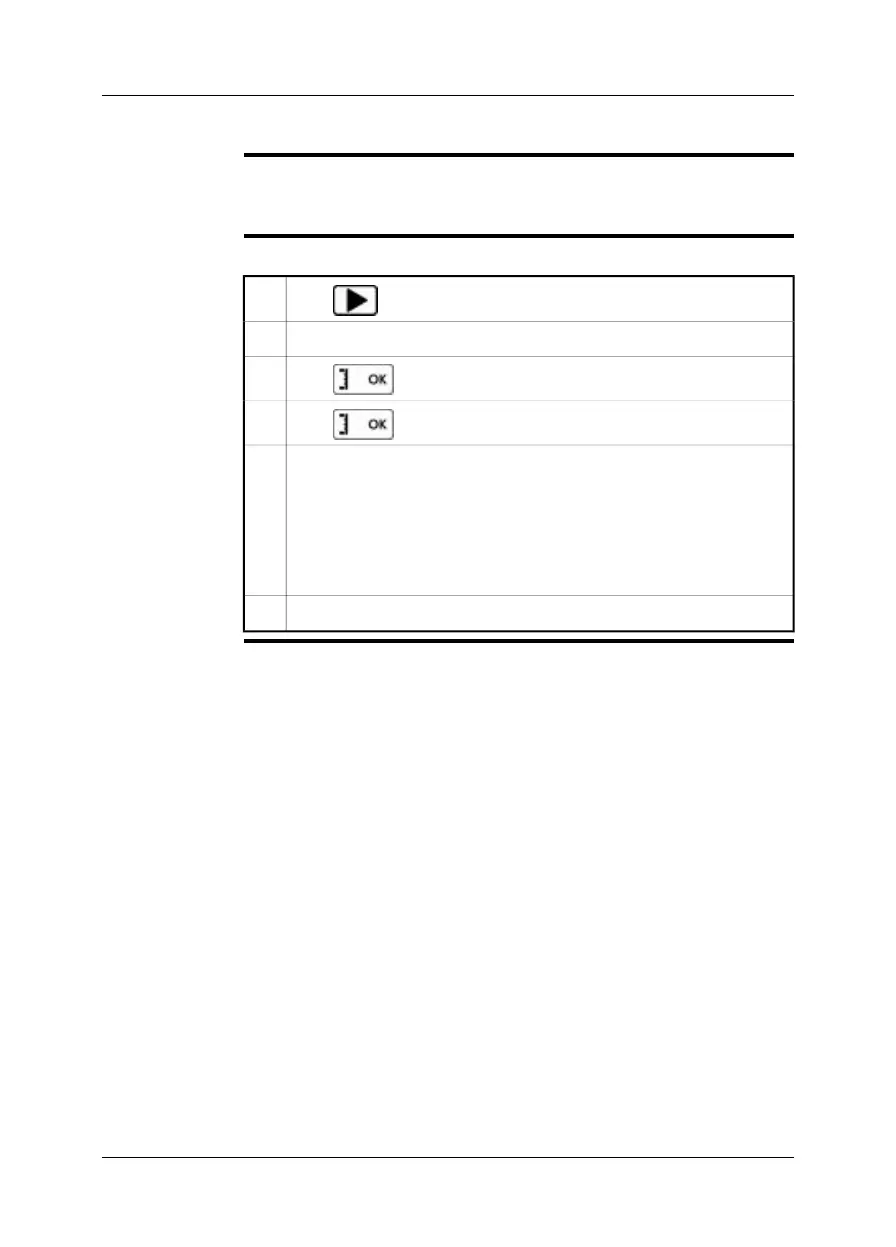
Follow this procedure to create a PDF report:
Push .
1
Push the navigation pad up/down or left/right to select an image.2
Push to display the image.
3
Push to display a menu.
4
On the menu, select Create report.
This will display a menu where you can change the following:
■
Header.
■
Footer.
■
Logo. (The location of the logo should be /report/logo/ and the file format
*.jpg.)
5
On the menu, select Create report.6
Publ. No. T559597 Rev. a554 – ENGLISH (EN) – September 27, 2011 39
15 – Working with images


 To Next Page