Moisture Measurement
Operation
7
7.1 Moisture Measurement Basics
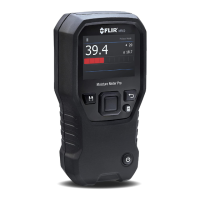
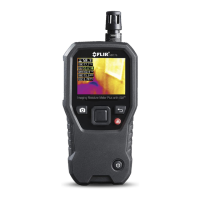
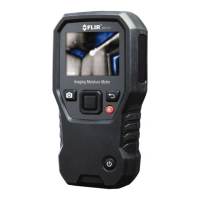
Moisture measurements are performed using the internal pinless moisture
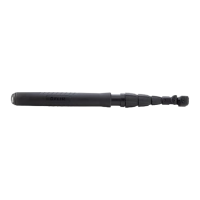
sensor (rear) or by connecting an external probe, such as the supplied MR02
pin probe or the pinless MR12 Ball Moisture probe, to the socket at the bottom
of the meter. Other external probes are available optionally; please visit the
FLIR website for details. The MR265 has a dedicated MR12 utility where you
connect the probe and select the MR12 icon in the ‘Moisture Mode’ menu: Se-
lect button/Moisture Mode/MR12.
NOTE
Objects in close proximity to the internal pinless moisture sensor (rear of the unit) will affect
measurements; keep hands and objects away from the sensor when taking
measurements.
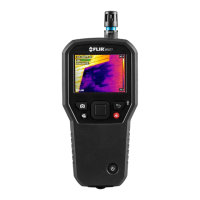
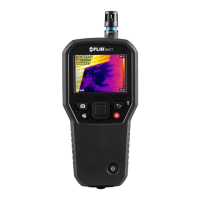
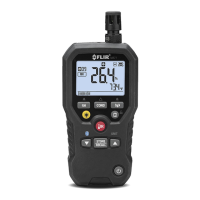
Moisture readings are shown in large digits and bar graph in the Moisture-only
mode or in small digits (upper left hand corner) in all other modes, see Sec-
tion 5-4 Image Mode Menu for additional information. See Figure 7–1 below
for screen shot examples.
Figure 7.1 Moisture reading upper left corner (LEFT); Moisture reading in Moisture-only
mode (RIGHT)
Pinless measurement readings are ‘relative’ scaled (0~100). Pin-based read-
ings are represented in %MC (moisture content) for wood and %WME (wood
moisture equivalent) for non-wood materials; additional information is pro-
vided in Section 7–6, Pin Probe Moisture Measurements and in the Specifi-
cations section.
#NAS100070; r. AB/77165/77326; en-GB
26


 To Next Page