13
STORED ROUTINGS MENU OVERVIEW
PATCH MANUAL
STORED ROUTINGS MENU
Routings Menu Overview
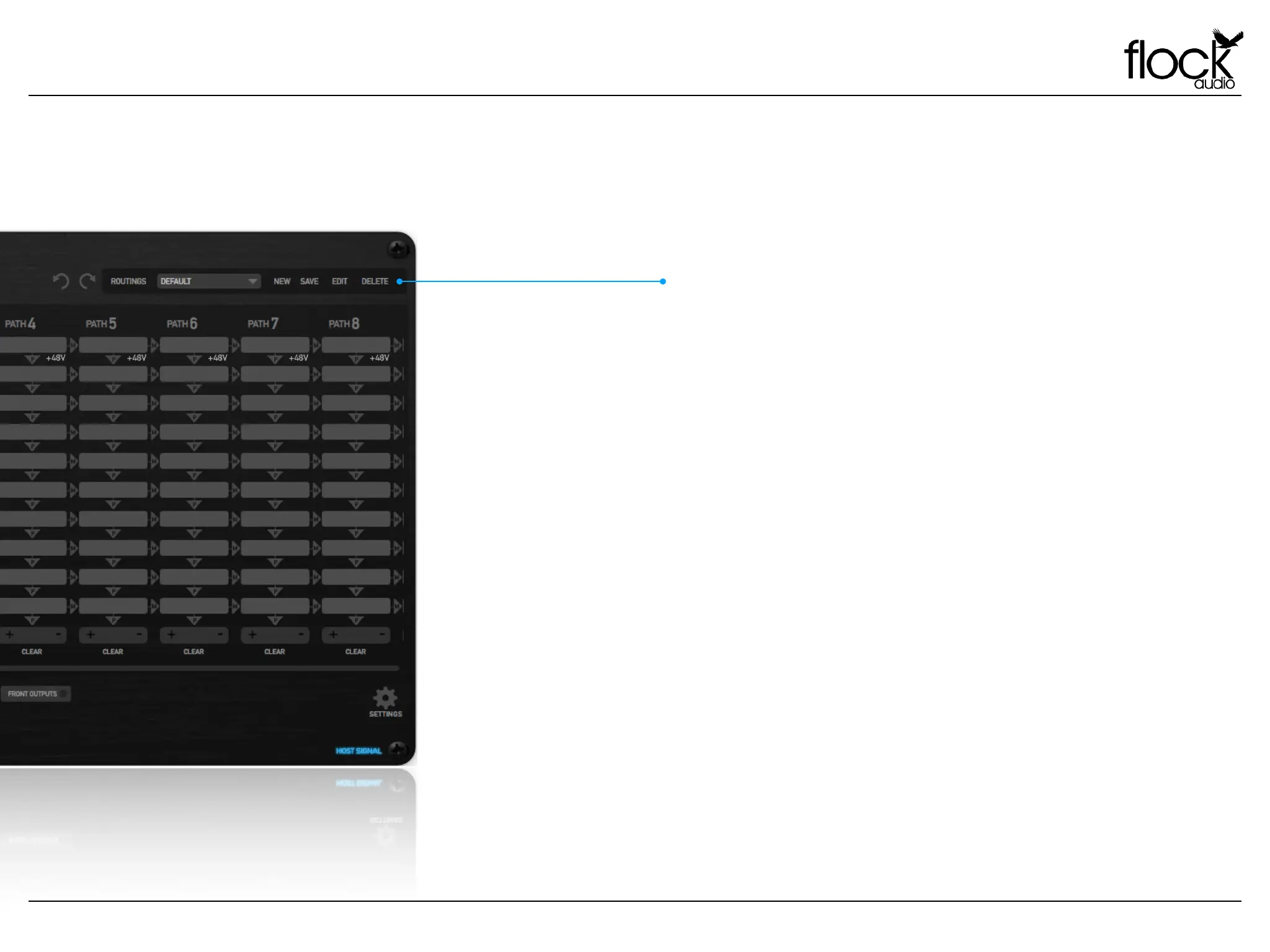
Create, Store & Recall routings from the PATCH APP’s Routing Menu.
Users can create active routings and store them for later recall with this
simple and easy to use user menu. The Menu is a dropdown accessible
menu.
New - Clicking “New” will open a Save-As window allowing the user to
save a desired active routings in the the Routings Menu Folder. !
!
Save - When a previously stored routing is active and changes are made to
the routing by the user, Clicking “Save” will update the previously stored
routing in the Routings Folder with the modified changes.
Edit - If a user chooses to change the name of their previously stored
routing, clicking “Edit” will open a Save-As window allowing the user to
rename and store the existing or modified routing.
Delete - When an active stored routing is present, a user will be able to
delete this stored routing from the Routings Menu by clicking delete.
ROUTINGS MENU



 To Next Page