STRADA PAL – MAINTENANCE MANUAL
41/149
7.6.3 Cleaning the top
Operation to be performed at each visit:
A. Quickly clean using a soft cloth.
Operation to be performed at least twice a year:
A. Clean using water and a mild detergent (5 < pH < 8), or a wetting agent (Teepol or
similar).
B. Rinse with clear water.
C. Dry with a soft and absorbent cloth.
D. A visual check must be performed to detect any break.
7.6.4 Cleaning the printer
The paper guide must only be disassemble in case of a significant paper jam or during
the print head cleaning.
7.6.4.1 Preliminary operations
A. Open the maintenance door
B. Turn off the terminal
7.6.4.2 Correcting paper jams and cleaning the print head in the printer
A. Lift the paper protective cover and remove the paper from the printer.
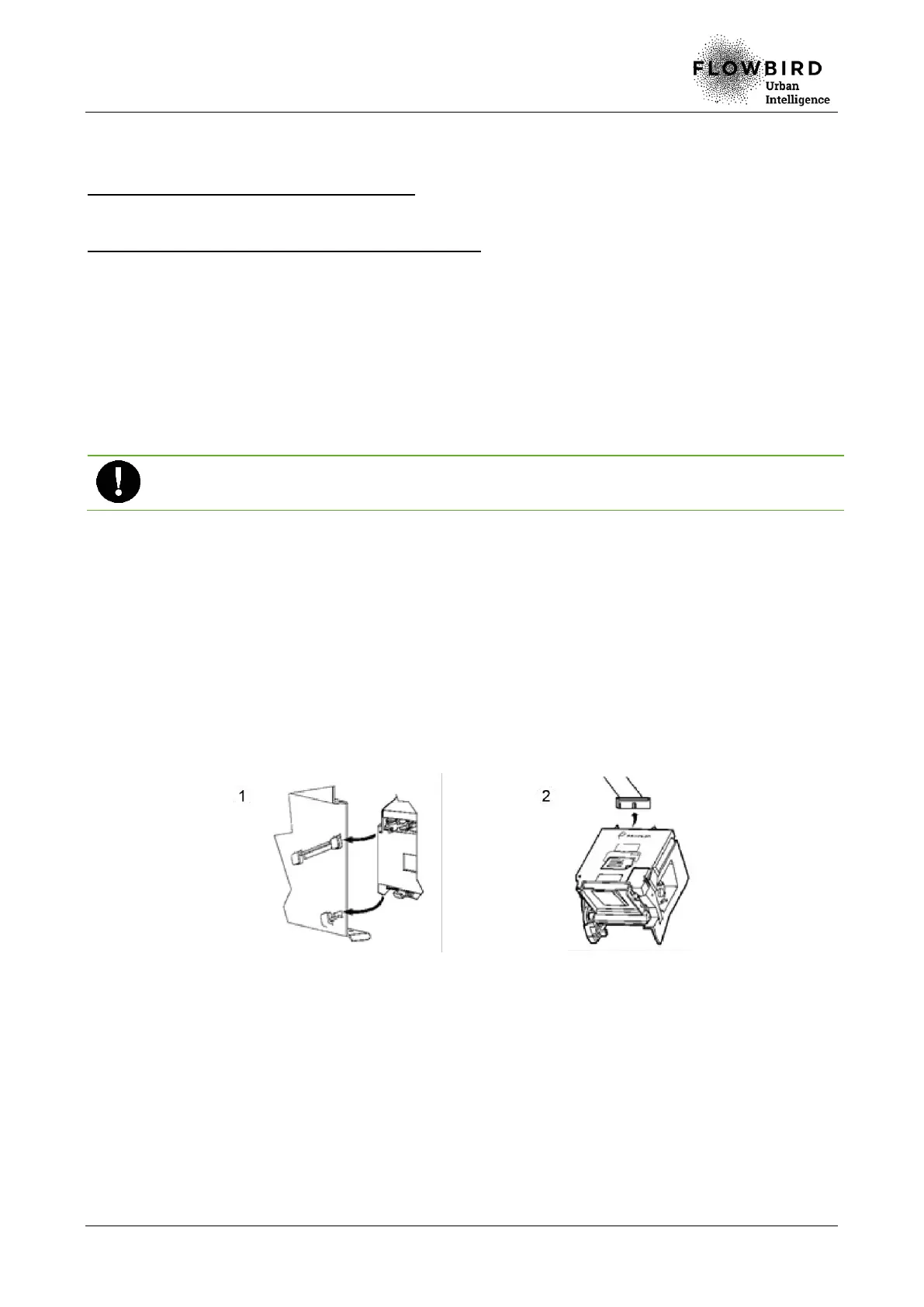
B. Get the printer out by removing it from the rack slots (1).
C. Unplug the printer flat cable, located at the back of the printer (2).
D. Unclip the paper guide.
E. Slide the guide slightly on the right (2).
F. Lift the paper guide to take it out (3).
G. Remove the paper guide and lift the thermal print head to take it out (4) (unplug the
strand if necessary).



 To Next Page