Chapter 3: Operation
Connect the Hyperion Tissue Imager to Helios
32 Hyperion Imaging System: User Guide
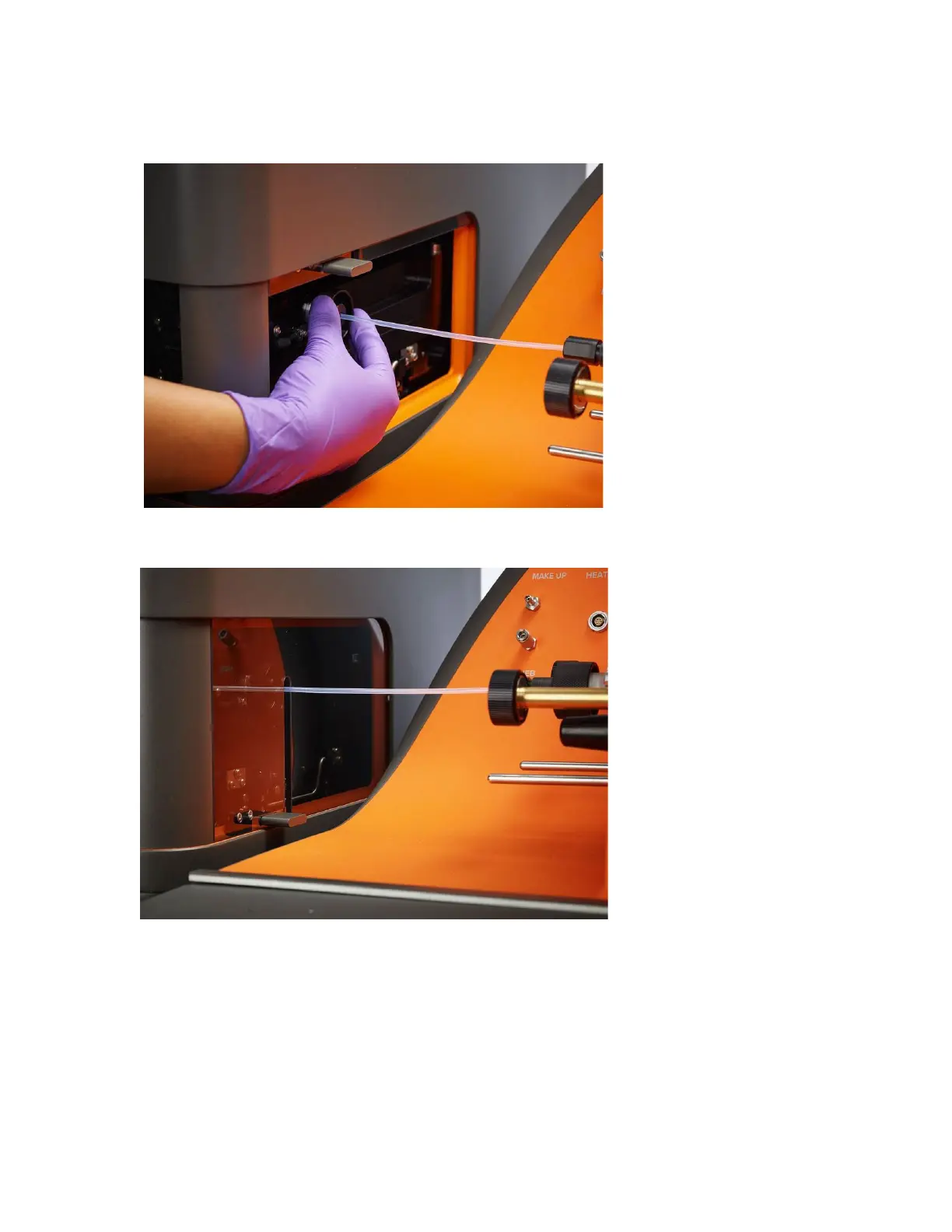
20 Tighten the ablation chamber nut to the ablation chamber in the clockwise direction.
21 C
lose the coupling window.
a E
nsure that all the communication cables. have been connected.
o Connect the USB 2.0 cable connects to the computer for software control.
o Connect the USB 3.0 cable connects to the computer for the camera.
o Connect the BNC trigger line connects to the data acquisition board.



 To Next Page