Chapter 4: Maintenance
Periodic Maintenance
Hyperion Imaging System User Guide
49
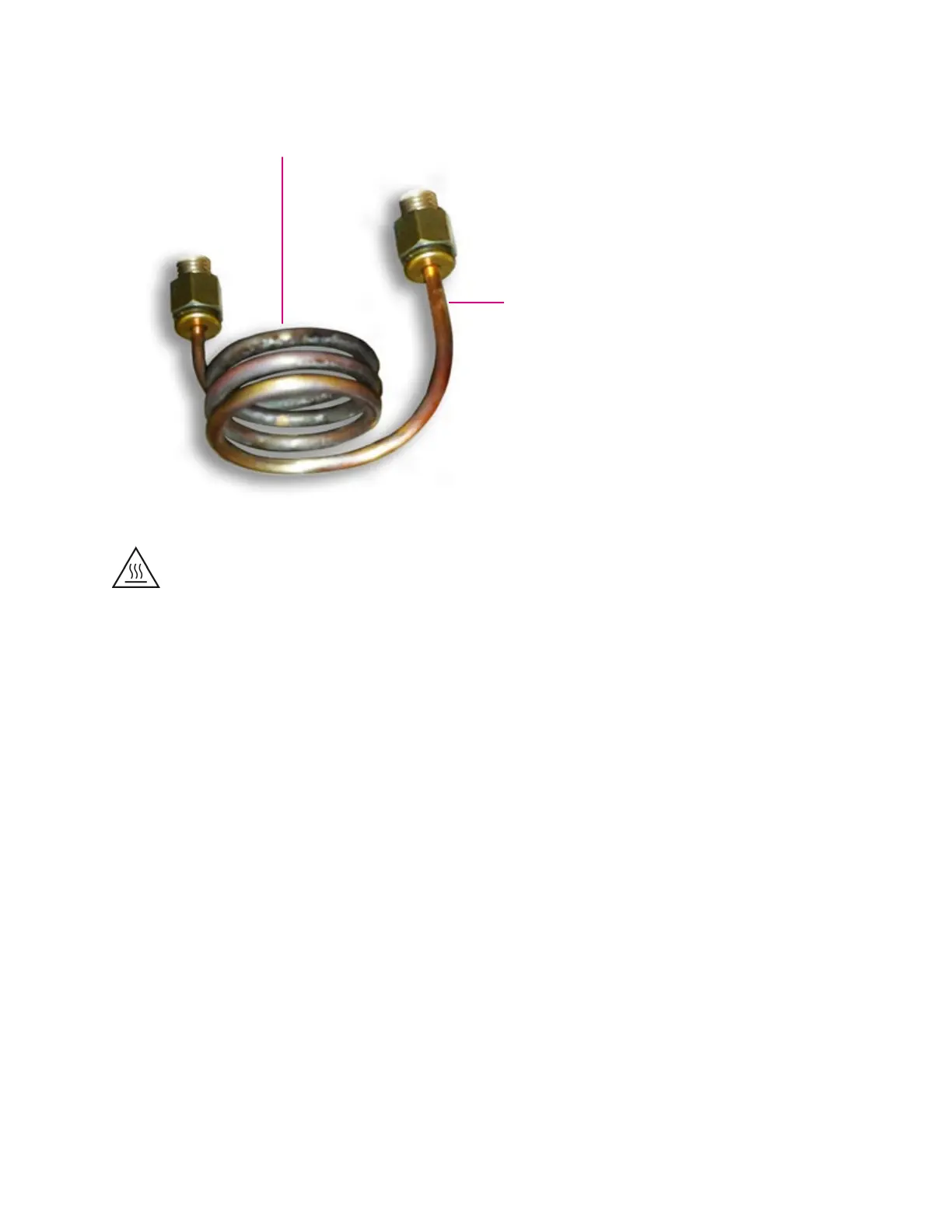
Side arms are
bent
Excessive deposits and
discoloration
WARNING HOT SURFACE HAZARD. The torch components, the vacuum interface,
and the sample introduction system components remain hot for some time after
the plasma has been shut off. Allow sufficient time for these items to cool to room
temperature before you handle them.
1 Disconnect the coupling tube and move the Hyperion Tissue Imager out of the way to
access the Injector.
2 Gently twist and pull the Injector from the Torch Assembly.
3 Remove the torch assembly from the front face of the instrument.
4 Open the front access door. Undo the four clips on the top and both sides of the front
shield and lift off (magenta boxes below).



 To Next Page