Chapter 4: Maintenance
Periodic Maintenance
Hyperion Imaging System User Guide
55
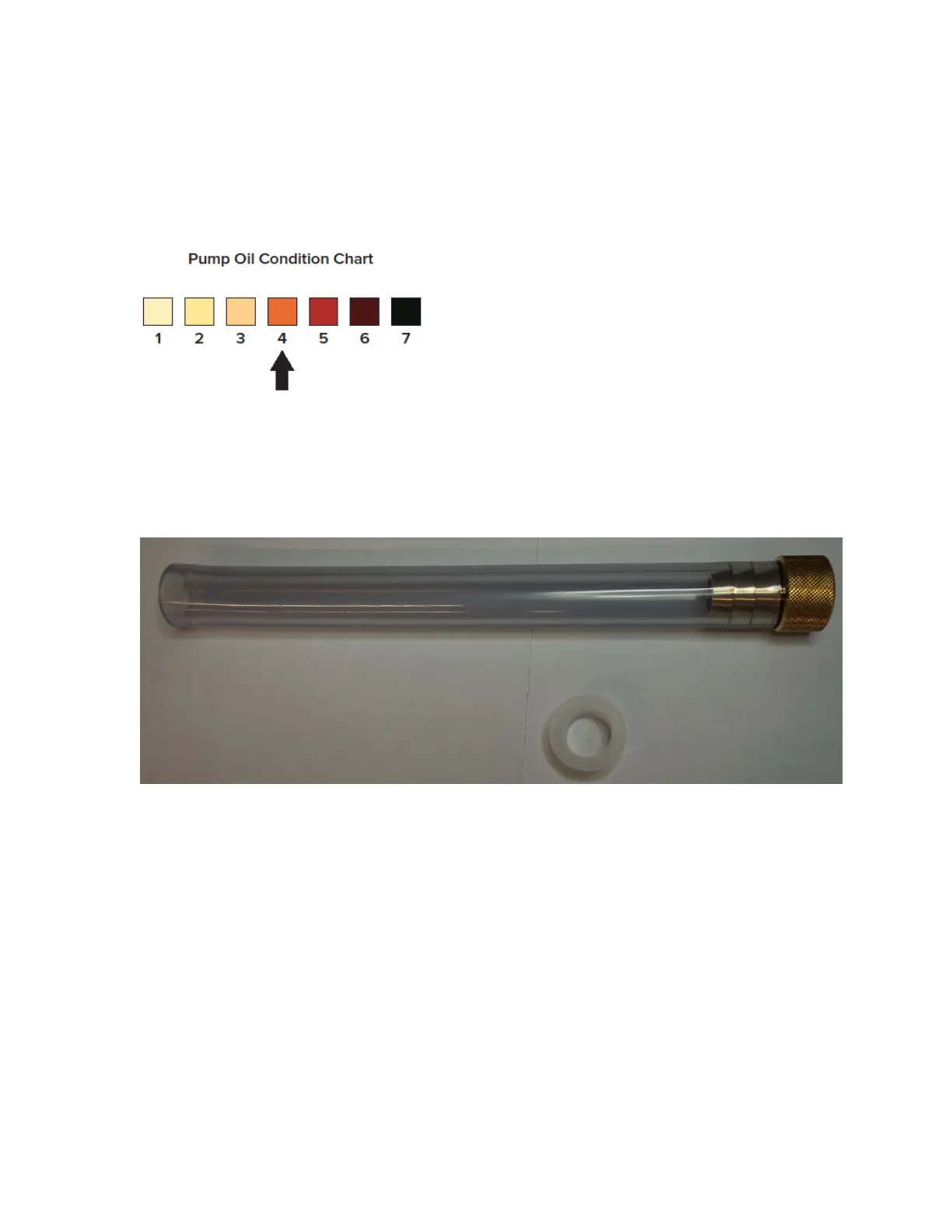
5 Verify the condition of the oil using the oil inspection chart. The oil should be below
Level 4 as indicated in the pump oil condition chart.
IMPORTANT The interface oil condition should be checked weekly.
Figure 11. Pump oil condition chart. When the oil color is above level 4 (as indicated by the black arrow) the oil
should be replaced in the interface pump.
6 Remove the two white caps on each end of the Drain Kit (PN 107125).



 To Next Page