Scan/Monitor, Record, and Data
Record 4
4-21
d. Double-click on the data folder.
e. Double-click on the
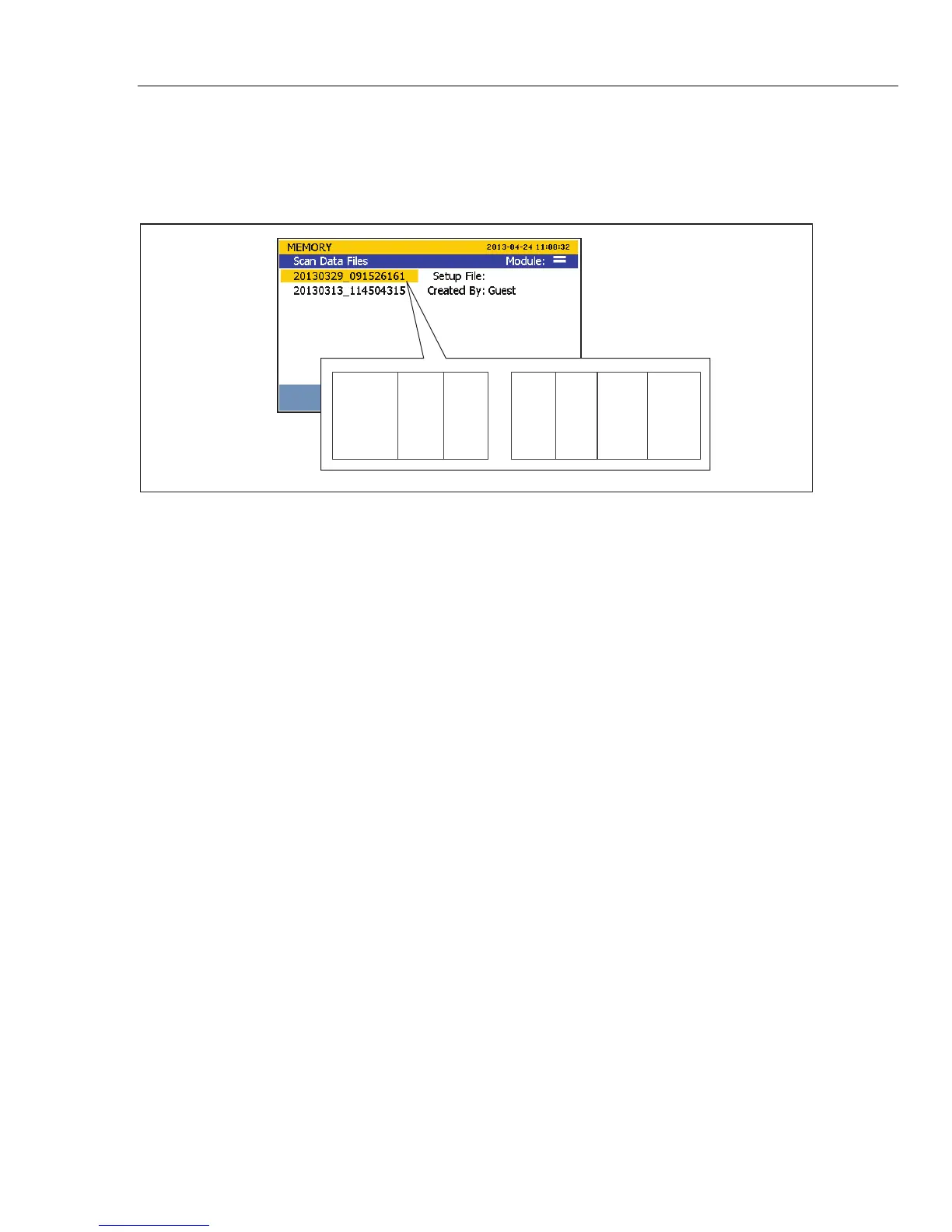
scan folder to see scan data files or the DMM folder to see
DMM data files. The data files are saved within a folder that was named with a
timestamp of when the scan or measurement was recorded. This file naming
convention is illustrated in Figure 4-8.
2012 11 07 _ 12 36 10 316
Day MonthYear
Hour Minute
Seconds
Milli-
seconds
hcn047.eps
Figure 4-8. Scan Data File Name Convention
6. Choose a file to open then double-click on the file. The time-stamped data folder
contains two comma-separated values (.csv) files:
setup.csv and dat00001.csv.
The setup.csv file contains all the test parameters that were configured when the data
was recorded. The dat00001.csv contains all of the recorded measurement data. See
Figure 4-9.
Note
The Product will make a new data file when the number of lines exceed
65535. For example, Dat00002.csv will be made when Dat00001.csv is
filled.



 To Next Page