Input and Channel Configuration
Channel Configuration 3
3-15
2. Push .
3. Push or to highlight a channel.
4. Push to edit the channel.
5. Push to open the Verify Channel menu.
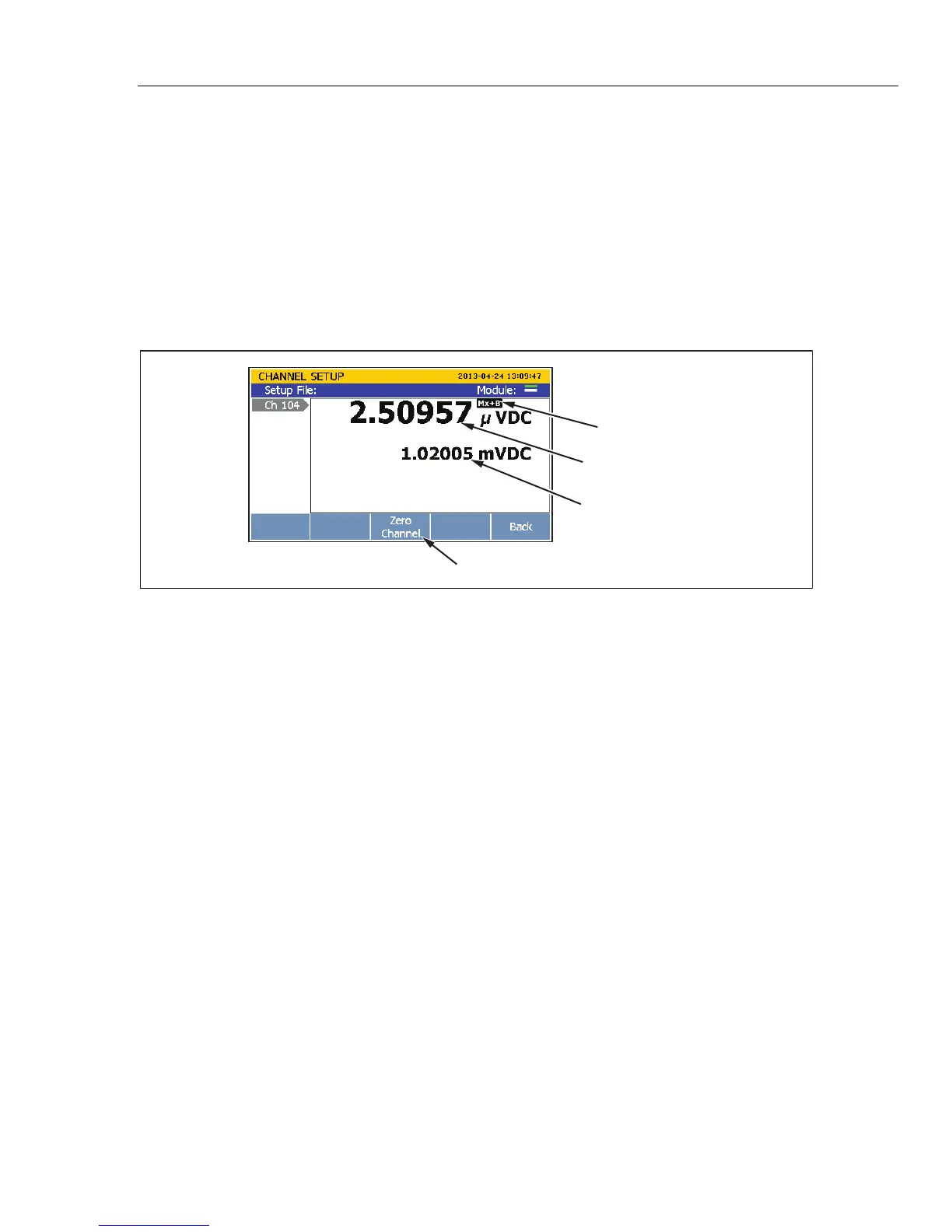
6. Push to zero the channel. A confirmation message appears, select
OK to
continue or
Cancel to disregard the changes and return to previous menu. After OK
is selected, the Product sets the Mx+B to
ON and loads the calculated offset into the
Mx+B offset setting. To clear the zero function, set the Mx+B back to the original
values. See “Mx+B Scaling” on page 3-30 for instructions.
Relative Measurement Value
Baseline Measurement
Zero Function Softkey
Mx+B Indicator
hcn060.eps
Figure 3-7. Zero Function
Copy a Channel
The Product has a copy and paste function to help duplicate channels. When a channel is
duplicated, all of the channel configuration settings are copied and pasted to a new
channel number. The copy channel softkey in located in the Channel Setup menu.
Note
When a channel is copied to another channel, the channel configuration of
the target channel is overwritten without a notification. Confirm the
channel selections before OK is pushed to prevent accidental overwrites.
To duplicate a channel with copy and paste:
1. Push
.
2. Push or to highlight a channel.



 To Next Page