Initial Setup and Configuration
Power On and Standby 2
2-5
Power On and Standby
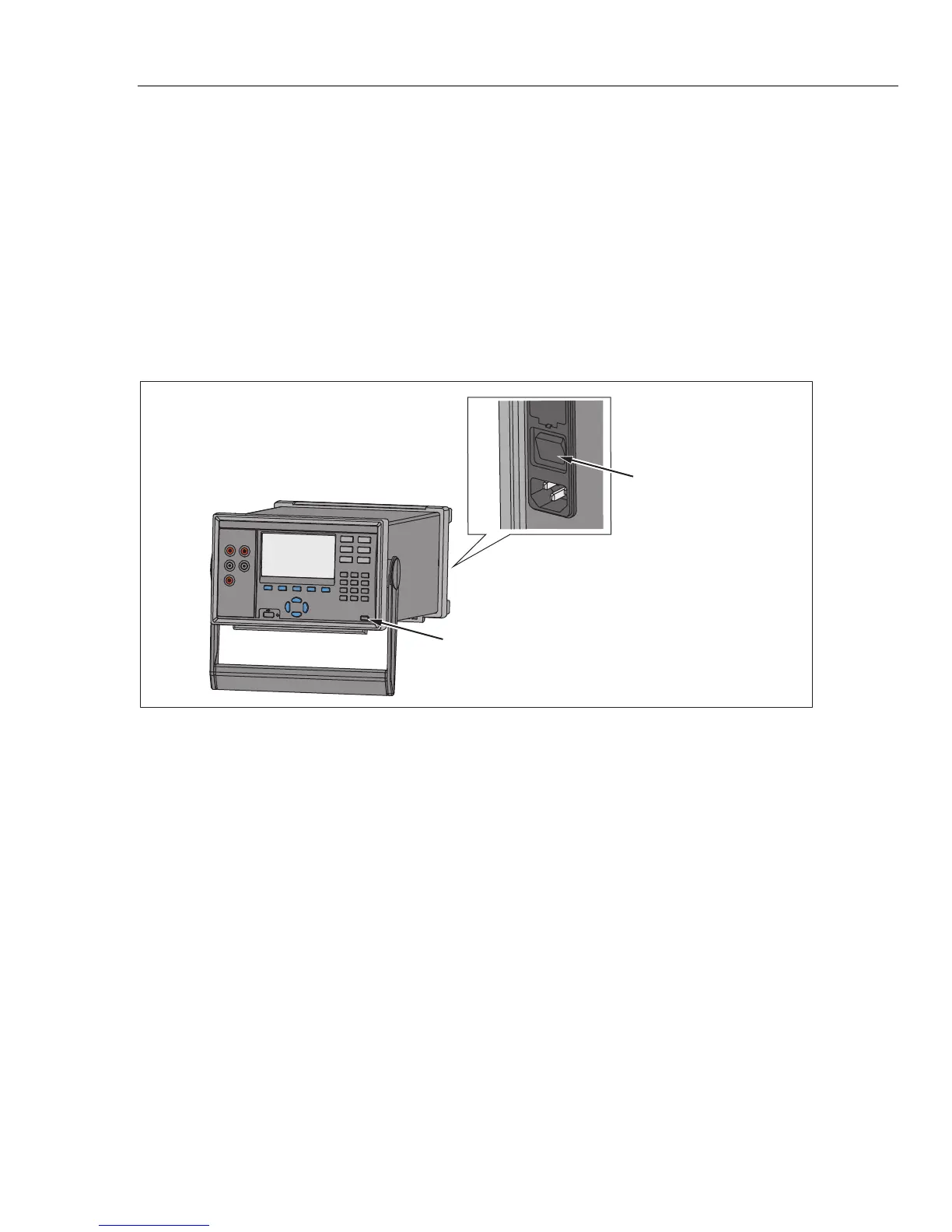
As shown in Figure 2-4, the Product has a main power switch located on the rear panel
that supplies power to the unit, and a Standby key () on the front panel that puts the
Product in a standby mode. Push the (I) side of the main power switch to power on the
Product. As the Product powers on, a startup screen is shown on the display while the
Product performs a self-check. This self-check can take up to 2 minutes to complete and
if the Product detects any errors, an error message is shown on the display that contains
the error description along with an error code to help troubleshoot the problem (see
“Error Messages” in Chapter 7).
Once the Product is powered on, use the Standby key () to put the Product in
standby. When in standby, the display, keys, and functions are disabled while the internal
components remain powered on and warmed up (see “Warm-Up the Product”).
Main Power Switch
Standby Key
hcn042.eps
Figure 2-4. Main Power Switch and Standby Key
1.888.475.5235info@Fluke-Direct.com
Fluke-Direct.com



 To Next Page