2638A
Users Manual
2-8
To install the Input Module:
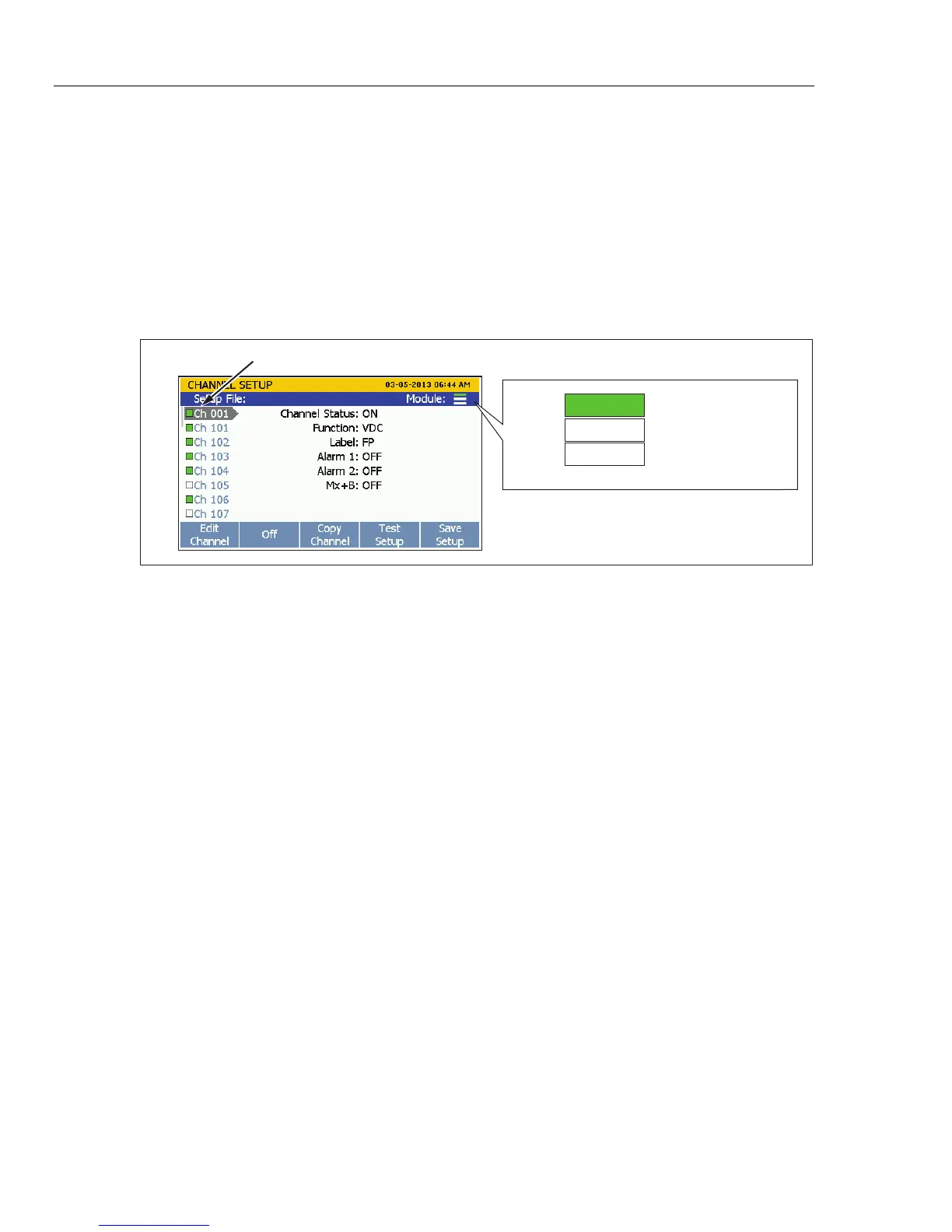
1. Power off the Product with the main power switch.
2. Slide an Input Module into the slot the relay card was installed.
3. Power on the Product with the main power switch.
4. Verify that the module indicator appears green on the main screen (see Figure 2-5).
Note
If the module indicator is not green, the Product did not recognize the Input
Module or relay card. Refer to the troubleshooting section in Chapter 7.
Channel List
Slot 1
Slot 2
Empty
Module Installed
Slot 3
Empty
hce031.eps
Figure 2-5. Module Indicator Example
1.888.475.5235info@Fluke-Direct.com
Fluke-Direct.com



 To Next Page