Chapter 1: Get Acquainted
AC Adapter and Battery
19
If the AC adapter is not connected, the red bar shows that
the battery is very low. Connect the AC adapter to charge
the battery and make sure the tester continues to operate.
The red bar also shows if the AC adapter is connected, but the
battery is not installed.
On a remote
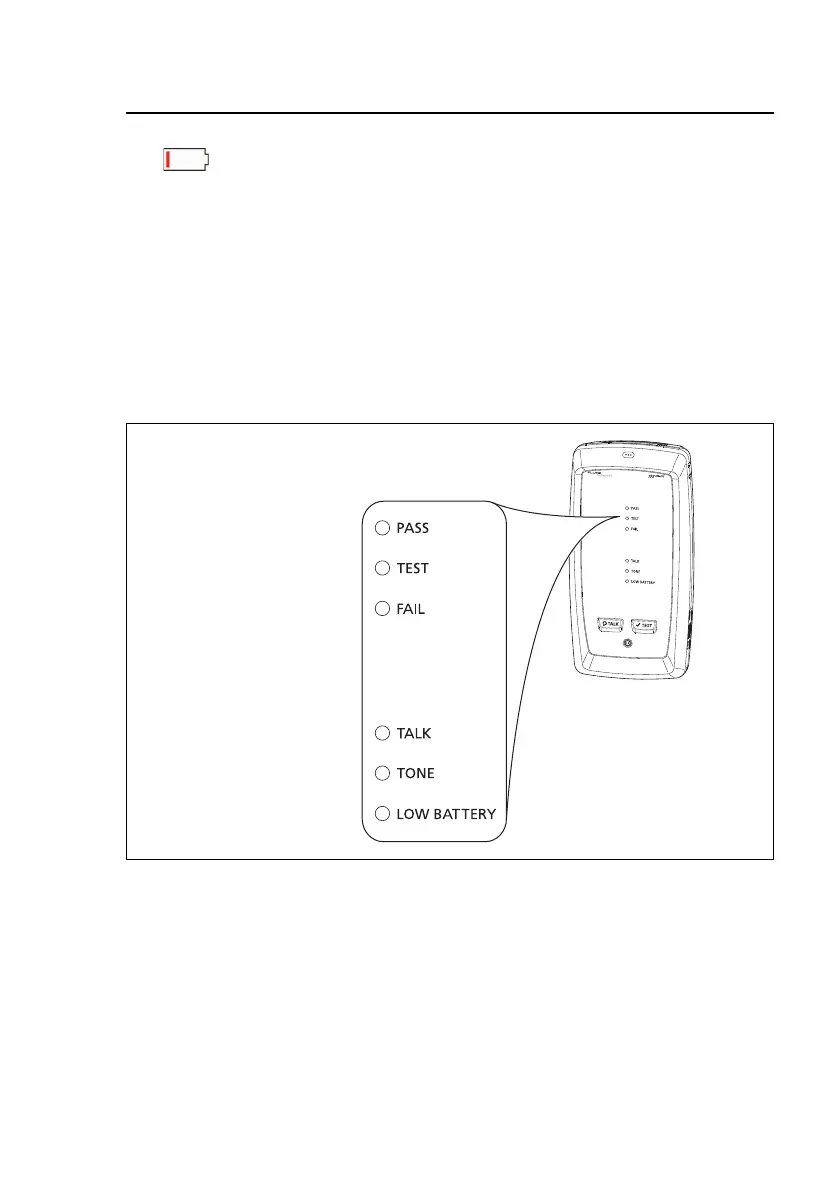
The LEDs show the battery status at the end of the power-up
sequence, as shown in Figure 4.
GPU102.EPS
Figure 4. LEDs Show the Remote’s Battery Status
84 % - 100 %
67 % - 83 %
51 % - 66 %
34 % - 50 %
18 % - 33 %
0 % - 17 %










 To Next Page