CertiFiber Pro Fiber Optical Loss Test Set
Users Manual
20
To see more information about the battery status
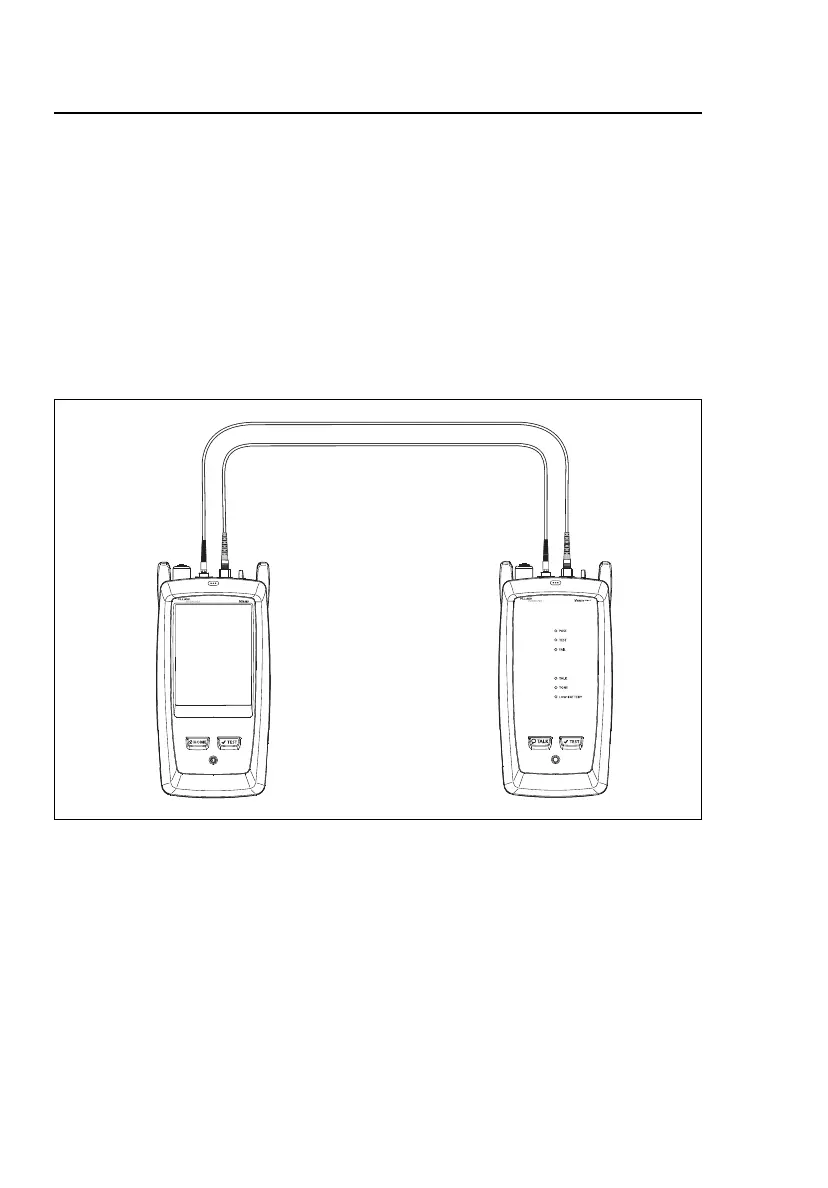
1 Make the connections shown in Figure 5 and turn on both
testers.
2 Tap TOOLS, then tap Battery Status.
When the AC adapter is not connected, the screen shows the
Time Remaining, which is the approximate battery life at the
present rate of use.
GPU134.EPS
Figure 5. Connections to See the Status of the Remote’s Battery










 To Next Page