QED 6
Users Guide
2-4
The top line of the LCD display is used for test results and the bottom line
provides menu choices.
The five-position softkey pad is used to control the functions of the instrument.
Make a menu selection by pressing the corresponding softkey. An audible
beep verifies the selection. The microprocessor scans the softkey keypad every
10 ms to check for softkey presses.
Powering Up
The Analyzer is powered by a 9-volt alkaline battery. An external power jack
is provided for use with a 9 V dc modular power source that plugs into the ac
line. Plugging into this jack mechanically disconnects the battery.
The low battery detection circuit outputs a low level digital signal when the
battery voltage reaches 6.1 volts. This signal is polled along with the function
softkeys every 10 ms and, if a low battery condition occurs, the display
indicates WARNING - LOW BATTERY!! To continue, replace the battery or
use an external power source.
Upon power-up, the microprocessor receives software instructions from the
resident firmware and provides information to the user on the Analyzer display
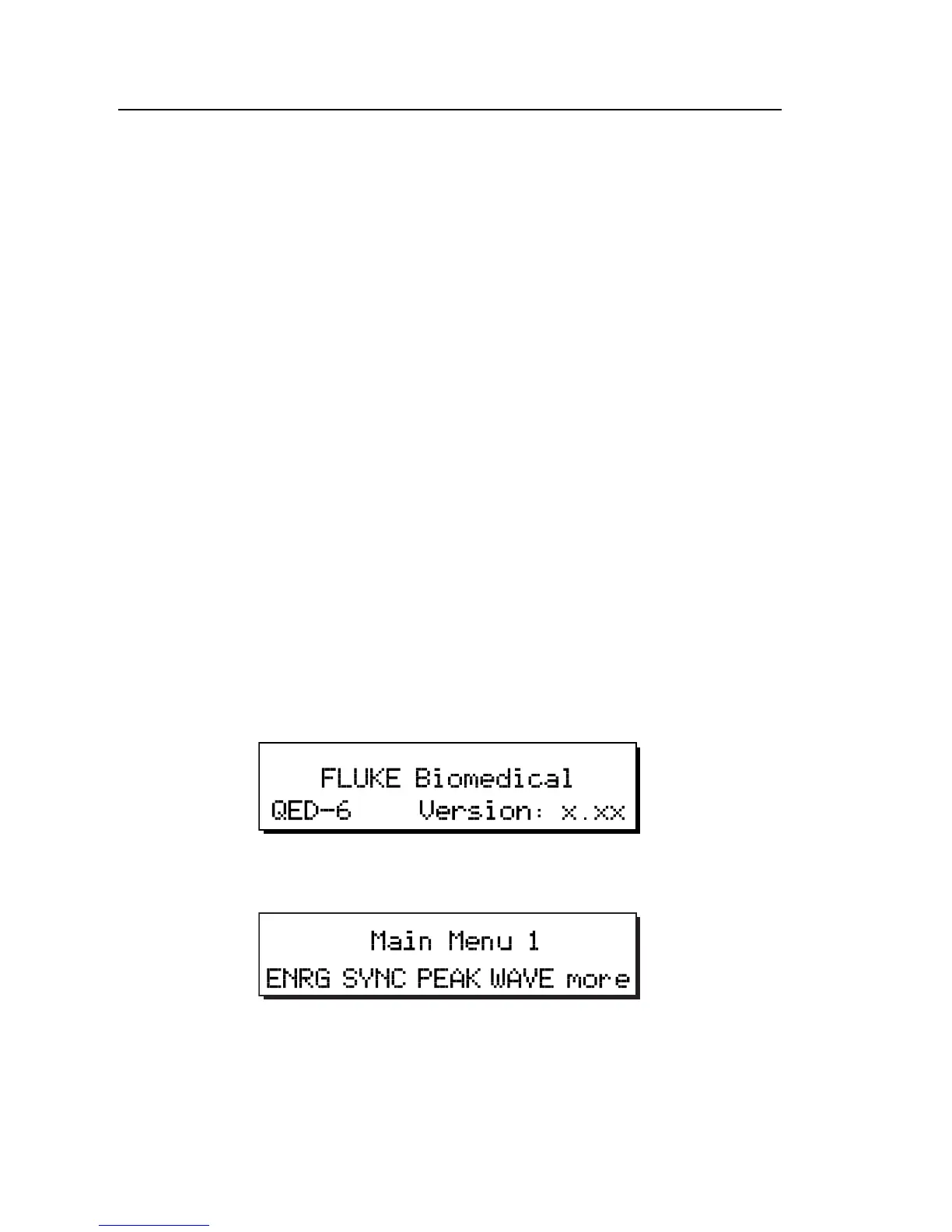
or on a remote display via the serial port. The following message appears
briefly on the display, identifying the software version:
fcf001.eps
After a short delay, the display changes to Main Menu 1:
fcf002.eps
Explore the functions of the softkeys and the menus, as follows:
1. Press the ENERG, SYNC, PEAK or WAVE softkey to access a submenu
of specific functions.
2. Press more to toggle between Main Menu 1 and Main Menu 2.



 To Next Page